







Question: The Sentry class is used to encrypt and decrypt text files using a given cipher. The Sentry class stores information on which cipher to use
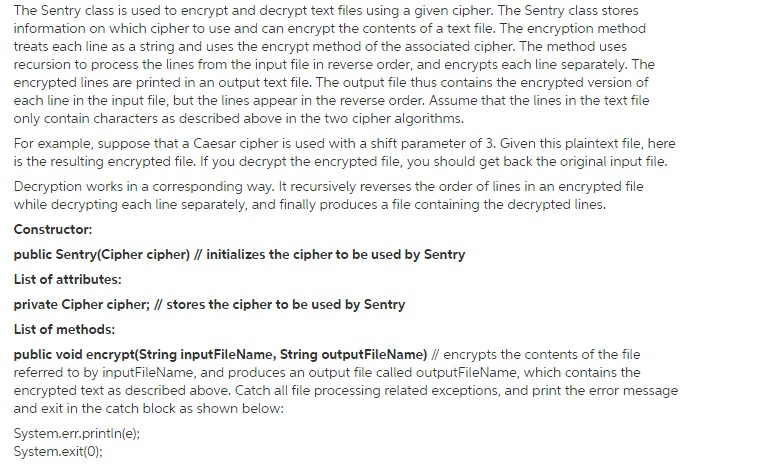

The Sentry class is used to encrypt and decrypt text files using a given cipher. The Sentry class stores information on which cipher to use and can encrypt the contents of a text file. The encryption method treats each line as a string and uses the encrypt method of the associated cipher. The method uses recursion to process the lines from the input file in reverse order, and encrypts each line separately. The encrypted lines are printed in an output text file. The output file thus contains the encrypted version of each line in the input file, but the lines appear in the reverse order. Assume that the lines in the text file only contain characters as described above in the two cipher algorithms. For example, suppose that a Caesar cipher is used with a shift parameter of 3. Given this plaintext file, here is the resulting encrypted file. If you decrypt the encrypted file, you should get back the original input file Decryption works in a corresponding way. It recursively reverses the order of lines in an encrypted file while decrypting each line separately, and finally produces a file containing the decrypted lines Constructor: public Sentry(Cipher cipher) ll initializes the cipher to be used by Sentry List of attributes private Cipher cipher; ll stores the cipher to be used by Sentry List of methods: public void encrypt(String inputFileName, String outputFileName) ll encrypts the contents of the file referred to by inputFileName, and produces an output file called outputFileName, which contains the encrypted text as described above. Catch a file processing related exceptions, and print the error message and exit in the catch block as shown below: System.err.println(e); System exit (0)
Step by Step Solution
There are 3 Steps involved in it

Get step-by-step solutions from verified subject matter experts
 Study Help