







Question: The ________ setting controls how long the computer waits before turning on the screen saver. a. Hurry b. Wait c. Save d. Appearance You can
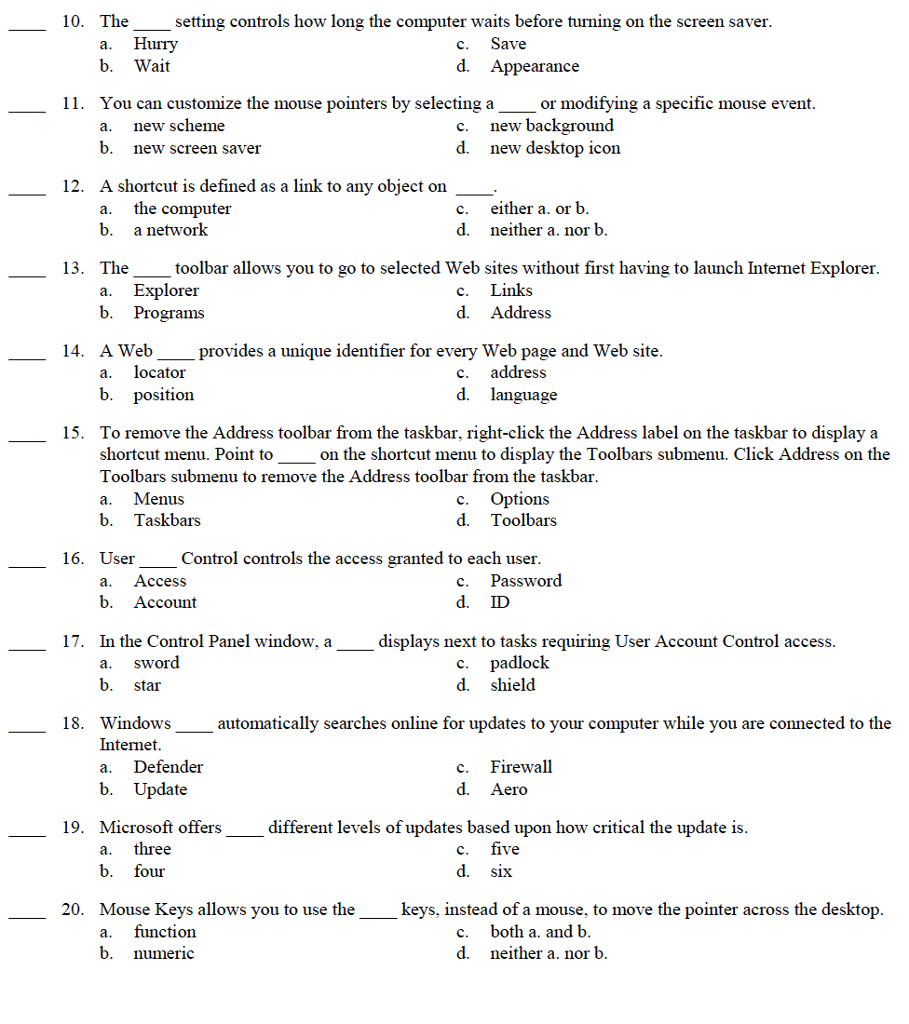
The ________ setting controls how long the computer waits before turning on the screen saver. a. Hurry b. Wait c. Save d. Appearance You can customize the mouse pointers by selecting a _____ or modifying a specific mouse event. a new scheme b. new screen saver C. new background d. new desktop icon A shortcut is defined as a link to any object on ____. a. the computer b. a network c. either a. or b d. neither a nor b. The ______ toolbar allows you to go to selected Web sites without first having to launch Internet Explorer. a. Explorer b. Programs c. Links d. Address A Web _______ provides a unique identifier for every Web page and Web site. a. locator b. position c. address d. language To remove the Address toolbar from the taskbar, right-click the Address label on the taskbar to display a shortcut menu. Point to ____ on the shortcut menu to display the Toolbars submenu. Click Address on the Toolbars submenu to remove the Address toolbar from the taskbar. a. Menus b. Task bars c. Options d. Toolbars User _______ Control controls the access granted to each user. a. Access b. Account c. Password d. ID In the Control Panel window, a _________ displays next to tasks requiring User Account Control access. a. sword b. star c. padlock d. shield Windows __________ automatically searches online for updates to your computer while you are connected to the Internet. a. Defender b. Update c. Firewall d. Aero Microsoft offers _________ different levels of updates based upon how critical the update is a. three b. four c. five d. six Mouse Keys allows you to use the ____________ keys, instead of a mouse, to move the pointer across the desktop. a. function b. numeric c. both a. and b d. neither a. nor b
Step by Step Solution
There are 3 Steps involved in it

Get step-by-step solutions from verified subject matter experts
 Study Help