





Question: the user manually inputs data or the program accesses data from a file in the system. The program runs the data through its algorithms and
the user manually inputs data or the program
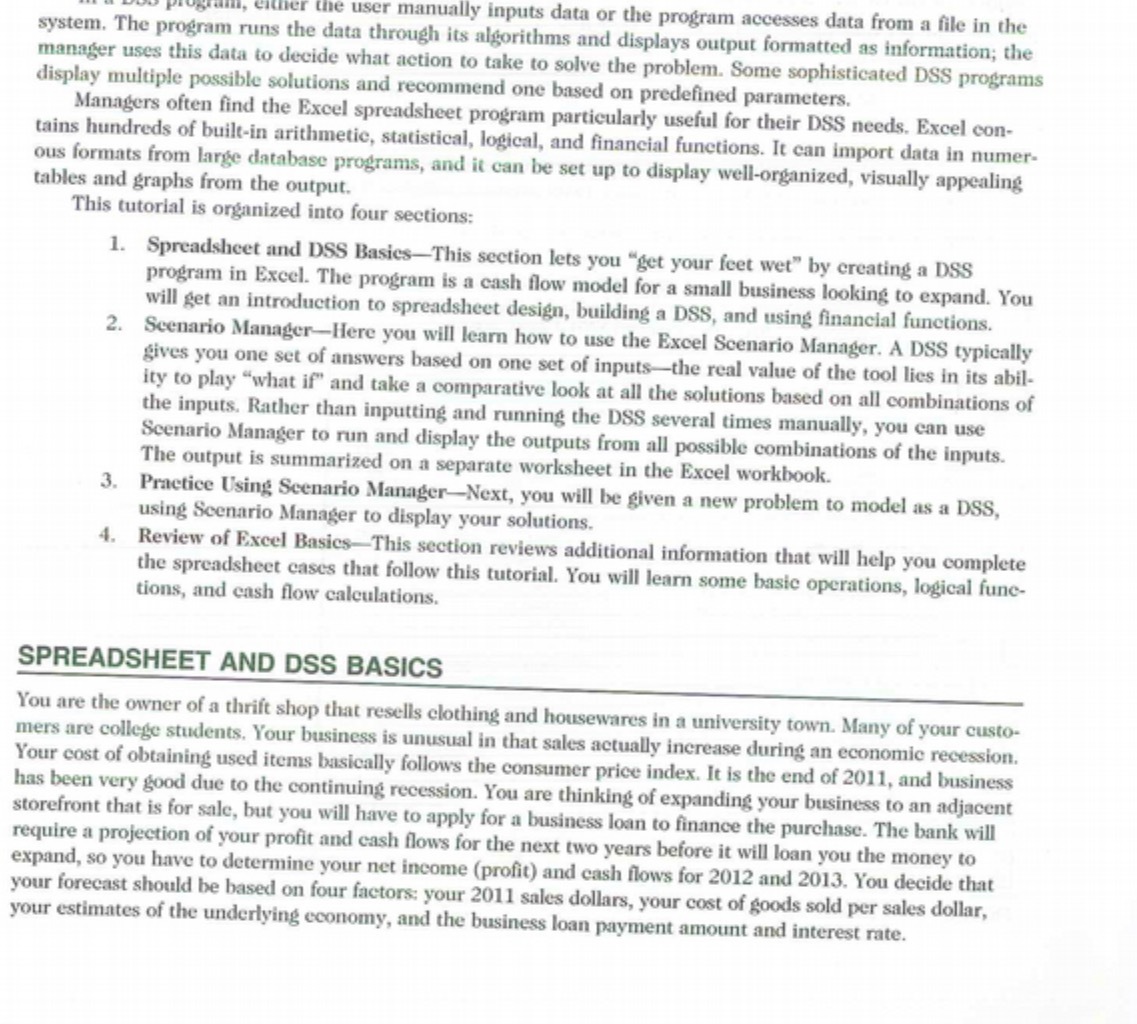
the user manually inputs data or the program accesses data from a file in the system. The program runs the data through its algorithms and displays output formatted as information; the manager uses this data to decide what action to take to solve the problem. Some sophisticated DSS programs display multiple possible solutions and recommend one based on predefined parameters. Managers often find the Excel spreadsheet program particularly useful for their DSS needs. Excel con- tains hundreds of built-in arithmetic, statistical, logical, and financial functions. It can import data in numer- ous formats from large database programs, and it can be set up to display well-organized, visually appealing tables and graphs from the output. This tutorial is organized into four sections: 1. Spreadsheet and DSS Basics-This section lets you "get your feet wet" by creating a DSS program in Excel. The program is a cash flow model for a small business looking to expand. You will get an introduction to spreadsheet design, building a DSS, and using financial functions. 2. Scenario Manager-Here you will learn how to use the Excel Scenario Manager. A DSS typically gives you one set of answers based on one set of inputs-the real value of the tool lies in its abil- ity to play "what if" and take a comparative look at all the solutions based on all combinations of the inputs. Rather than inputting and running the DSS several times manually, you can use Scenario Manager to run and display the outputs from all possible combinations of the inputs. The output is summarized on a separate worksheet in the Excel workbook. 3. Practice Using Scenario Manager-Next, you will be given a new problem to model as a DSS, using Scenario Manager to display your solutions. 4. Review of Excel Basics-This section reviews additional information that will help you complete the spreadsheet cases that follow this tutorial. You will learn some basic operations, logical fune- tions, and cash flow calculations. SPREADSHEET AND DSS BASICS You are the owner of a thrift shop that resells clothing and housewares in a university town. Many of your custo- mers are college students. Your business is unusual in that sales actually increase during an economic recession. Your cost of obtaining used items basically follows the consumer price index. It is the end of 2011, and business has been very good due to the continuing recession. You are thinking of expanding your business to an adjacent storefront that is for sale, but you will have to apply for a business loan to finance the purchase. The bank will require a projection of your profit and cash flows for the next two years before it will loan you the money to expand, so you have to determine your net income (profit) and cash flows for 2012 and 2013. You decide that your forecast should be based on four factors: your 2011 sales dollars, your cost of goods sold per sales dollar, your estimates of the underlying economy, and the business loan payment amount and interest rate

Step by Step Solution

There are 3 Steps involved in it

1 Expert Approved Answer
Step: 1 Unlock blur-text-image

Question Has Been Solved by an Expert!

Get step-by-step solutions from verified subject matter experts

Step: 2 Unlock
Step: 3 Unlock

Students Have Also Explored These Related Accounting Questions!