







Question: their commands to the console. Include appropriate rem lines that state your name, section and the question #. Test and run the batch files within
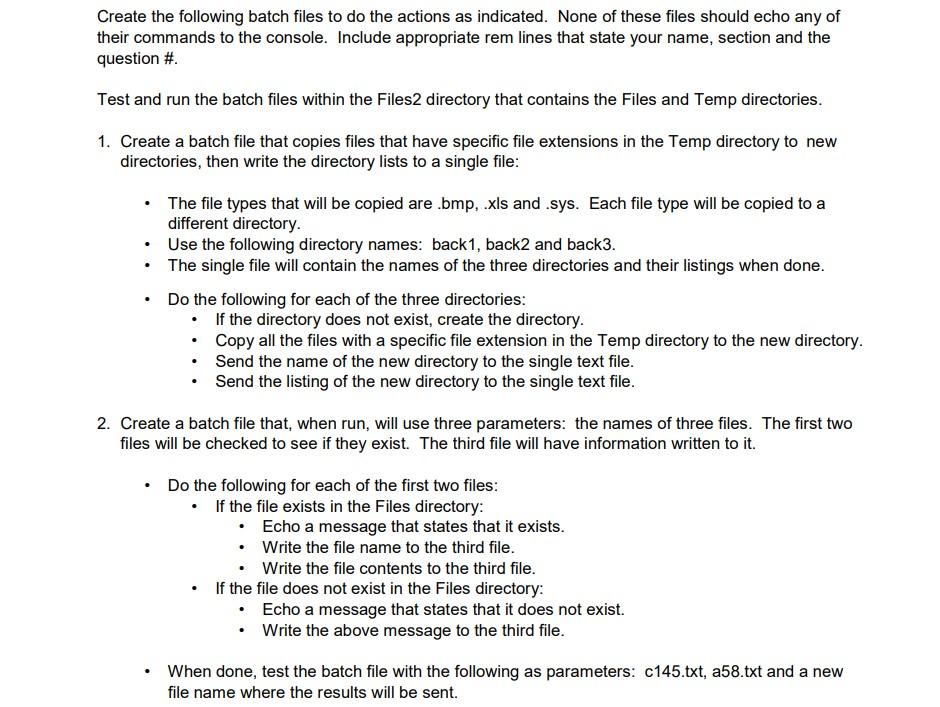
their commands to the console. Include appropriate rem lines that state your name, section and the question \#. Test and run the batch files within the Files2 directory that contains the Files and Temp directories. 1. Create a batch file that copies files that have specific file extensions in the Temp directory to new directories, then write the directory lists to a single file: - The file types that will be copied are .bmp, .xls and .sys. Each file type will be copied to a different directory. - Use the following directory names: back1, back2 and back3. - The single file will contain the names of the three directories and their listings when done. - Do the following for each of the three directories: - If the directory does not exist, create the directory. - Copy all the files with a specific file extension in the Temp directory to the new directory. - Send the name of the new directory to the single text file. - Send the listing of the new directory to the single text file. 2. Create a batch file that, when run, will use three parameters: the names of three files. The first two files will be checked to see if they exist. The third file will have information written to it. - Do the following for each of the first two files: - If the file exists in the Files directory: - Echo a message that states that it exists. - Write the file name to the third file. - Write the file contents to the third file. - If the file does not exist in the Files directory: - Echo a message that states that it does not exist. - Write the above message to the third file. - When done, test the batch file with the following as parameters: c145.txt, a58.txt and a new file name where the results will be sent
Step by Step Solution
There are 3 Steps involved in it

Get step-by-step solutions from verified subject matter experts
 Study Help