







Question: There must be 2 different files: Polynomial.java and Assignment3.java. Description CSCI 130 Programming Assignment #3 For this assignment you will be creating a total of
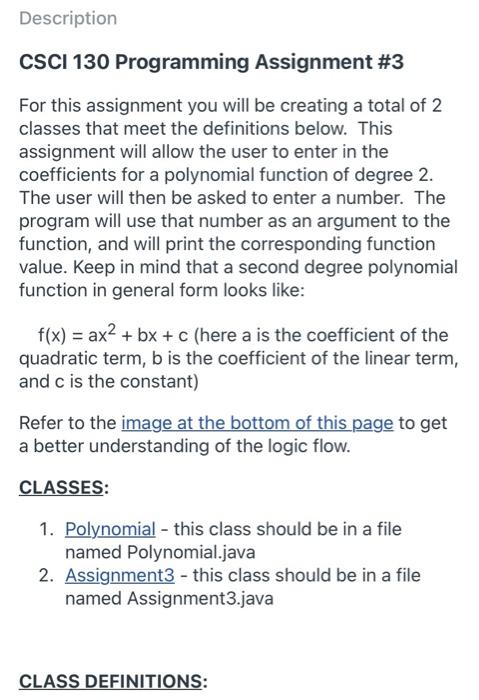
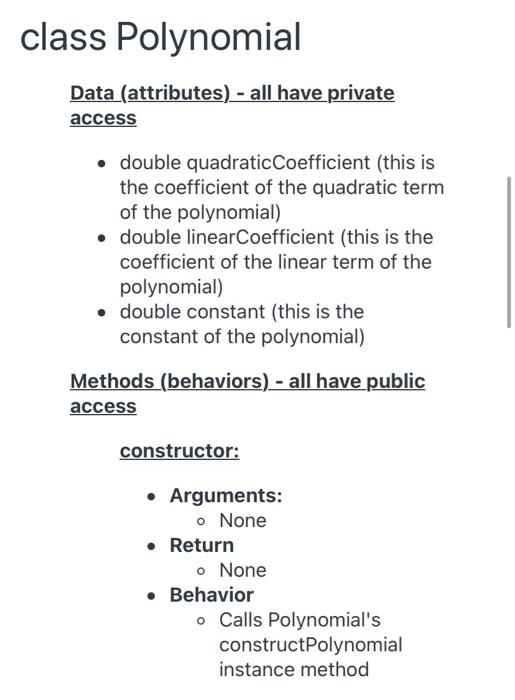
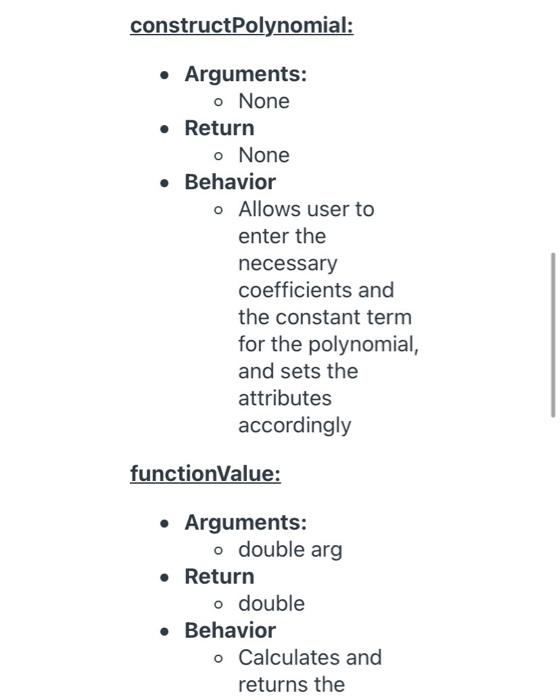
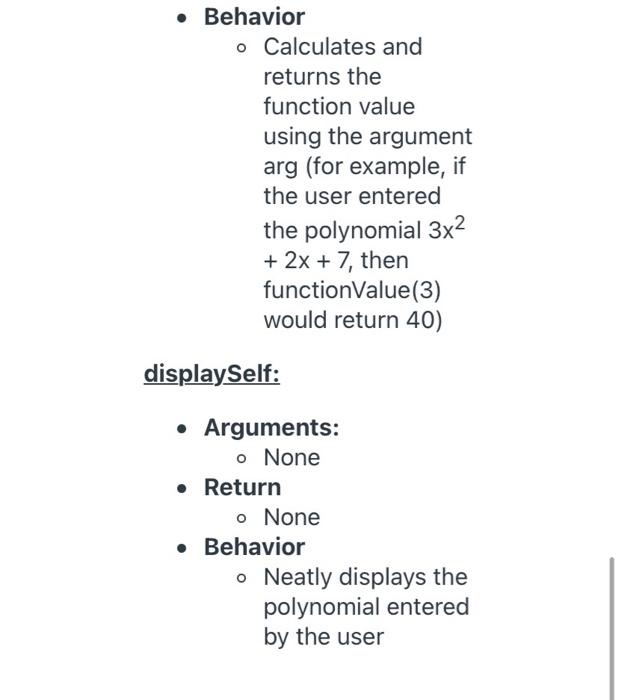
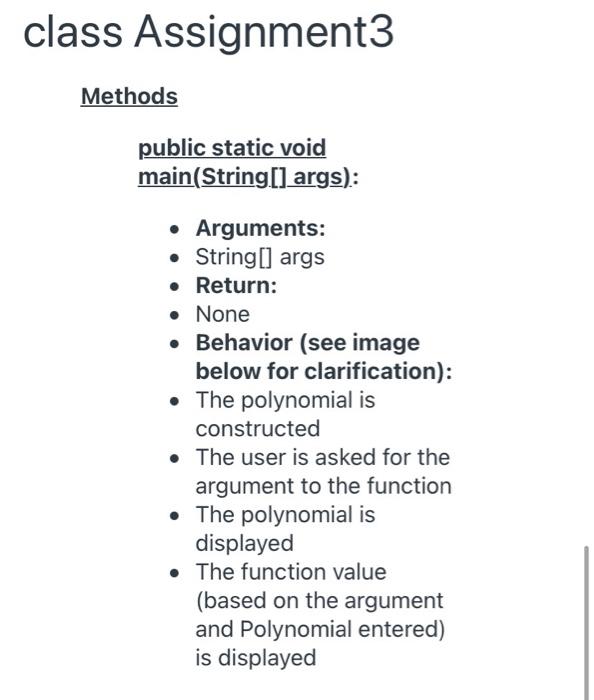
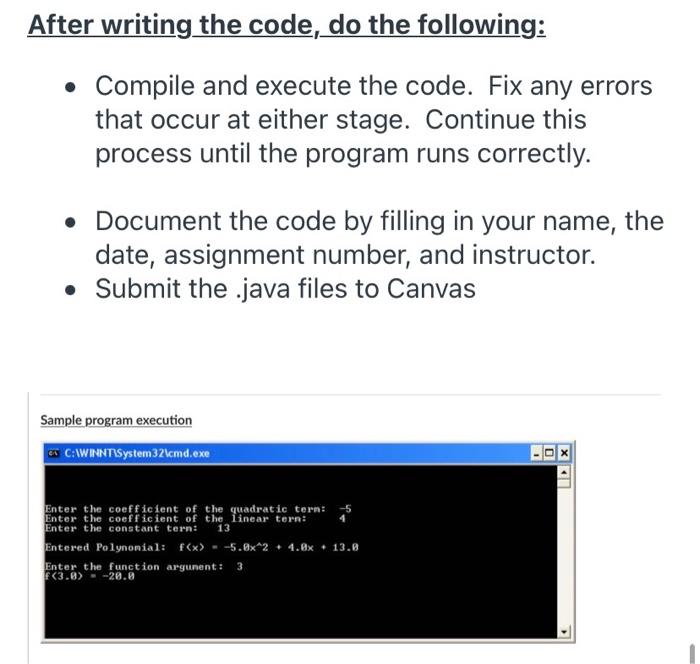
Description CSCI 130 Programming Assignment #3 For this assignment you will be creating a total of 2 classes that meet the definitions below. This assignment will allow the user to enter in the coefficients for a polynomial function of degree 2. The user will then be asked to enter a number. The program will use that number as an argument to the function, and will print the corresponding function value. Keep in mind that a second degree polynomial function in general form looks like: f(x) = ax2 + bx + c (here a is the coefficient of the quadratic term, b is the coefficient of the linear term, and c is the constant) Refer to the image at the bottom of this page to get a better understanding of the logic flow. CLASSES: 1. Polynomial - this class should be in a file named Polynomial.java 2. Assignment3 - this class should be in a file named Assignment3.java CLASS DEFINITIONS: class Polynomial Data (attributes) - all have private access double quadraticCoefficient (this is the coefficient of the quadratic term of the polynomial) double linearCoefficient (this is the coefficient of the linear term of the polynomial) double constant (this is the constant of the polynomial) Methods (behaviors) - all have public access constructor: Arguments: o None Return None Behavior o Calls Polynomial's constructPolynomial instance method constructPolynomial: Arguments: o None Return o None Behavior o Allows user to enter the necessary coefficients and the constant term for the polynomial, and sets the attributes accordingly functionValue: Arguments: o double arg Return o double Behavior o Calculates and returns the Behavior o Calculates and returns the function value using the argument arg (for example, if the user entered the polynomial 3x2 + 2x + 7, then functionValue(3) would return 40) displaySelf: Arguments: o None Return o None Behavior o Neatly displays the polynomial entered by the user class Assignment3 Methods public static void main(String[] args): Arguments: String[] args . Return: None Behavior (see image below for clarification): The polynomial is constructed The user is asked for the argument to the function The polynomial is displayed The function value (based on the argument and Polynomial entered) is displayed After writing the code, do the following: Compile and execute the code. Fix any errors that occur at either stage. Continue this process until the program runs correctly. Document the code by filling in your name, the date, assignment number, and instructor. Submit the .java files to Canvas Sample program execution * C:WINNT\System32\cmd.exe 0 . Enter the coefficient of the quadratic tern: Enter the coefficient of the linear tern: Enter the constant tern: 13 Entered Polynonial: f(x) = -5.8x*2 + 4.8x + 13.8 Enter the function argument: 3 F(3.0).-20.0
Step by Step Solution
There are 3 Steps involved in it

Get step-by-step solutions from verified subject matter experts
 Study Help