Question: this email in email format. Use the Informational Writing Plan shown in the Chapter as follows: SUBJECT LINE: Summarize the main idea in a condensed
this email in email format.
Use the Informational Writing Plan shown in the Chapter as follows:
SUBJECT LINE: Summarize the main idea in a condensed form
OPENING: Reveal the main idea immediately but in full sentence form
BODY: Explain the main idea using headings and or Bulleted lists and other high skimming techniques as appropriate.
CLOSING: Include action information, dates, or deadlines if needed. Summarize in a brief statement or a closing thought.
Remember to KISS KEEP IT SIMPLE and SHORT (but complete)
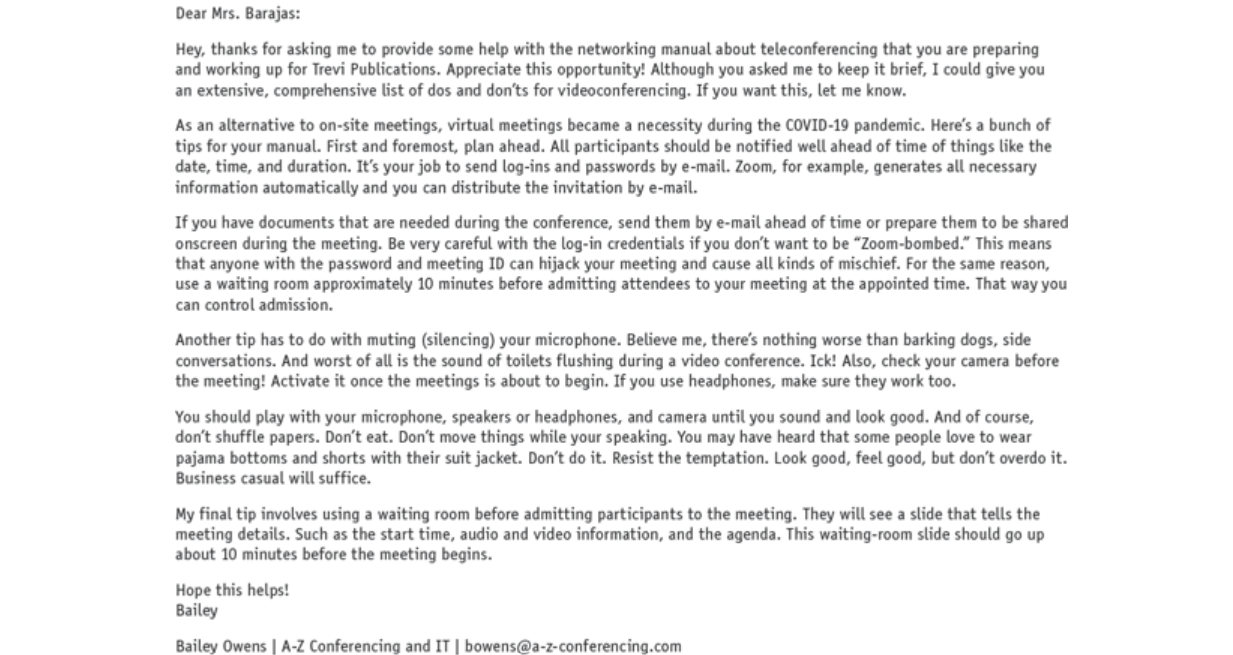
Dear Mrs. Barajas: Hey, thanks for asking me to provide some help with the networking manual about teleconferencing that you are preparing and working up for Trevi Publications. Appreciate this opportunity! Although you asked me to keep it brief, I could give you an extensive, comprehensive list of dos and don'ts for videoconferencing. If you want this, let me know. As an alternative to on-site meetings, virtual meetings became a necessity during the COVID-19 pandemic. Here's a bunch of tips for your manual. First and foremost, plan ahead. All participants should be notified well ahead of time of things like the date, time, and duration. It's your job to send log-ins and passwords by e-mail. Zoom, for example, generates all necessary information automatically and you can distribute the invitation by e-mail. If you have documents that are needed during the conference, send them by e-mail ahead of time or prepare them to be shared onscreen during the meeting. Be very careful with the log-in credentials if you don't want to be \"Zoom-bombed.\" This means that anyone with the password and meeting 1D can hijack your meeting and cause all kinds of mischief. For the same reason, use a waiting room approximately 10 minutes before admitting attendees to your meeting at the appointed time. That way you can control admission. Another tip has to do with muting (silencing) your microphone. Believe me, there's nothing worse than barking dogs, side conversations. And worst of all is the sound of toilets flushing during a video conference. Ick! Also, check your camera before the meeting! Activate it once the meetings is about to begin. If you use headphones, make sure they work too. You should play with your microphone, speakers or headphones, and camera until you sound and look good. And of course, don't shuffle papers. Don't eat. Don't move things while your speaking. You may have heard that some people love to wear pajama bottoms and shorts with their suit jacket. Don't do it. Resist the temptation. Look good, feel good, but don't overdo it. Business casual will suffice. My Ffinal tip involves using a waiting room before admitting participants to the meeting. They will see a slide that tells the meeting details. Such as the start time, audio and video information, and the agenda. This waiting-room slide should go up about 10 minutes before the meeting begins. Hope this helps! Bailey Bailey Owens | A-Z Conferencing and IT | bowens@a-z-conferencing.com
Step by Step Solution
There are 3 Steps involved in it
1 Expert Approved Answer
Step: 1 Unlock
Question Has Been Solved by an Expert!
Get step-by-step solutions from verified subject matter experts
Step: 2 Unlock
Step: 3 Unlock
Students Have Also Explored These Related Business Writing Questions!









 Study Help