







Question: This exercise will guide you through the process of enhancing the Future Value application so it uses the Parse() and TryParse() methods as shown in
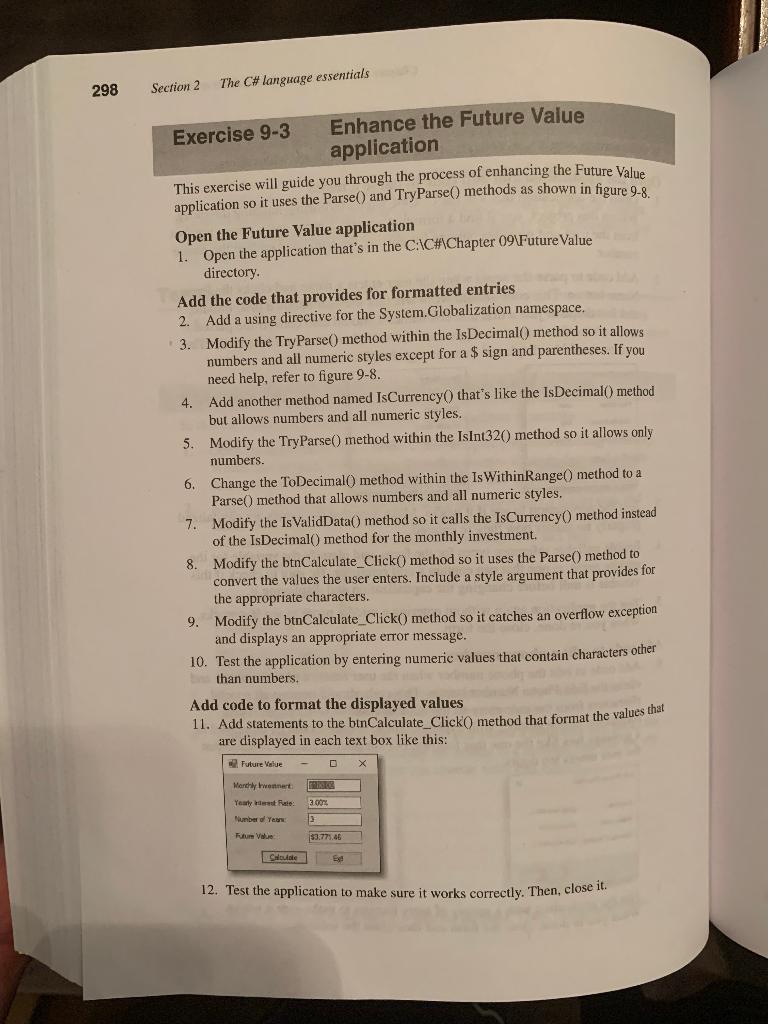
This exercise will guide you through the process of enhancing the Future Value application so it uses the Parse() and TryParse() methods as shown in figure 9-8. Open the Future Value application 1. Open the application that's in the C:C\#AChapter 09 Future Value directory. Add the code that provides for formatted entries 2. Add a using directive for the System. Globalization namespace. 3. Modify the TryParse() method within the IsDecimal() method so it allows numbers and all numeric styles except for a $ sign and parentheses. If you need help, refer to figure 98. 4. Add another method named IsCurrency() that's like the IsDecimal() method but allows numbers and all numeric styles. 5. Modify the TryParse() method within the IsInt 320 ) method so it allows only numbers. 6. Change the ToDecimal) method within the Is WithinRange() method to a Parse() method that allows numbers and all numeric styles. 7. Modify the Is ValidData() method so it calls the IsCurrency() method instead of the IsDecimal() method for the monthly investment. 8. Modify the btnCalculate_Click0 method so it uses the Parse() method to convert the values the user enters. Include a style argument that provides for the appropriate characters. 9. Modify the btnCalculate_Click() method so it catches an overflow exception and displays an appropriate error message. 10. Test the application by entering numeric values that contain characters other than numbers. Add code to format the displayed values 11. Add statements to the btnCalculate_Click0 method that format the values that are displayed in each text box like this: 12. Test the application to make sure it works correctly. Then, close it
Step by Step Solution
There are 3 Steps involved in it

Get step-by-step solutions from verified subject matter experts
 Study Help