







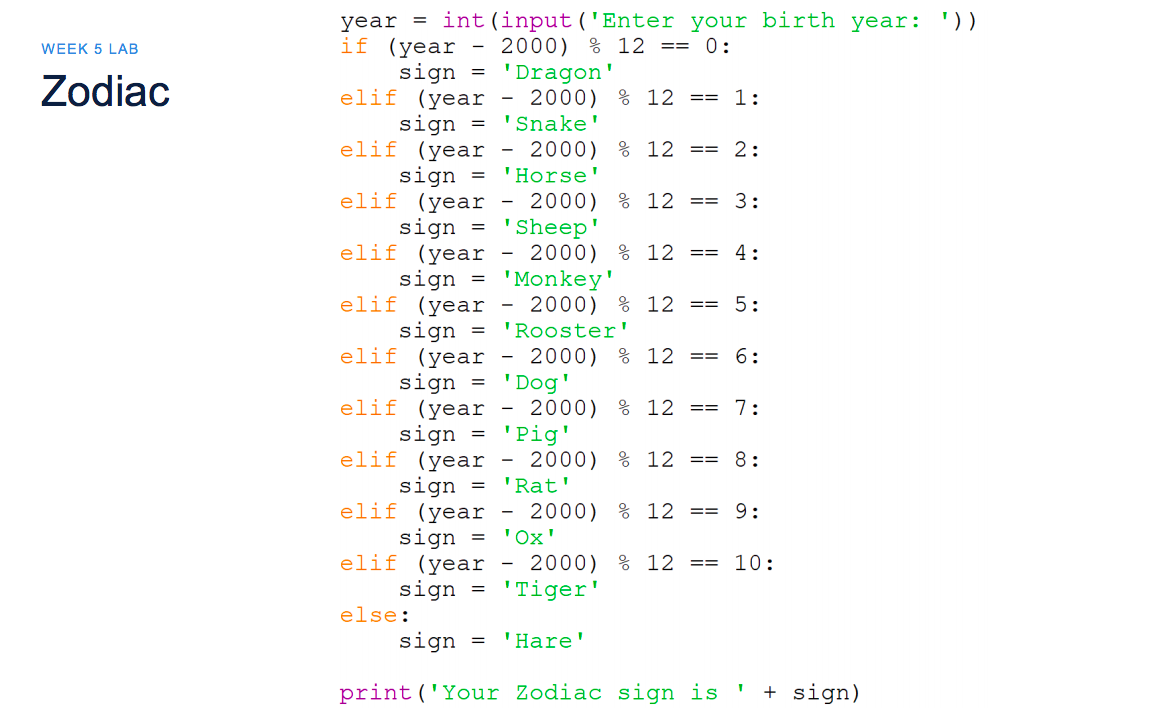
Question: This is a Python course. WEEK 5 LAB Zodiac year = int(input('Enter your birth year: ')). if (year - 2000) % 12 == 0: sign
This is a Python course.
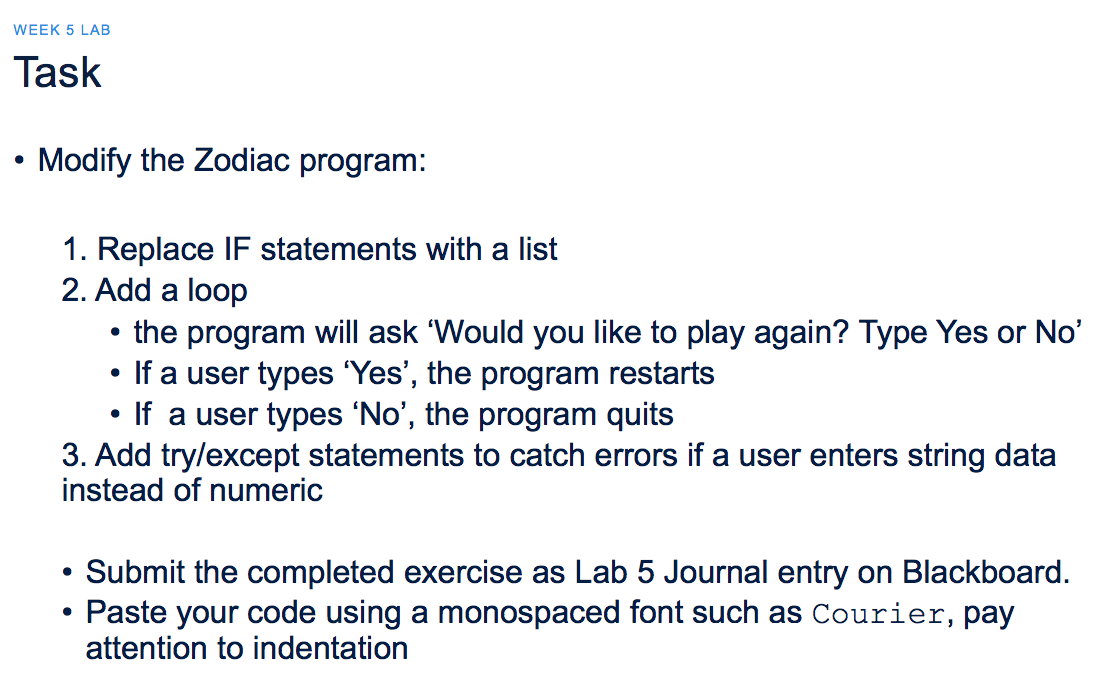
WEEK 5 LAB Zodiac year = int(input('Enter your birth year: ')). if (year - 2000) % 12 == 0: sign = 'Dragon' elif (year - 2000) % 12 == 1: sign = 'Snake' elif (year - 2000) % 12 == 2: sign = 'Horse' elif (year - 2000) % 12 sign = 'Sheep' elif (year - 2000) % 12 == 4: sign = 'Monkey' elif (year - 2000) % 12 == sign = 'Rooster' elif (year - 2000) % 12 == sign = 'Dog' elif (year - 2000) % 12 == sign = 'Pig' elif (year - 2000) % 12 sign = 'Rat' elif (year - 2000) % 12 == 9: sign = 'Ox' elif (year - 2000) % 12 == 10: sign = 'Tiger' else: sign = 'Hare' print ('Your Zodiac sign is ' + sign) WEEK 5 LAB Task Modify the Zodiac program: 1. Replace IF statements with a list 2. Add a loop the program will ask 'Would you like to play again? Type Yes or No If a user types 'Yes', the program restarts If a user types 'No', the program quits 3. Add try/except statements to catch errors if a user enters string data instead of numeric Submit the completed exercise as Lab 5 Journal entry on Blackboard. Paste your code using a monospaced font such as Courier, pay attention to indentation
Step by Step Solution
There are 3 Steps involved in it

Get step-by-step solutions from verified subject matter experts
 Study Help