



Question: This is all in C++. The last two pics are my header files Pointers & Graphics ou have probably had occasion to use some sort
This is all in C++. The last two pics are my header files
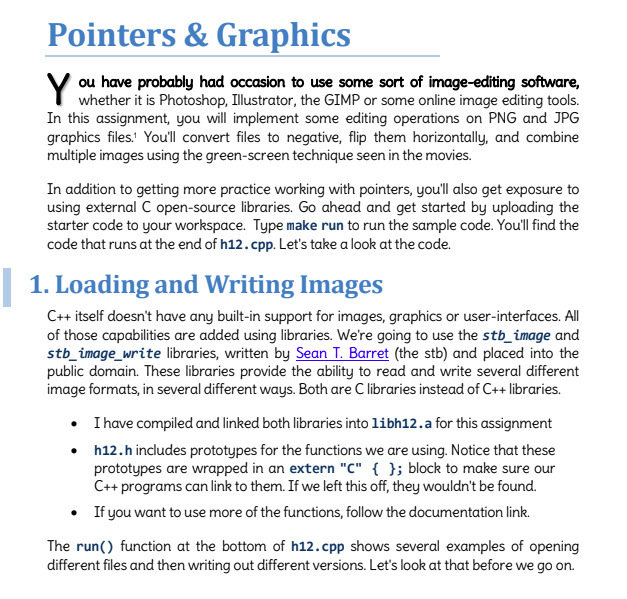
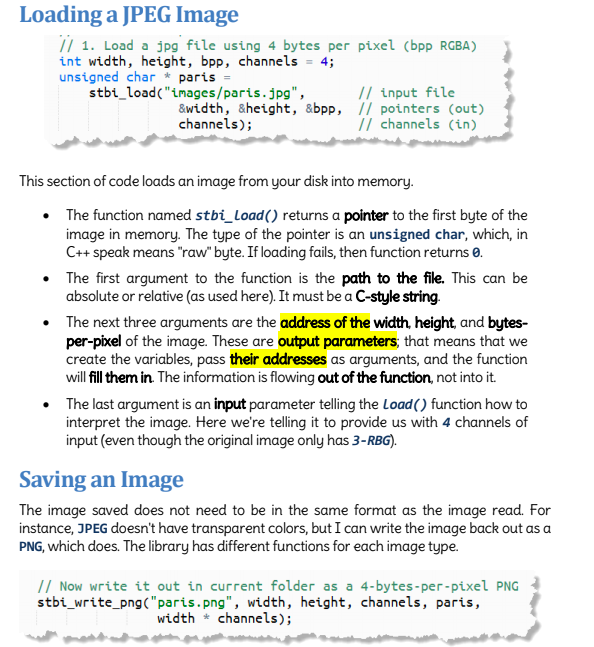
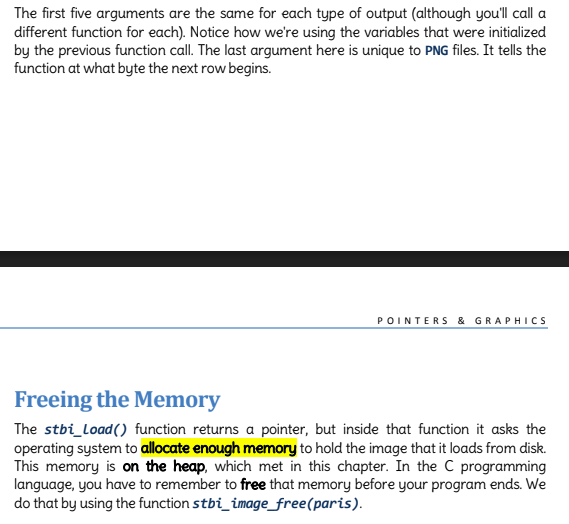
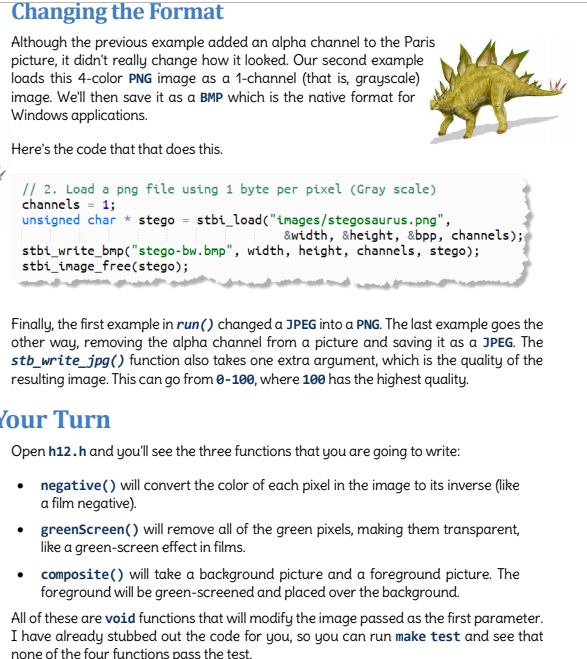
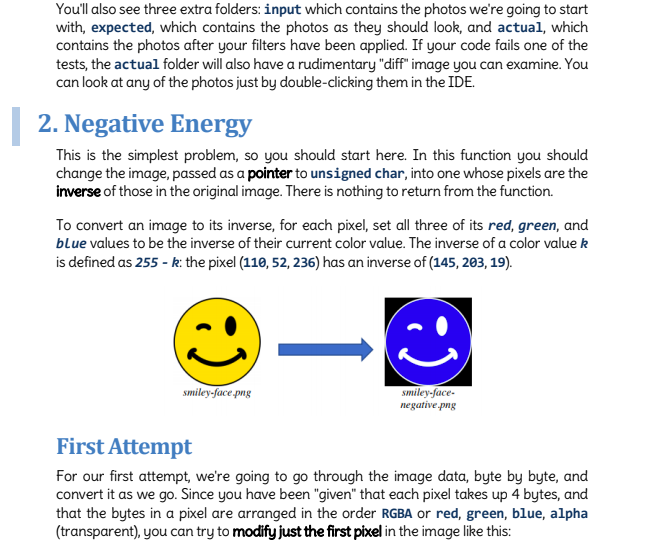
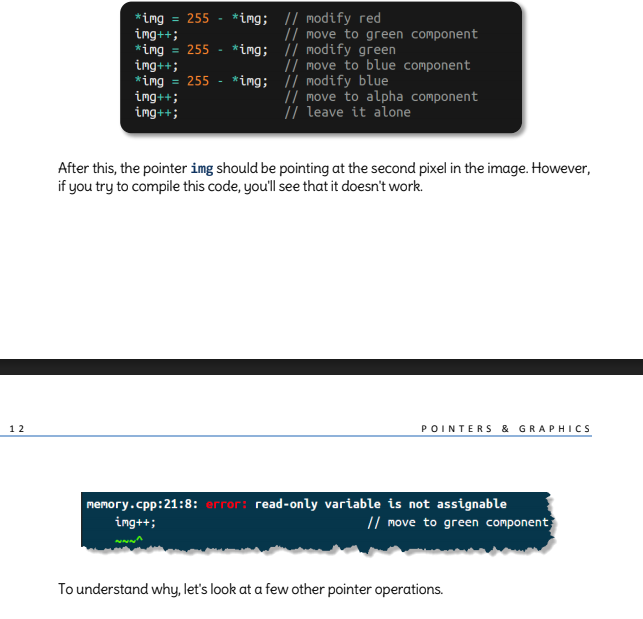
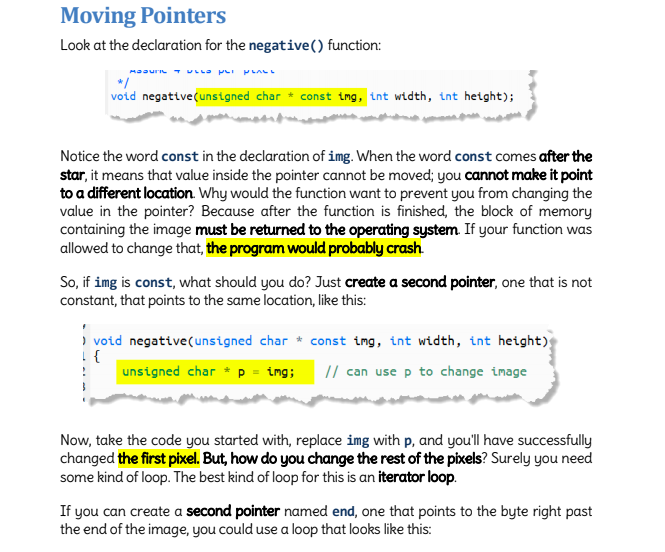
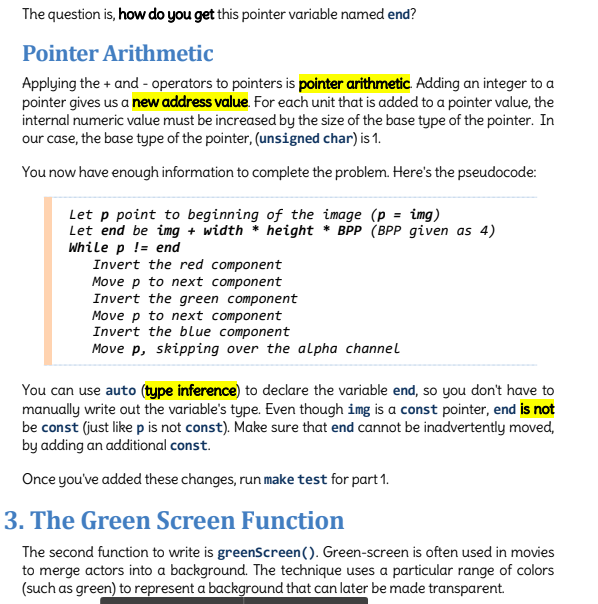
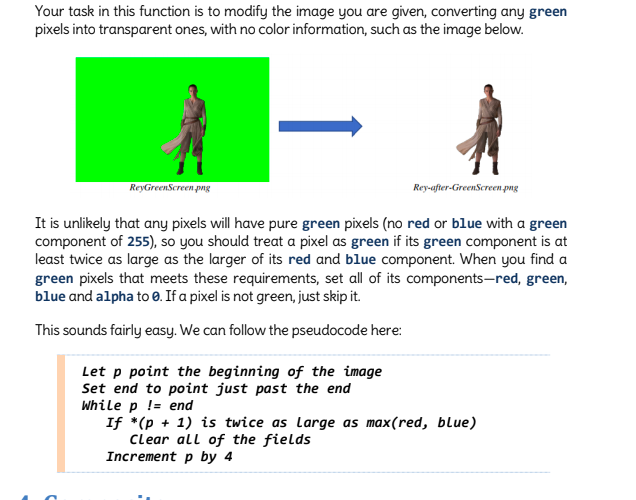
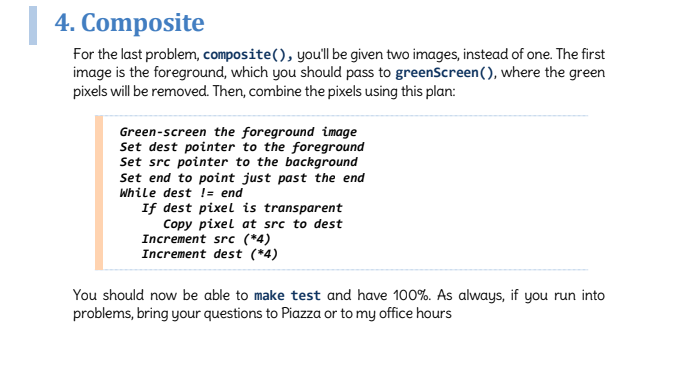
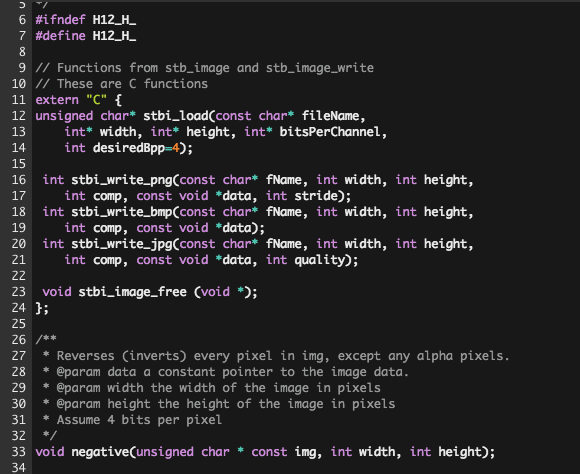
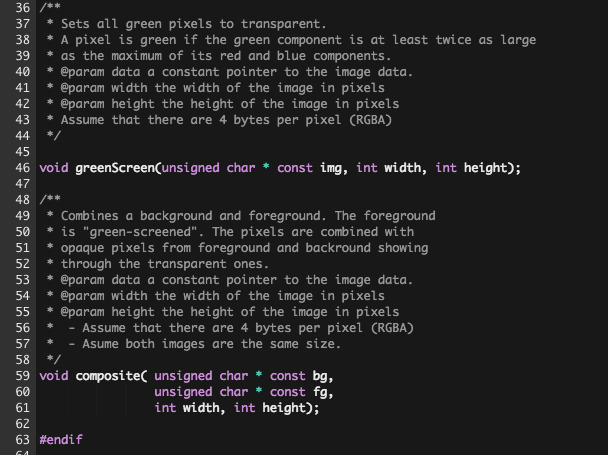
Pointers & Graphics ou have probably had occasion to use some sort of image-editing software, whether it is Photoshop, Illustrator, the GIMP or some online image editing tools. In this assignment, you will implement some editing operations on PNG and JPG graphics files.' You'll convert files to negative, flip them horizontally, and combine multiple images using the green-screen technique seen in the movies. In addition to getting more practice working with pointers, you'll also get exposure to using external C open-source libraries. Go ahead and get started by uploading the starter code to your workspace. Type make run to run the sample code. Youll find the code that runs at the end of h12.cpp. Let's take a look at the code. 1. Loading and Writing Images C++ itself doesn't have any built-in support for images, graphics or user-interfaces. All of those capabilities are added using libraries. We're going to use the stb_image and stbimage write libraries, written by Sean T. Barret (the stb) and placed into the public domain. These libraries provide the ability to read and write several different image formats, in several different ways. Both are C libraries instead of C++libraries. I have compiled and linked both libraries into libh12.a for this assignment h12.h includes prototypes for the functions we are using. Notice that these prototypes are wrapped in an extern "C" { ; block to make sure our C++ programs can link to them. If we left this off, they wouldn't be found. If you want to use more of the functions, follow the documentation link. The run() function at the bottom of h12.cpp shows several examples of opening different files and then writing out different versions. Let's look at that before we go on. Pointers & Graphics ou have probably had occasion to use some sort of image-editing software, whether it is Photoshop, Illustrator, the GIMP or some online image editing tools. In this assignment, you will implement some editing operations on PNG and JPG graphics files.' You'll convert files to negative, flip them horizontally, and combine multiple images using the green-screen technique seen in the movies. In addition to getting more practice working with pointers, you'll also get exposure to using external C open-source libraries. Go ahead and get started by uploading the starter code to your workspace. Type make run to run the sample code. Youll find the code that runs at the end of h12.cpp. Let's take a look at the code. 1. Loading and Writing Images C++ itself doesn't have any built-in support for images, graphics or user-interfaces. All of those capabilities are added using libraries. We're going to use the stb_image and stbimage write libraries, written by Sean T. Barret (the stb) and placed into the public domain. These libraries provide the ability to read and write several different image formats, in several different ways. Both are C libraries instead of C++libraries. I have compiled and linked both libraries into libh12.a for this assignment h12.h includes prototypes for the functions we are using. Notice that these prototypes are wrapped in an extern "C" { ; block to make sure our C++ programs can link to them. If we left this off, they wouldn't be found. If you want to use more of the functions, follow the documentation link. The run() function at the bottom of h12.cpp shows several examples of opening different files and then writing out different versions. Let's look at that before we go on
Step by Step Solution
There are 3 Steps involved in it

Get step-by-step solutions from verified subject matter experts