







Question: This is an html problem Code1: body { text-align : center; } canvas { display : block; width : 280px; height : 210px; margin :
This is an html problem Code1:
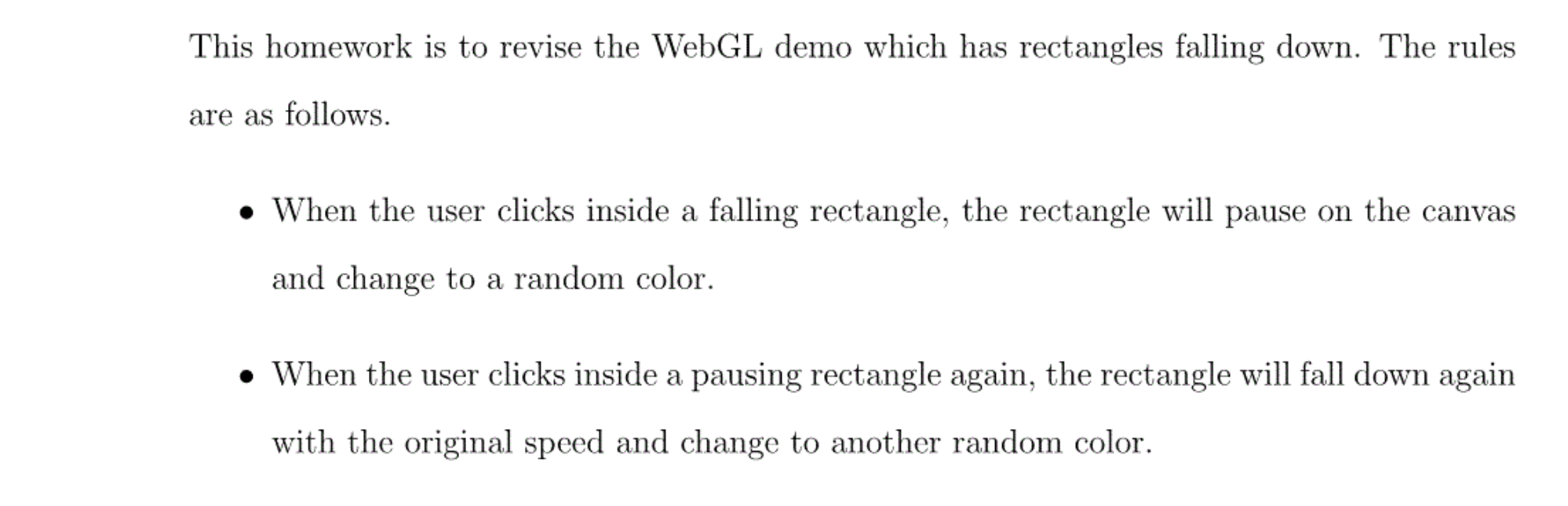
body { text-align : center; } canvas { display : block; width : 280px; height : 210px; margin : auto; padding : 0; border : none; background-color : black; } button { display : block; font-size : inherit; margin : auto; padding : 0.6em; } Code2: ;(function(){ "use strict" window.addEventListener("load", setupAnimation, false); var gl, timer, rainingRect, scoreDisplay, missesDisplay; function setupAnimation (evt) { window.removeEventListener(evt.type, setupAnimation, false); if (!(gl = getRenderingContext())) return; gl.enable(gl.SCISSOR_TEST); rainingRect = new Rectangle(); timer = setTimeout(drawAnimation, 17); document.querySelector("canvas") .addEventListener("click", playerClick, false); var displays = document.querySelectorAll("strong"); scoreDisplay = displays[0]; missesDisplay = displays[1]; } var score = 0, misses = 0; function drawAnimation () { gl.scissor(rainingRect.position[0], rainingRect.position[1], rainingRect.size[0] , rainingRect.size[1]); gl.clear(gl.COLOR_BUFFER_BIT); rainingRect.position[1] -= rainingRect.velocity; if (rainingRect.position[1] = 0 && diffPos[0] = 0 && diffPos[1] This homework is to revise the WebGL demo which has rectangles falling down. The rules are as follows. When the user clicks inside a falling rectangle, the rectangle will pause on the canvas and change to a random color. When the user clicks inside a pausing rectangle again, the rectangle will fall down again with the original speed and change to another random color. This homework is to revise the WebGL demo which has rectangles falling down. The rules are as follows. When the user clicks inside a falling rectangle, the rectangle will pause on the canvas and change to a random color. When the user clicks inside a pausing rectangle again, the rectangle will fall down again with the original speed and change to another random color
Step by Step Solution
There are 3 Steps involved in it
1 Expert Approved Answer
Step: 1 Unlock

Question Has Been Solved by an Expert!
Get step-by-step solutions from verified subject matter experts
Step: 2 Unlock
Step: 3 Unlock
 Study Help