







Question: ( This is due in 2 hours I need it as soon as possible) Tutorial #1 Learning about Survey Monkey Design and Manage Survey Set-Up
( This is due in 2 hours I need it as soon as possible)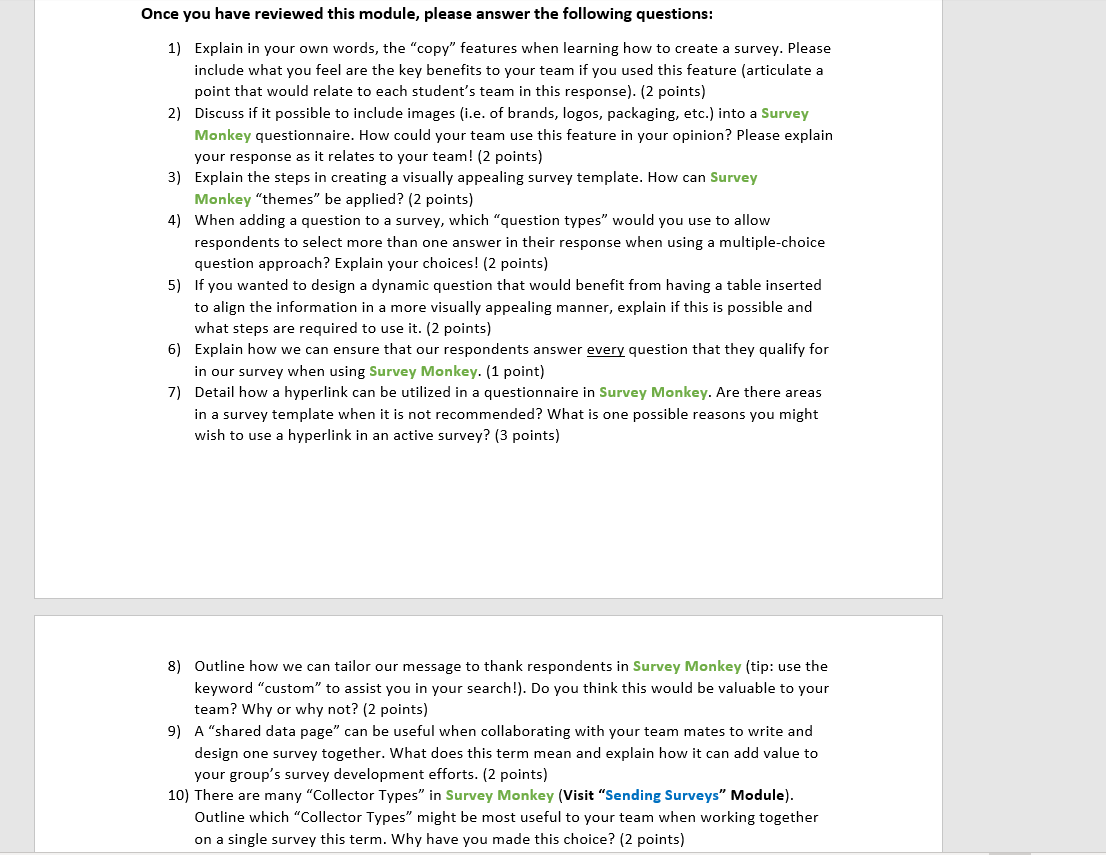
| Tutorial #1 |
Learning about Survey Monkey
Design and Manage Survey Set-Up and Features 20 marks and worth 2% Students should sign up with their Algonquin College credentials as outlined in Brightspace before commencing this first tutorial.
Students should review the proper content and answer the required questions below! All submissions are to be submitted individually (no sharing of work permitted across students) in Word, by the deadline.
Lets begin!
Open Survey Monkey with your AC login credentials.
Select the ? icon at the top right of your site page
Select Help Centre
Select the Topics entitled: Creating Surveys and Sending Surveys
For this tutorial, you will review the information shared in the various topic areas. Note the Search bar at the top is helpful as well!
Please read the information shared here and the various chapters of information it provides. It is also recommended that you open a test survey and try out the steps as you learn! It is the best way to learn!
Once you have reviewed this module, please answer the following questions:
Explain in your own words, the copy features when learning how to create a survey. Please include what you feel are the key benefits to your team if you used this feature (articulate a point that would relate to each students team in this response). (2 points)
Discuss if it possible to include images (i.e. of brands, logos, packaging, etc.) into a Survey Monkey questionnaire. How could your team use this feature in your opinion? Please explain your response as it relates to your team! (2 points)
Explain the steps in creating a visually appealing survey template. How can Survey Monkey themes be applied? (2 points)
When adding a question to a survey, which question types would you use to allow respondents to select more than one answer in their response when using a multiple-choice question approach? Explain your choices! (2 points)
If you wanted to design a dynamic question that would benefit from having a table inserted to align the information in a more visually appealing manner, explain if this is possible and what steps are required to use it. (2 points)
Explain how we can ensure that our respondents answer every question that they qualify for in our survey when using Survey Monkey. (1 point)
Detail how a hyperlink can be utilized in a questionnaire in Survey Monkey. Are there areas in a survey template when it is not recommended? What is one possible reasons you might wish to use a hyperlink in an active survey? (3 points)
Outline how we can tailor our message to thank respondents in Survey Monkey (tip: use the keyword custom to assist you in your search!). Do you think this would be valuable to your team? Why or why not? (2 points)
A shared data page can be useful when collaborating with your team mates to write and design one survey together. What does this term mean and explain how it can add value to your groups survey development efforts. (2 points)
There are many Collector Types in Survey Monkey (Visit Sending Surveys Module). Outline which Collector Types might be most useful to your team when working together on a single survey this term. Why have you made this choice? (2 points)
Please be reminded when submitting assignments that it is to be completed individually and not shared with others. Any student found sharing or copying another students assignment, will receive a zero grade.
Once you have reviewed this module, please answer the following questions: 1) Explain in your own words, the "copy" features when learning how to create a survey. Please include what you feel are the key benefits to your team if you used this feature (articulate a point that would relate to each student's team in this response). (2 points) 2) Discuss if it possible to include images (i.e. of brands, logos, packaging, etc.) into a Survey Monkey questionnaire. How could your team use this feature in your opinion? Please explain your response as it relates to your team! (2 points) 3) Explain the steps in creating a visually appealing survey template. How can Survey Monkey "themes" be applied? (2 points) 4) When adding a question to a survey, which "question types" would you use to allow respondents to select more than one answer in their response when using a multiple-choice question approach? Explain your choices! (2 points) 5) If you wanted to design a dynamic question that would benefit from having a table inserted to align the information in a more visually appealing manner, explain if this is possible and what steps are required to use it. (2 points) 6) Explain how we can ensure that our respondents answer every question that they qualify for in our survey when using Survey Monkey. (1 point) 7) Detail how a hyperlink can be utilized in a questionnaire in Survey Monkey. Are there areas in a survey template when it is not recommended? What is one possible reasons you might wish to use a hyperlink in an active survey? (3 points) 8) Outline how we can tailor our message to thank respondents in Survey Monkey (tip: use the keyword "custom" to assist you in your search!). Do you think this would be valuable to your team? Why or why not? (2 points) 9) A "shared data page" can be useful when collaborating with your team mates to write and design one survey together. What does this term mean and explain how it can add value to your group's survey development efforts. (2 points) 10) There are many "Collector Types" in Survey Monkey (Visit "Sending Surveys" Module). Outline which "Collector Types" might be most useful to your team when working together on a single survey this term. Why have you made this choice? (2 points)
Step by Step Solution
There are 3 Steps involved in it

Get step-by-step solutions from verified subject matter experts
 Study Help