







Question: This is for java This is the starting code: Exercise 10-1 Use a one-dimensional array In this exercise, you can get some practice using one-dimensional
This is for java
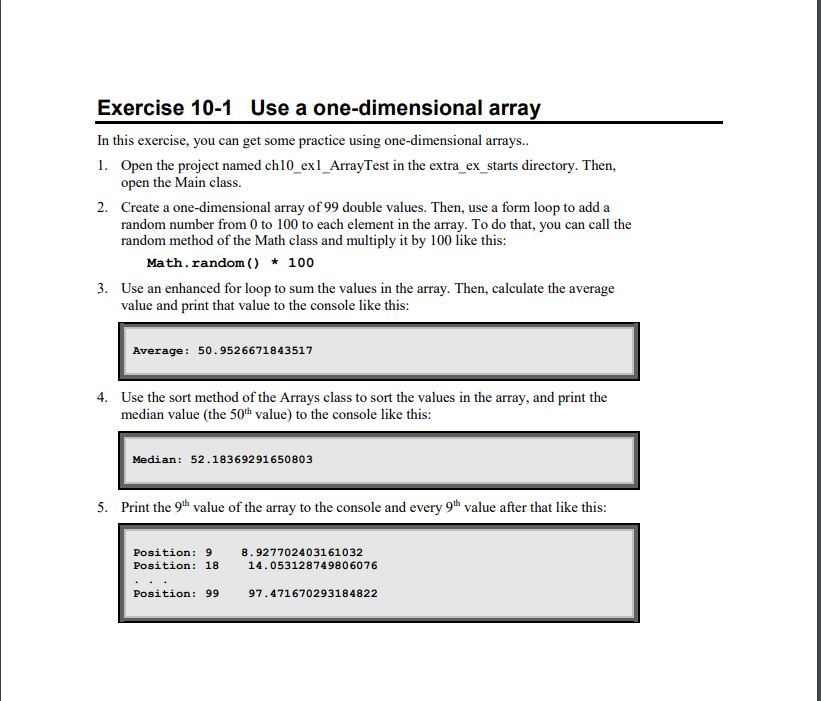
This is the starting code:
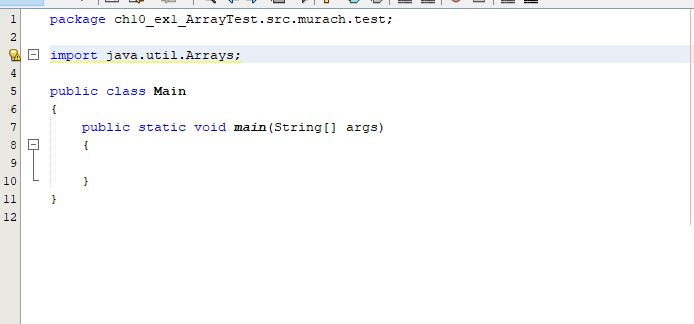
Exercise 10-1 Use a one-dimensional array In this exercise, you can get some practice using one-dimensional arrays.. 1. Open the project named ch10 exl_ArrayTest in the extra_ex_starts directory. Then, open the Main class. 2. Create a one-dimensional array of 99 double values. Then, use a form loop to add a random number from 0 to 100 to each element in the array. To do that, you can call the random method of the Math class and multiply it by 100 like this: Math.random() * 100 3. Use an enhanced for loop to sum the values in the array. Then, calculate the average value and print that value to the console like this: Average: 50.9526671843517 4. Use the sort method of the Arrays class to sort the values in the array, and print the median value (the 50th value) to the console like this: Median: 52.183692 91650803 5. Print the 9th value of the array to the console and every 9th value after that like this: Position: 9 Position: 18 8.927702403161032 14.053128749806076 Position: 99 97.471670293184822
Step by Step Solution
There are 3 Steps involved in it

Get step-by-step solutions from verified subject matter experts
 Study Help