







Question: This is to be done in Visual basic. #2 State Abbreviations: Step 1: Purpose: Allow user to select a state and then displays that state's
This is to be done in Visual basic.
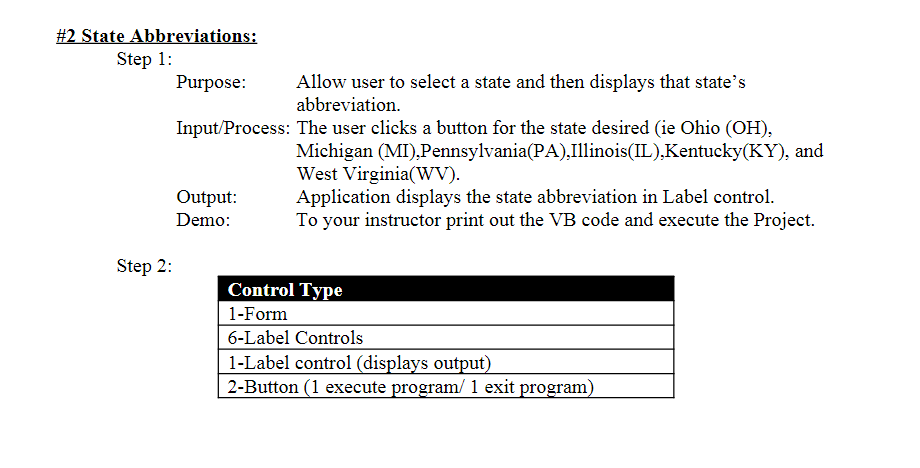
#2 State Abbreviations: Step 1: Purpose: Allow user to select a state and then displays that state's abbreviation. Input/Process: The user clicks a button for the state desired (ie Ohio (OH), Michigan (MI), Pennsylvania(PA), Illinois(IL),Kentucky(KY), and West Virginia(WV). Output: Application displays the state abbreviation in Label control. Demo: To your instructor print out the VB code and execute the Project. Step 2: Control Type 1-Form 6-Label Controls 1-Label control (displays output) 2-Button (1 execute program/1 exit program)
Step by Step Solution
There are 3 Steps involved in it
1 Expert Approved Answer
Step: 1 Unlock

Question Has Been Solved by an Expert!
Get step-by-step solutions from verified subject matter experts
Step: 2 Unlock
Step: 3 Unlock
 Study Help