







Question: This needs to be done in Excel or using R. There are seven inputs total that I need: Number of payments, payment amount, future value,
 This needs to be done in Excel or using R. There are seven inputs total that I need: Number of payments, payment amount, future value, present value, payments/period(P/Y), Compunds/period(C/Y) and interest rate(I/Y). I should be able to find the value of N,I/Y, PMT, FV and PV using the remaing four inputs with C/Y and P/Y. For example, If I wanted to find PV, I would have input for the 6 remaining variables. I also should be able to calculate both annuity due and immediate. My question is how would I set this up in Excel or R with all the inputs?
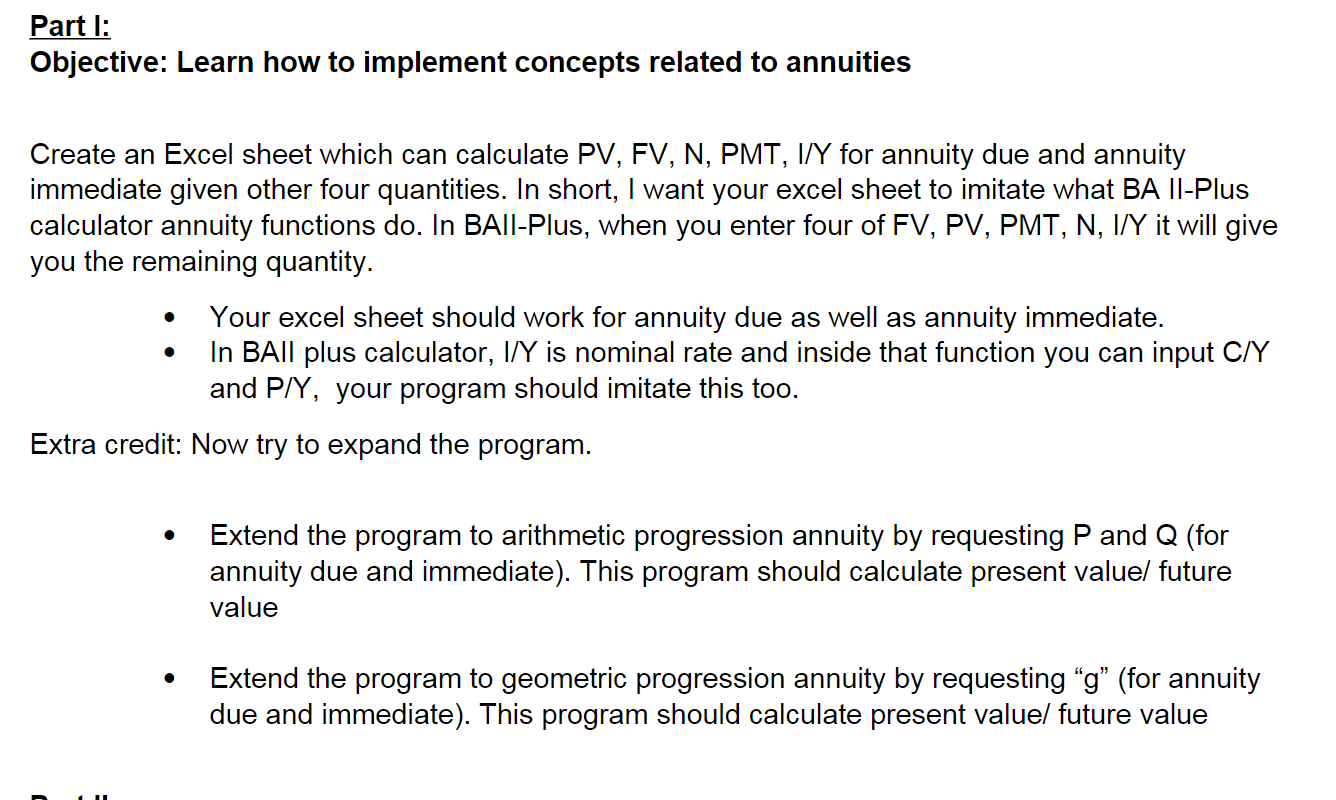
Part I: Objective: Learn how to implement concepts related to annuities Create an Excel sheet which can calculate PV, FV, N, PMT, I/Y for annuity due and annuity immediate given other four quantities. In short, I want your excel sheet to imitate what BA II-Plus calculator annuity functions do. In BAll-Plus, when you enter four of FV, PV, PMT, N, I/Y it will give you the remaining quantity. - Your excel sheet should work for annuity due as well as annuity immediate. - In BAll plus calculator, I/Y is nominal rate and inside that function you can input C/Y and P/Y, your program should imitate this too. Extra credit: Now try to expand the program. - Extend the program to arithmetic progression annuity by requesting P and Q (for annuity due and immediate). This program should calculate present value/ future value - Extend the program to geometric progression annuity by requesting "g" (for annuity due and immediate). This program should calculate present value/ future value Part I: Objective: Learn how to implement concepts related to annuities Create an Excel sheet which can calculate PV, FV, N, PMT, I/Y for annuity due and annuity immediate given other four quantities. In short, I want your excel sheet to imitate what BA II-Plus calculator annuity functions do. In BAll-Plus, when you enter four of FV, PV, PMT, N, I/Y it will give you the remaining quantity. - Your excel sheet should work for annuity due as well as annuity immediate. - In BAll plus calculator, I/Y is nominal rate and inside that function you can input C/Y and P/Y, your program should imitate this too. Extra credit: Now try to expand the program. - Extend the program to arithmetic progression annuity by requesting P and Q (for annuity due and immediate). This program should calculate present value/ future value - Extend the program to geometric progression annuity by requesting "g" (for annuity due and immediate). This program should calculate present value/ future value
Step by Step Solution
There are 3 Steps involved in it

Get step-by-step solutions from verified subject matter experts
 Study Help