







Question: This problem involves more practice in writing non-recursive functions. These functions should be written without the use of recursion. In Spyder, use the File ->
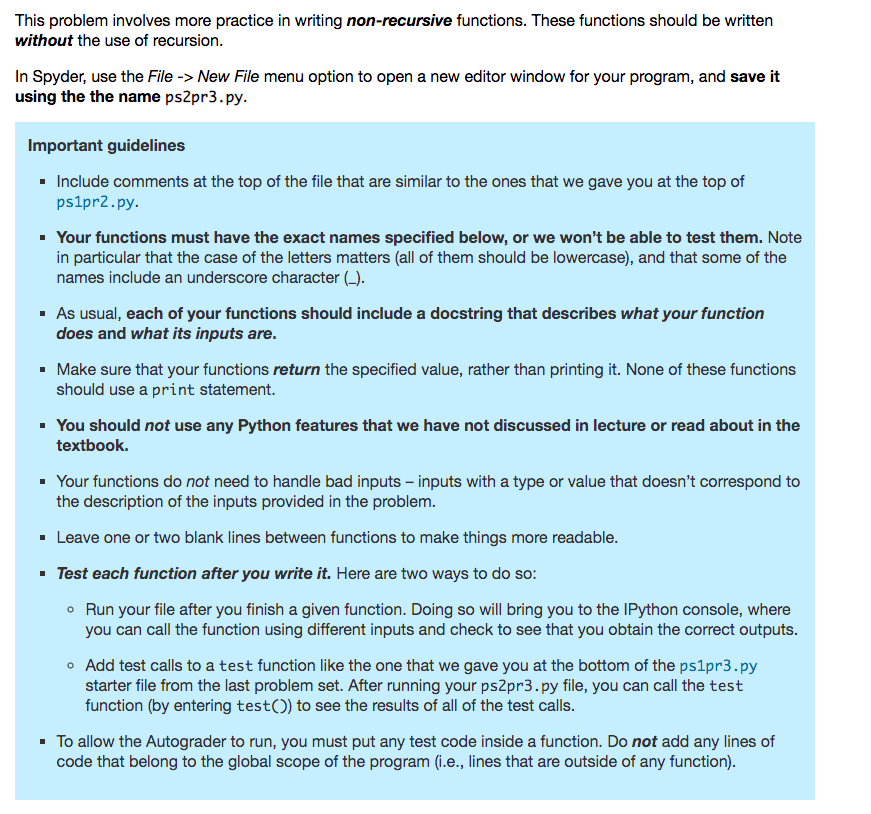
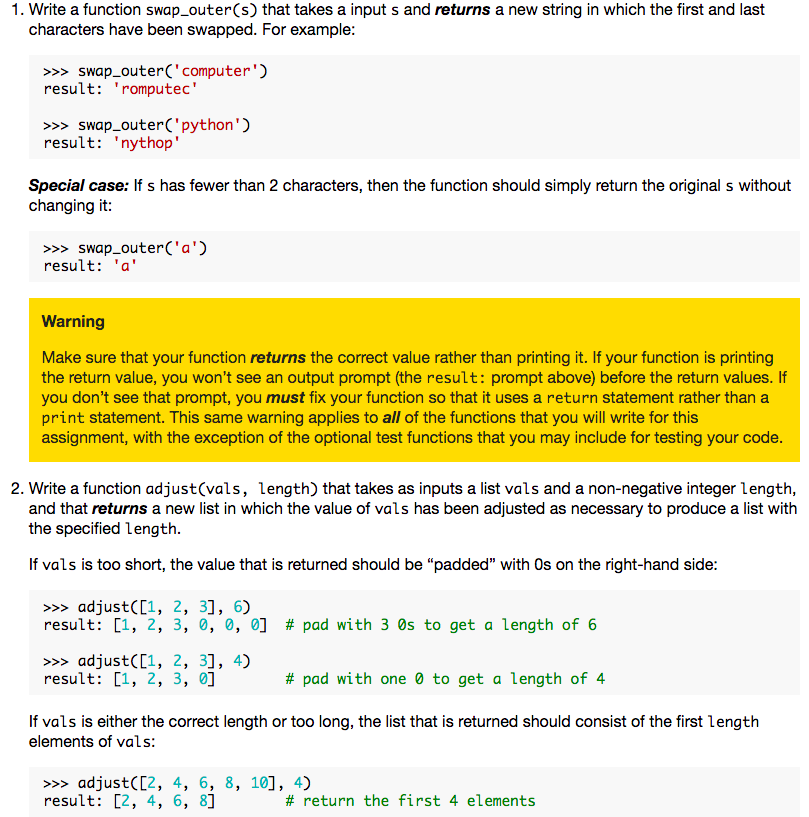

This problem involves more practice in writing non-recursive functions. These functions should be written without the use of recursion. In Spyder, use the File -> New File menu option to open a new editor window for your program, and save it using the the name ps2pr3.py. Important guidelines Include comments at the top of the file that are similar to the ones that we gave you at the top of ps1pr2.py. Your functions must have the exact names specified below, or we won't be able to test them. Note in particular that the case of the letters matters (all of them should be lowercase), and that some of the names include an underscore character (-). As usual, each of your functions should include a docstring that describes what your function does and what its inputs are. Make sure that your functions return the specified value, rather than printing it. None of these functions should use a print statement. You should not use any Python features that we have not discussed in lecture or read about in the textbook. . Your functions do not need to handle bad inputs inputs with a type or value that doesn't correspond to the description of the inputs provided in the problem. Leave one or two blank lines between functions to make things more readable. Test each function after you write it. Here are two ways to do so: o Run your file after you finish a given function. Doing so will bring you to the IPython console, where you can call the function using different inputs and check to see that you obtain the correct outputs. Add test calls to a test function like the one that we gave you at the bottom of the ps1pr3.py starter file from the last problem set. After running your ps2pr3.py file, you can call the test function (by entering test() to see the results of all of the test calls. To allow the Autograder to run, you must put any test code inside a function. Do not add any lines of code that belong to the global scope of the program (i.e., lines that are outside of any function). 1. Write a function swap_outer(s) that takes a input s and returns a new string in which the first and last characters have been swapped. For example: >>> swap_outer('computer') result: 'romputec' >>> swap_outer('python') result: "nythop' Special case: If s has fewer than 2 characters, then the function should simply return the original s without changing it: >>> swap_outer('a') result: 'a' Warning Make sure that your function returns the correct value rather than printing it. If your function is printing the return value, you won't see an output prompt (the result: prompt above) before the return values. If you don't see that prompt, you must fix your function so that it uses a return statement rather than a print statement. This same warning applies to all of the functions that you will write for this assignment, with the exception of the optional test functions that you may include for testing your code. 2. Write a function adjust(vals, length) that takes as inputs a list vals and a non-negative integer length, and that returns a new list in which the value of vals has been adjusted as necessary to produce a list with the specified length. If vals is too short, the value that is returned should be "padded" with Os on the right-hand side: >>> adjust([1, 2, 3], 6) result: [1, 2, 3, 0, 0, 0] # pad with 3 Os to get a length of 6 >>> adjust([1, 2, 3], 4) result: [1, 2, 3, 0] # pad with one 0 to get a length of 4 If vals is either the correct length or too long, the list that is returned should consist of the first length elements of vals: >>> adjust([2, 4, 6, 8, 10], 4) result: [2, 4, 6, 8] # return the first 4 elements >>> adjust([2, 4, 6, 8, 10], 5) result: [2, 4, 6, 8, 10] # return first 5 elements all of it
Step by Step Solution
There are 3 Steps involved in it

Get step-by-step solutions from verified subject matter experts
 Study Help