







Question: This program can be written in java or MATLAB that generates a line graph to excel that shows the percentage or relative frequency of packet
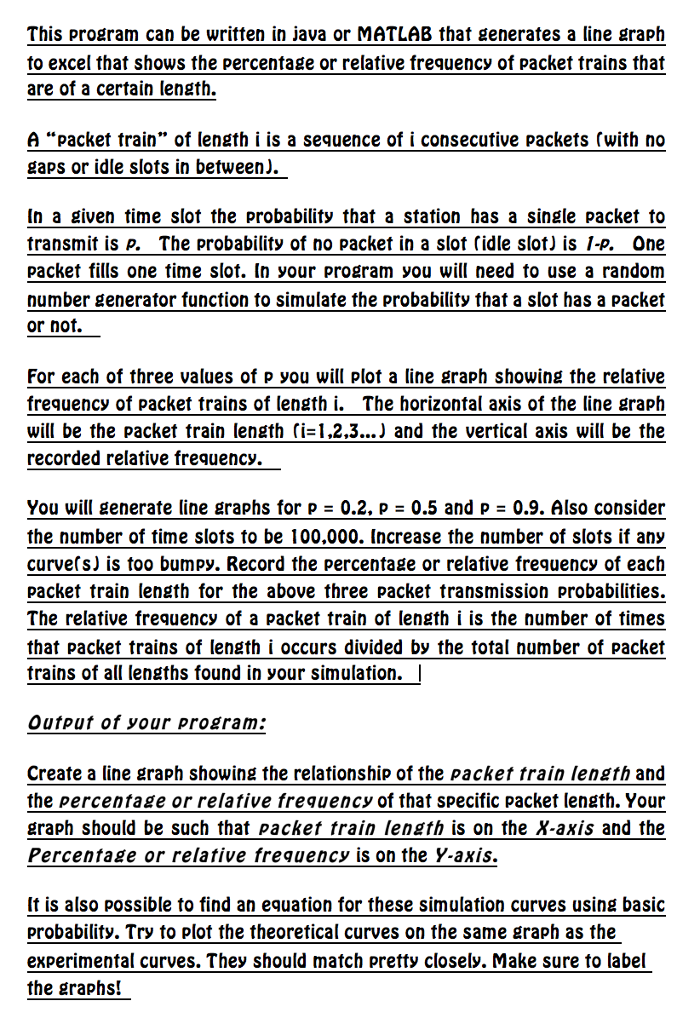
This program can be written in java or MATLAB that generates a line graph to excel that shows the percentage or relative frequency of packet trains that are of a certain length. A "packet train" of length i is a sequence of i consecutive packets (with no gaps or idle slots in between). In a given time slot the probability that a station has a single packet to transmit is p. The probability of no Packet in a slot (idle slot) is I-p. One packet fills one time slot. In your program, you will need to use a random number generator function to simulate the probability that a slot has a packet or not. For each of three values of p you will plot a line graph showing the relative frequency of packet trains of length i. The horizontal axis of the line graph will be the packet train length (i=1, 2.3...) and the vertical axis will be the recorded relative frequency. You will generate line graphs for p = 0.2. p = 0.5 and p = 0.9. Also, consider the number of time slots to be 100,000. Increase the number of slots if any curve(s) is too bumpy. Record the percentage or relative frequency of each packet train length for the above three packet transmission probabilities. The relative frequency of a packet train of length i is the number of times that packet trains of length i occurs divided by the total number of packet trains of all lengths found in your simulation. Output of your program: Create a line graph showing the relationship of the packet train length and the percentage or relative frequency of that specific packet length. Your graph should be such that packet train length is on the X-axis and the Percentage or relative frequency is on the Y-axis. It is also possible to find an equation for these simulation curves using basic probability. Try to Plot the theoretical curves on the same graph as the experimental curves. They should match pretty closely. Make sure to label the graphs! This program can be written in java or MATLAB that generates a line graph to excel that shows the percentage or relative frequency of packet trains that are of a certain length. A "packet train" of length i is a sequence of i consecutive packets (with no gaps or idle slots in between). In a given time slot the probability that a station has a single packet to transmit is p. The probability of no Packet in a slot (idle slot) is I-p. One packet fills one time slot. In your program, you will need to use a random number generator function to simulate the probability that a slot has a packet or not. For each of three values of p you will plot a line graph showing the relative frequency of packet trains of length i. The horizontal axis of the line graph will be the packet train length (i=1, 2.3...) and the vertical axis will be the recorded relative frequency. You will generate line graphs for p = 0.2. p = 0.5 and p = 0.9. Also, consider the number of time slots to be 100,000. Increase the number of slots if any curve(s) is too bumpy. Record the percentage or relative frequency of each packet train length for the above three packet transmission probabilities. The relative frequency of a packet train of length i is the number of times that packet trains of length i occurs divided by the total number of packet trains of all lengths found in your simulation. Output of your program: Create a line graph showing the relationship of the packet train length and the percentage or relative frequency of that specific packet length. Your graph should be such that packet train length is on the X-axis and the Percentage or relative frequency is on the Y-axis. It is also possible to find an equation for these simulation curves using basic probability. Try to Plot the theoretical curves on the same graph as the experimental curves. They should match pretty closely. Make sure to label the graphs
Step by Step Solution
There are 3 Steps involved in it

Get step-by-step solutions from verified subject matter experts
 Study Help