







Question: This program is a take on the classic programming assignment of creating a grocery list. Your task is to take the store, the food or
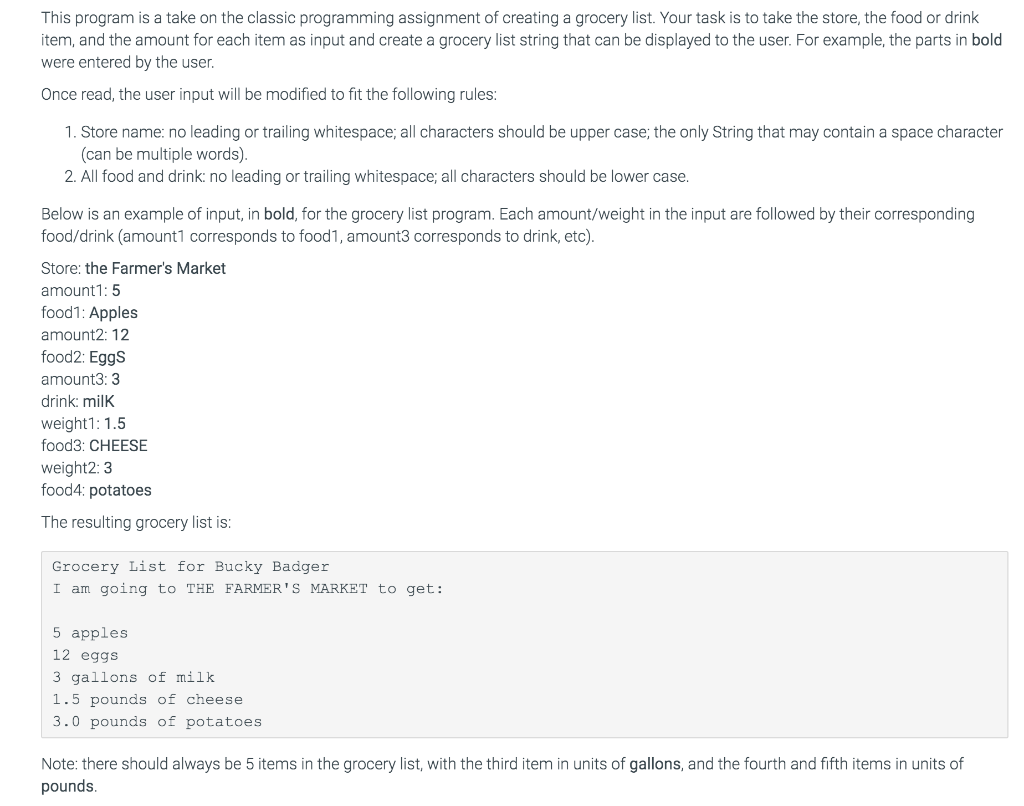
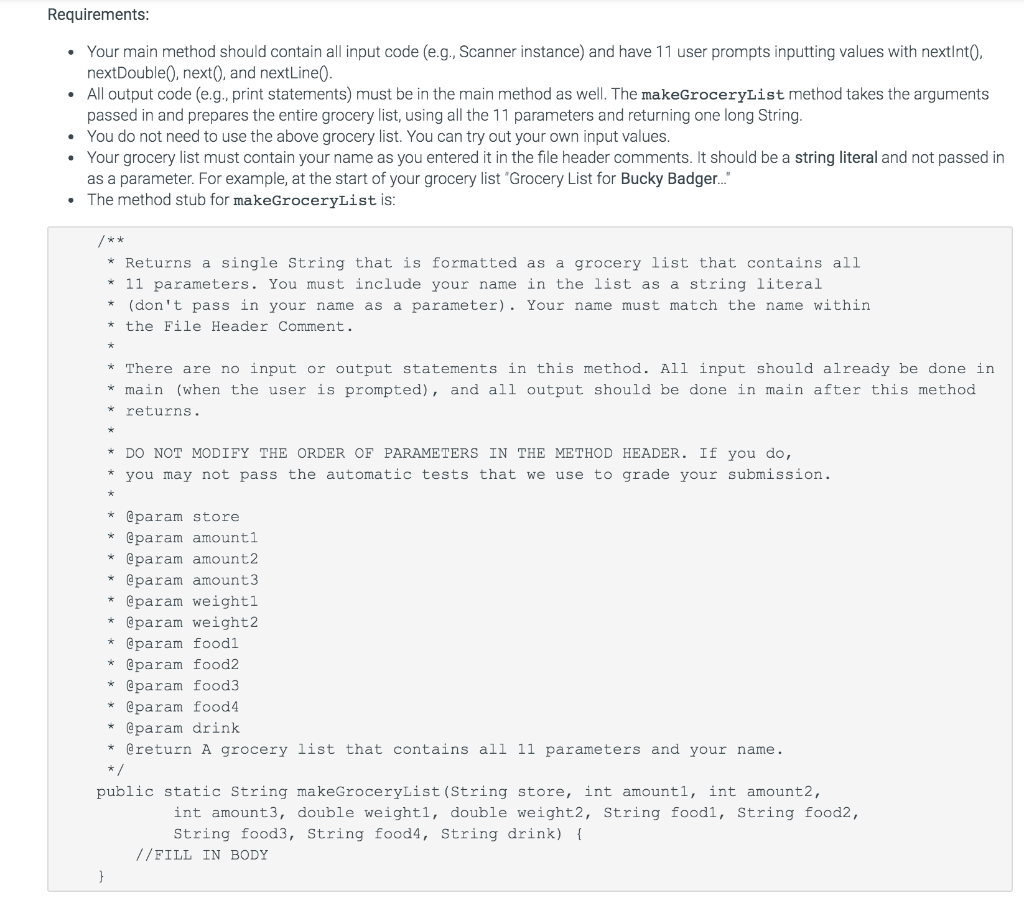
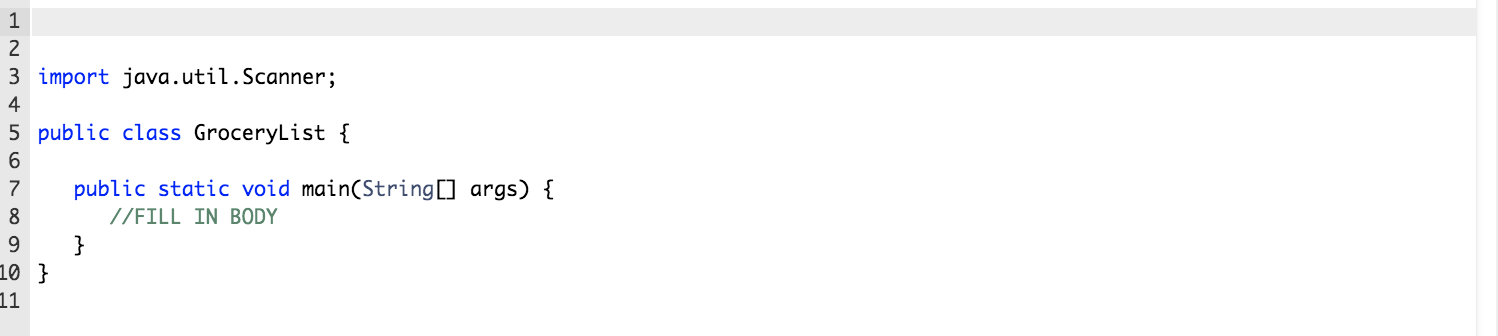
This program is a take on the classic programming assignment of creating a grocery list. Your task is to take the store, the food or drink item, and the amount for each item as input and create a grocery list string that can be displayed to the user. For example, the parts in bold were entered by the user. Once read, the user input will be modified to fit the following rules: 1. Store name: no leading or trailing whitespace; all characters should be upper case; the only String that may contain a space character (can be multiple words). 2. All food and drink: no leading or trailing whitespace; all characters should be lower case. Below is an example of input, in bold, for the grocery list program. Each amount/weight in the input are followed by their corresponding food/drink (amount1 corresponds to food1, amount3 corresponds to drink, etc). Store: the Farmer's Market amount1:5 food1: Apples amount2: 12 food2: Eggs amount3:3 drink: milk weight1: 1.5 food3: CHEESE weight2:3 food4: potatoes The resulting grocery list is: Grocery List for Bucky Badger I am going to THE FARMER'S MARKET to get: 5 apples 12 eggs 3 gallons of milk 1.5 pounds of cheese 3.0 pounds of potatoes Note: there should always be 5 items in the grocery list, with the third item in units of gallons, and the fourth and fifth items in units of pounds. Requirements: Your main method should contain all input code (e.g., Scanner instance) and have 11 user prompts inputting values with nextInt(. nextDouble next, and nextLine(). All output code (e.g., print statements) must be in the main method as well. The makeGroceryList method takes the arguments passed in and prepares the entire grocery list, using all the 11 parameters and returning one long String. You do not need to use the above grocery list. You can try out your own input values. Your grocery list must contain your name as you entered it in the file header comments. It should be a string literal and not passed in as a parameter. For example, at the start of your grocery list "Grocery List for Bucky Badger..." The method stub for makeGroceryList is: * Returns a single String that is formatted as a grocery list that contains all * 11 parameters. You must include your name in the list as a string literal * (don't pass in your name as a parameter). Your name must match the name within * the File Header Comment. There are no input or output statements in this method. All input should already be done in * main (when the user is prompted), and all output should be done in main after this method returns. * DO NOT MODIFY THE ORDER OF PARAMETERS IN THE METHOD HEADER. If you do, * you may not pass the automatic tests that we use to grade your submission. @param store * @param amounti * @param amount2 @param amount3 * @param weighti * @param weight2 * @param foodi * @param food2 * @param food3 * @param food4 * @param drink * @return A grocery list that contains all 11 parameters and your name. public static String makeGroceryList (String store, int amounti, int amount2, int amount3, double weighti, double weight2, String foodi, String food2, String food3, String food4, String drink) { //FILL IN BODY 3 import java.util.Scanner; public class GroceryList { public static void main(String[] args) { I/FILL IN BODY 10 }
Step by Step Solution
There are 3 Steps involved in it

Get step-by-step solutions from verified subject matter experts
 Study Help