







Question: This program is designed to ensure that you feel comfortable with using C + + container classes. It is a bit of a hodgepodge of
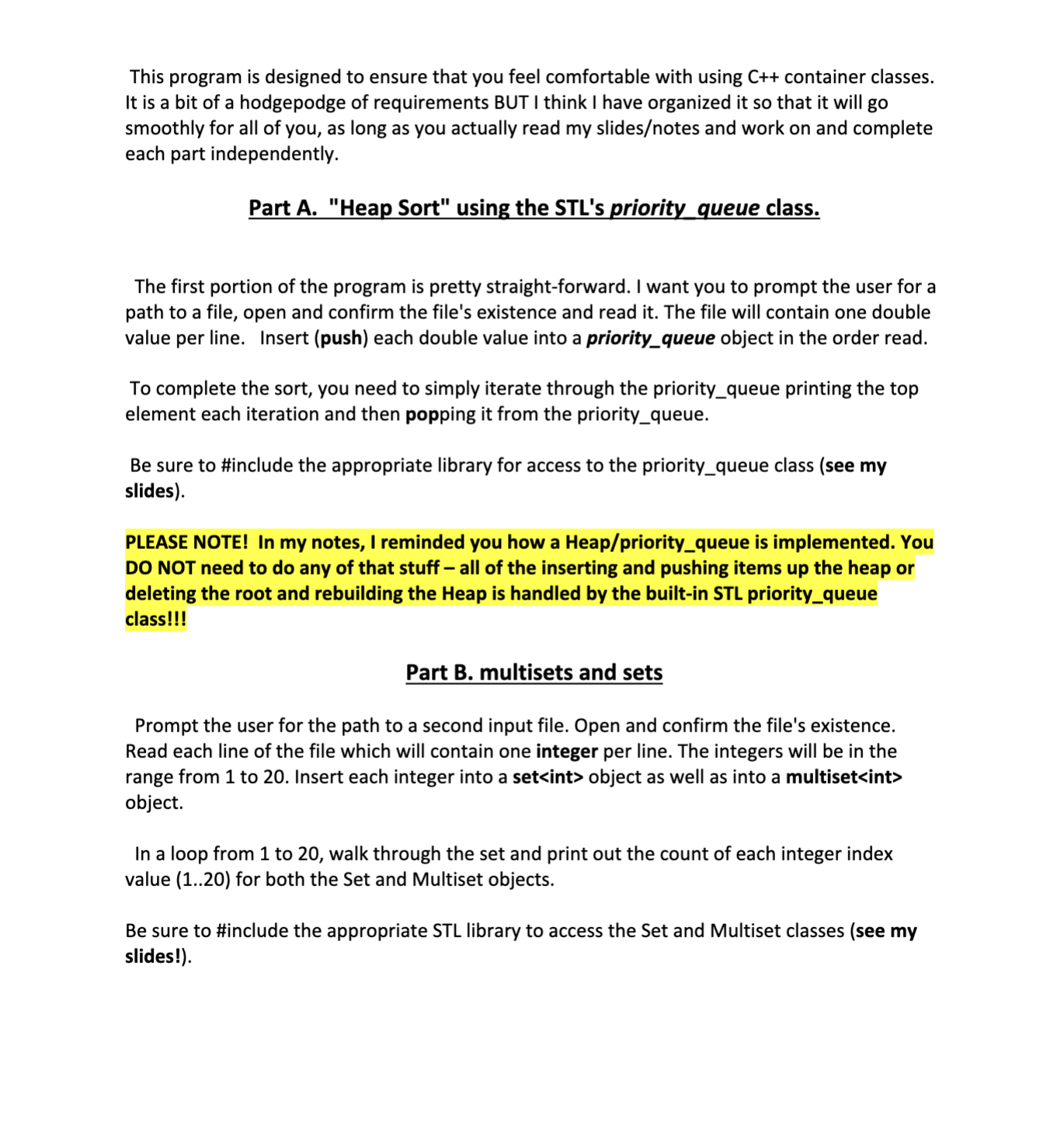
This program is designed to ensure that you feel comfortable with using C container classes.
It is a bit of a hodgepodge of requirements BUT I think I have organized it so that it will go
smoothly for all of you, as long as you actually read my slidesnotes and work on and complete
each part independently.
Part A "Heap Sort" using the STLs priority queue class.
The first portion of the program is pretty straightforward. I want you to prompt the user for a
path to a file, open and confirm the file's existence and read it The file will contain one double
value per line. Insert push each double value into a priorityqueue object in the order read.
To complete the sort, you need to simply iterate through the priorityqueue printing the top
element each iteration and then popping it from the priorityqueue.
Be sure to #include the appropriate library for access to the priorityqueue class see my
slides
PLEASE NOTE! In my notes, I reminded you how a Heappriorityqueue is implemented. You
DO NOT need to do any of that stuff all of the inserting and pushing items up the heap or
deleting the root and rebuilding the Heap is handled by the builtin STL priorityqueue
class!!!
Part B multisets and sets
Prompt the user for the path to a second input file. Open and confirm the file's existence.
Read each line of the file which will contain one integer per line. The integers will be in the
range from to Insert each integer into a set object as well as into a multiset
object.
In a loop from to walk through the set and print out the count of each integer index
value for both the Set and Multiset objects.
Be sure to #include the appropriate STL library to access the Set and Multiset classes see my
slides! Part C forward list and remove if
Prompt the user for a file path and do what we always do Read the file of integers one per line and insert them into a forwardlist. BE CAREFUL with this! I want the items inserted at the front of the forwardlist object. So if the values were entered in the order then the forwardlist would be in the order
Now print out the list from begin to end.
Next, I want you to use the removeif function to remove all integers from the list that are multiples of For example, values such as etc. should be removed from the list. See the slides if you are unclear how to do this.
Now iterate from begin to end and print the list.
Next, remove all instances of the element from the forwardlist, sort the list, and print it from begin to end.
Part D maps and multimaps
For part D of the program you will once again prompt the user for a file path, open the file, and confirm it This data file will contain alternate lines of strings and integers. For example,
The strings will act as keys and the integers as their associated values.
Define a map of type and create a multimap object of type
Read the string key and the integer value and create two pair objects using the makepair function. Insert the first pair into the map object and the second into the multimap object.
Next, iterate through the map object and print each keyvalue pair one per line. For example,
Sally
Jack
Bill
Susan
Finally, do the same for the multimap object.
Please use appropriate whitespace and headings as shown in the sample output posted to Canvas.
Part E Building a List of your own class objects
OK so the final portion of the program will require you to create your own class and create an STL list of said objects and process them using a number of the functions of the List class. Please do read through the slides for the List class to familiarize yourself with the available functionality of the template class.
Define a class named myClass. The class will be a simple one with two fields. A field named ID which is of type string and a field named DEPT of type int.
In the main methodfunction declare a list of objects.
Be sure to overload the operator so that one object of type myClass is less than another if the ID field is lexicographically less than the other object. If the ID fields are equal, then the DEPT field will break the tie. So for example, a myClass object with ID "John Smith" and DEPT is less than a second myClass object with ID "John Smith" and DEPT
Also, overload the operator to compare two myClass objects for equivalence. Equivalence is defined as both myClass objects matching for both the ID and the DEPT values.
Prompt for, and open and confirm an input file as we have done for the previous cases. Read an input file which contains alternate lines of ID's and DEPT's. For example,
John Smith
John Smith
Bill Jones
For each ID and DEPT read, create an appropriate myClass object and insert it into the list that was declared earlier. Insert the item at the rear of the list using the pushback function.
Use the sort method of the list obj
Step by Step Solution
There are 3 Steps involved in it
1 Expert Approved Answer
Step: 1 Unlock

Question Has Been Solved by an Expert!
Get step-by-step solutions from verified subject matter experts
Step: 2 Unlock
Step: 3 Unlock
 Study Help