







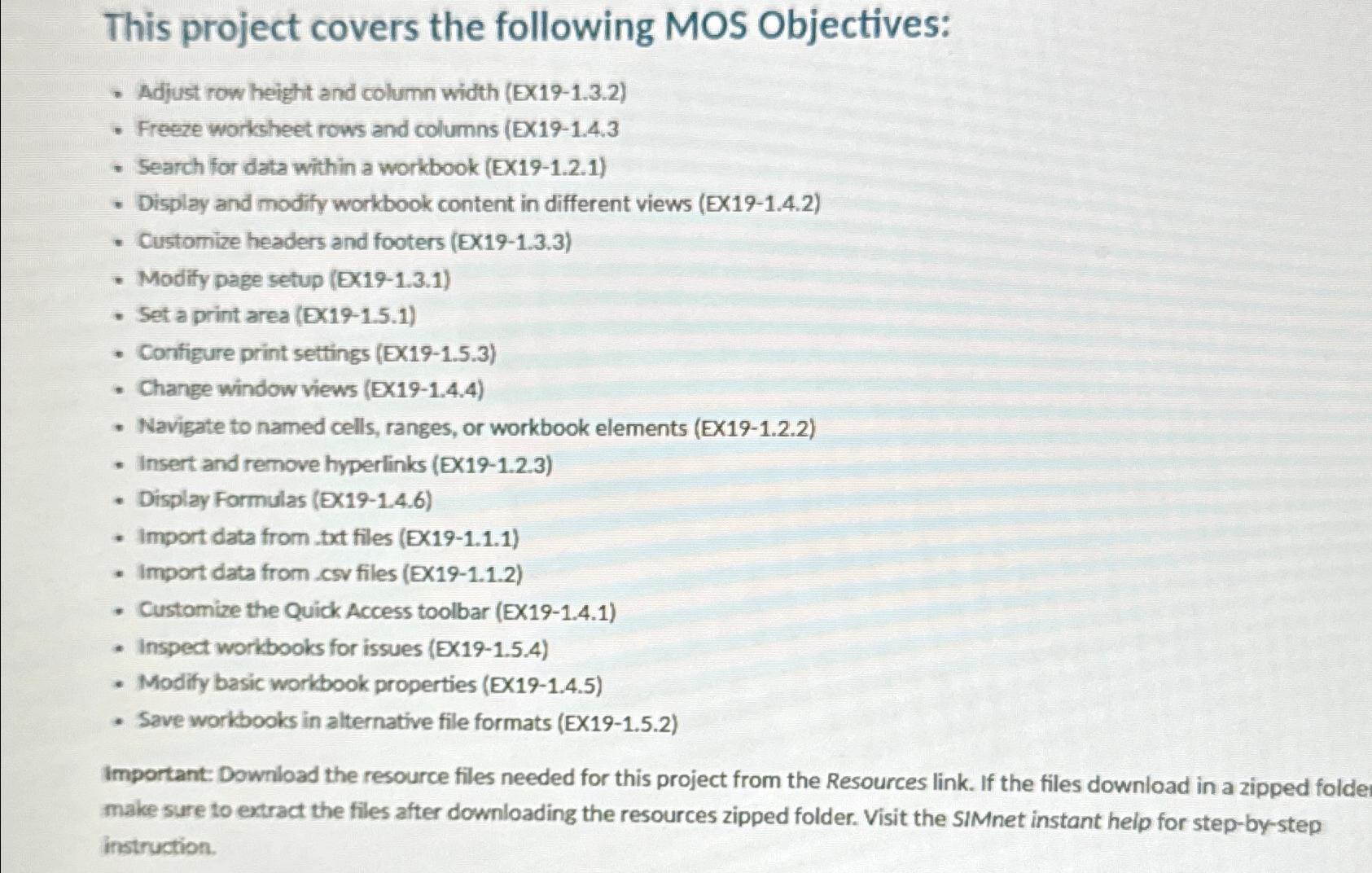
Question: This project covers the following MOS Objectives: Adjust row height and column width ( EX 1 9 - 1 . 3 . 2 ) Freeze
This project covers the following MOS Objectives:
Adjust row height and column width EX
Freeze worksheet rows and columns EX
Search for data within a workbook EX
Display and modify workbook content in different views EX
Customize headers and footers EX
Modify page setup EX
Set a print area EX
Configure print settings EX
Change window views EX
Navigate to named cells, ranges, or workbook elements EX
Insert and remove hyperlinks EX
Display Formulas Ex
Import data from txt files EX
Import data from cov files EX
Customize the Quick Access toolbar EX
Inspect workbooks for issues EX
Modify basic workbook properties EX
Save workbooks in alternative file formats EX
Important: Download the resource files needed for this project from the Resources link. If the files download in a zipped folde make sure to extract the files after downloading the resources zipped folder. Visit the SIMnet instant help for stepbystep instruction.
Step by Step Solution
There are 3 Steps involved in it
1 Expert Approved Answer
Step: 1 Unlock

Question Has Been Solved by an Expert!
Get step-by-step solutions from verified subject matter experts
Step: 2 Unlock
Step: 3 Unlock
 Study Help