







Question: This question requires you to open SAS and run code! The goal is to download a data set from this question, upload that data set
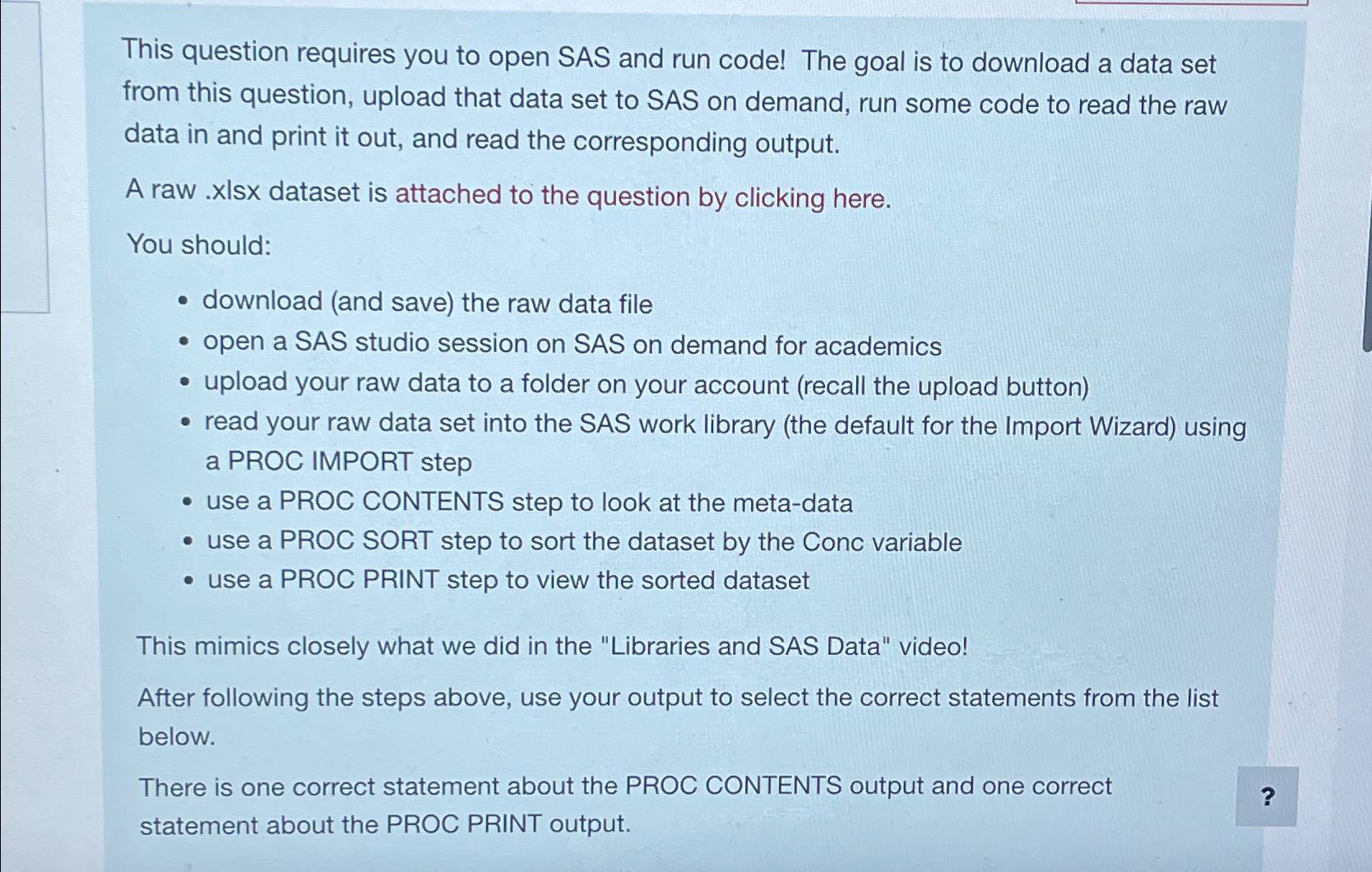
This question requires you to open SAS and run code! The goal is to download a data set from this question, upload that data set to SAS on demand, run some code to read the raw data in and print it out, and read the corresponding output.
A raw ls dataset is attached to the question by clicking here.
You should:
download and save the raw data file
open a SAS studio session on SAS on demand for academics
upload your raw data to a folder on your account recall the upload button
read your raw data set into the SAS work library the default for the Import Wizard using a PROC IMPORT step
use a PROC CONTENTS step to look at the metadata
use a PROC SORT step to sort the dataset by the Conc variable
use a PROC PRINT step to view the sorted dataset
This mimics closely what we did in the "Libraries and SAS Data" video!
After following the steps above, use your output to select the correct statements from the list below.
There is one correct statement about the PROC CONTENTS output and one correct statement about the PROC PRINT output.
Step by Step Solution
There are 3 Steps involved in it
1 Expert Approved Answer
Step: 1 Unlock

Question Has Been Solved by an Expert!
Get step-by-step solutions from verified subject matter experts
Step: 2 Unlock
Step: 3 Unlock
 Study Help