







Question: This should be done using BlueJ The Friendly Window You are going to implement a simple friendly, if not exactly proactive, GUI application. Your application
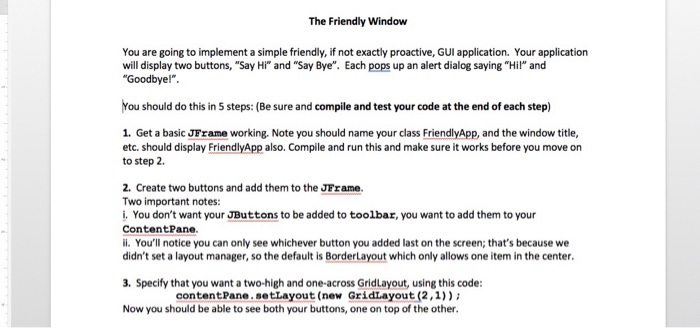
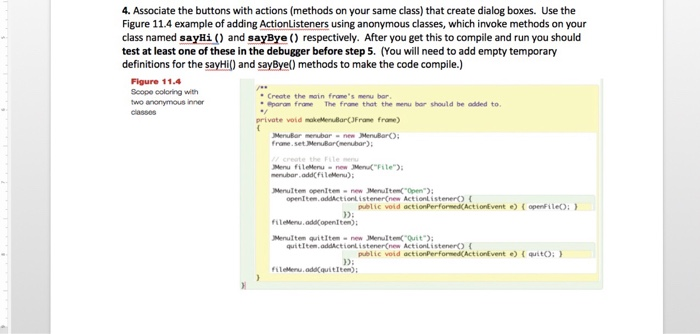
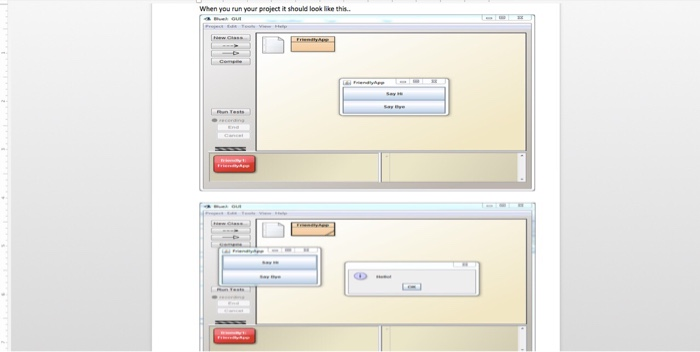
The Friendly Window You are going to implement a simple friendly, if not exactly proactive, GUI application. Your application will display two buttons, "Say Hi" and "Say Bye". Each pops up an alert dialog saying "Hil" and Goodbye!" You should do this in 5 steps: (Be sure and compile and test your code at the end of each step) 1. Get a basic JFrame working. Note you should name your class FriendlyApp, and the window title, etc. should display FriendlyApp also. Compile and run this and make sure it works before you move on to step 2 2. Create two buttons and add them to the JFrame Two important notes: i. You don't want your JButtons to be added to toolbar, you want to add them to your ContentPane. ii. You'll notice you can only see whichever button you added last on the screen; that's because we didn't set a layout manager, so the default is BorderLayout which only allows one item in the center 3. Specify that you want a two-high and one-across GridLayout, using this code: contentPane.setLayout (new GridLayout (2,1)) Now you should be able to see both your buttons, one on top of the other
Step by Step Solution
There are 3 Steps involved in it

Get step-by-step solutions from verified subject matter experts
 Study Help