







Question: This use case begins when a student submits a solution to an assignment. The instructor logs into the Edugate system. The system verifies the entered
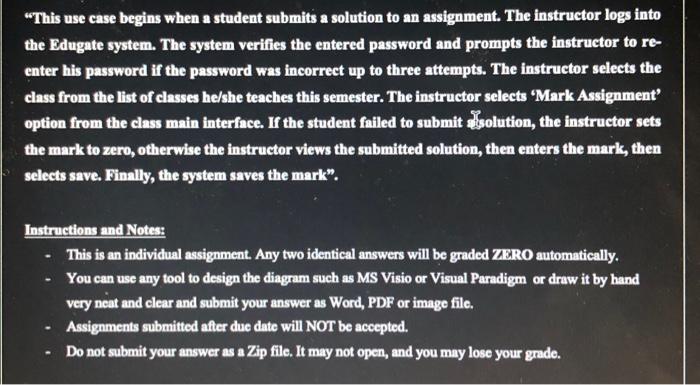
"This use case begins when a student submits a solution to an assignment. The instructor logs into the Edugate system. The system verifies the entered password and prompts the instructor to re- enter his password if the password was incorrect up to three attempts. The instructor selects the class from the list of classes he/she teaches this semester. The instructor selects Mark Assignment option from the class main interface. If the student failed to submit solution, the instructor sets the mark to zero, otherwise the instructor views the submitted solution, then enters the mark, then selects save. Finally, the system saves the mark". Instructions and Notes: This is an individual assignment. Any two identical answers will be graded ZERO automatically. You can use any tool to design the diagram such as MS Visio or Visual Paradigm or draw it by hand very neat and clear and submit your answer as Word, PDF or image file. Assignments submitted after due date will NOT be accepted. Do not submit your answer as a Zip file. It may not open, and you may lose your grade
Step by Step Solution
There are 3 Steps involved in it

Get step-by-step solutions from verified subject matter experts
 Study Help