







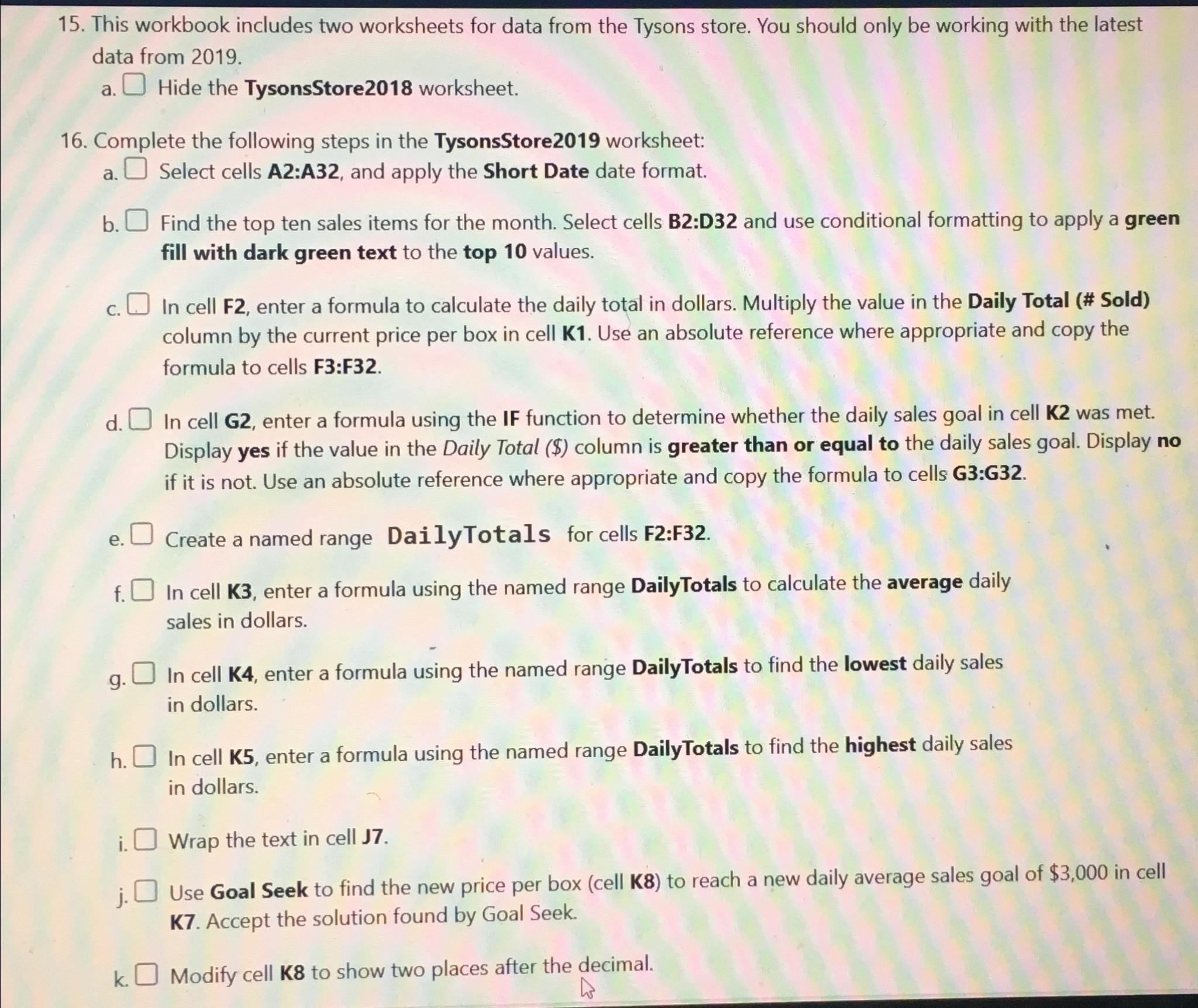
Question: This workbook includes two worksheets for data from the Tysons store. You should only be working with the latest data from 2 0 1 9
This workbook includes two worksheets for data from the Tysons store. You should only be working with the latest data from
a Hide the TysonsStore worksheet.
Complete the following steps in the TysonsStore worksheet:
a Select cells A:A and apply the Short Date date format.
b Find the top ten sales items for the month. Select cells B:D and use conditional formatting to apply a green fill with dark green text to the top values.
c In cell F enter a formula to calculate the daily total in dollars. Multiply the value in the Daily Total # Sold column by the current price per box in cell K Use an absolute reference where appropriate and copy the formula to cells :
d In cell G enter a formula using the IF function to determine whether the daily sales goal in cell K was met. Display yes if the value in the Daily Total $ column is greater than or equal to the daily sales goal. Display no if it is not. Use an absolute reference where appropriate and copy the formula to cells G:G
e Create a named range DailyTotals for cells F:F
f In cell K enter a formula using the named range DailyTotals to calculate the average daily sales in dollars.
g In cell K enter a formula using the named range DailyTotals to find the lowest daily sales in dollars.
h In cell K enter a formula using the named range DailyTotals to find the highest daily sales in dollars.
i Wrap the text in cell
j Use Goal Seek to find the new price per box cell K to reach a new daily average sales goal of $ in cell K Accept the solution found by Goal Seek.
k Modify cell to show two places after the decimal.This workbook includes two worksheets for data from the Tysons store. You should only be working with the latest data from
a Hide the TysonsStore worksheet.
Complete the following steps in the TysonsStore worksheet:
a Select cells A:A and apply the Short Date date format.
b Find the top ten sales items for the month. Select cells B:D and use conditional formatting to apply a green fill with dark green text to the top values.
c In cell F enter a formula to calculate the daily total in dollars. Multiply the value in the Daily Total # Sold column by the current price per box in cell K Use an absolute reference where appropriate and copy the formula to cells :
d In cell G enter a formula using the IF function to determine whether the daily sales goal in cell K was met. Display yes if the value in the Daily Total $ column is greater than or equal to the daily sales goal. Display no if it is not. Use an absolute reference where appropriate and copy the formula to cells G:G
e Create a named range DailyTotals for cells F:F
f In cell K enter a formula using the named range DailyTotals to calculate the average daily sales in dollars.
g In cell K enter a formula using the named range DailyTotals to find the lowest daily sales in dollars.
h In cell K enter a formula using the named range DailyTotals to find the highest daily sales in dollars.
i Wrap the text in cell
j Use Goal Seek to find the new price per box cell K to reach a new daily average sales goal of $ in cell K Accept the solution found by Goal Seek.
k Modify cell to show two places after the decimal.
Step by Step Solution
There are 3 Steps involved in it
1 Expert Approved Answer
Step: 1 Unlock

Question Has Been Solved by an Expert!
Get step-by-step solutions from verified subject matter experts
Step: 2 Unlock
Step: 3 Unlock
 Study Help