







Question: Title: Making a BUSINESS TABLE. CLO2: Use office application software to produce relevant documents. Objective: - This is to test the ability of students on
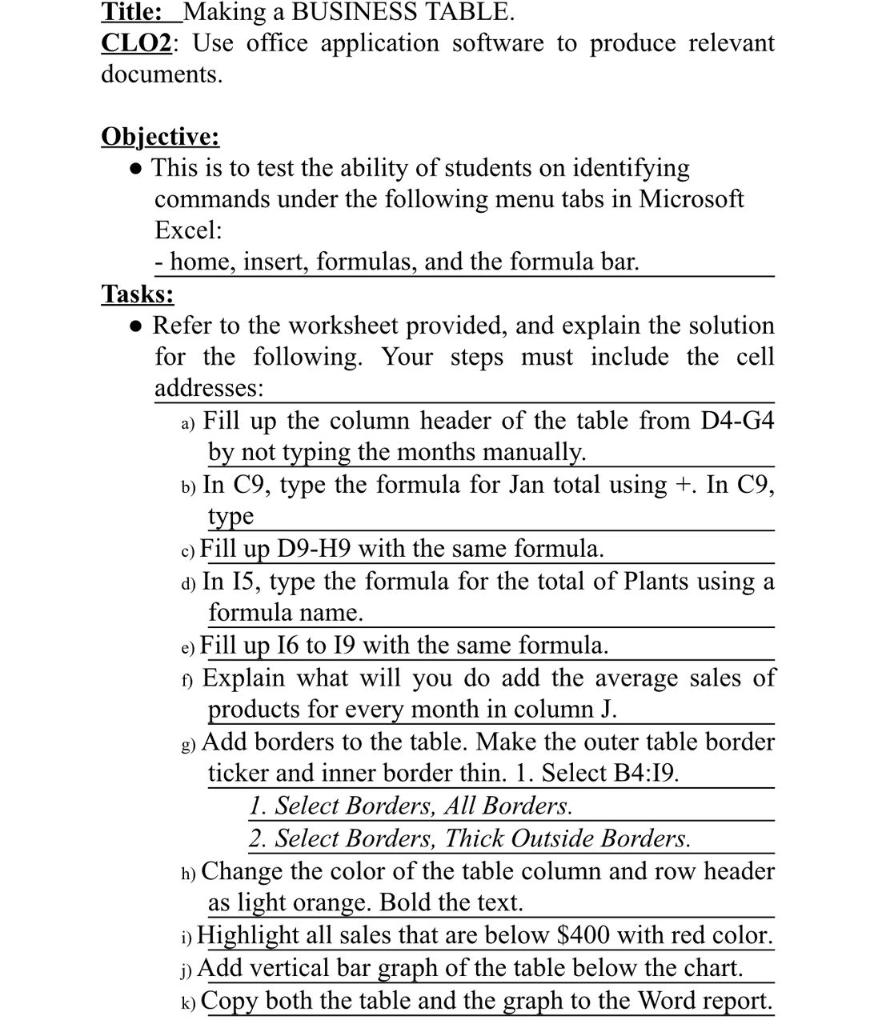
Title: Making a BUSINESS TABLE. CLO2: Use office application software to produce relevant documents. Objective: - This is to test the ability of students on identifying commands under the following menu tabs in Microsoft Excel: - home, insert, formulas, and the formula bar. Tasks: - Refer to the worksheet provided, and explain the solution for the following. Your steps must include the cell addresses: a) Fill up the column header of the table from D4-G4 by not typing the months manually. b) In C9, type the formula for Jan total using +. In C9, type c) Fill up D9-H9 with the same formula. d) In I5, type the formula for the total of Plants using a formula name. e) Fill up I6 to I9 with the same formula. f) Explain what will you do add the average sales of products for every month in column J. g) Add borders to the table. Make the outer table border ticker and inner border thin. 1. Select B4:I9. 1. Select Borders, All Borders. 2. Select Borders, Thick Outside Borders. h) Change the color of the table column and row header as light orange. Bold the text. i) Highlight all sales that are below $400 with red color. j) Add vertical bar graph of the table below the chart. k) Copy both the table and the graph to the Word report
Step by Step Solution
There are 3 Steps involved in it

Get step-by-step solutions from verified subject matter experts
 Study Help