







Question: tic data is in ISwR package. To access this data you need to first install ISwRpackage. Then load the library. 1. To install package
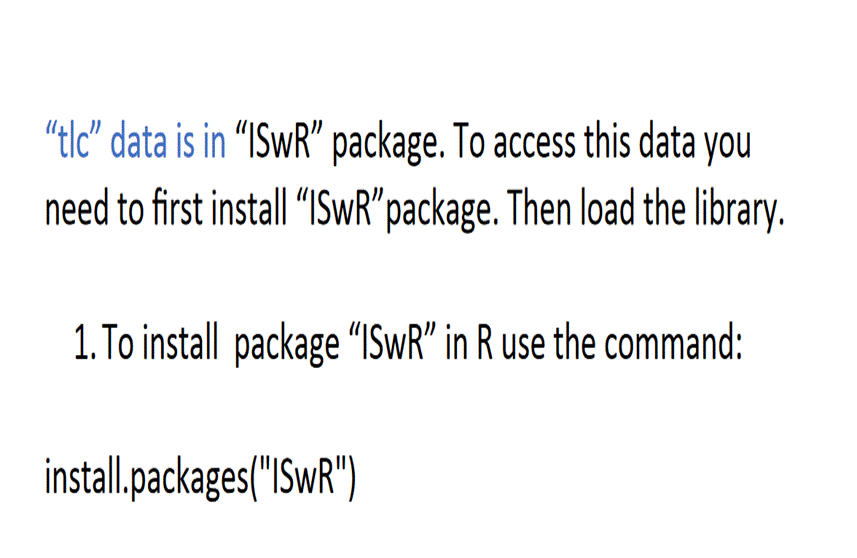
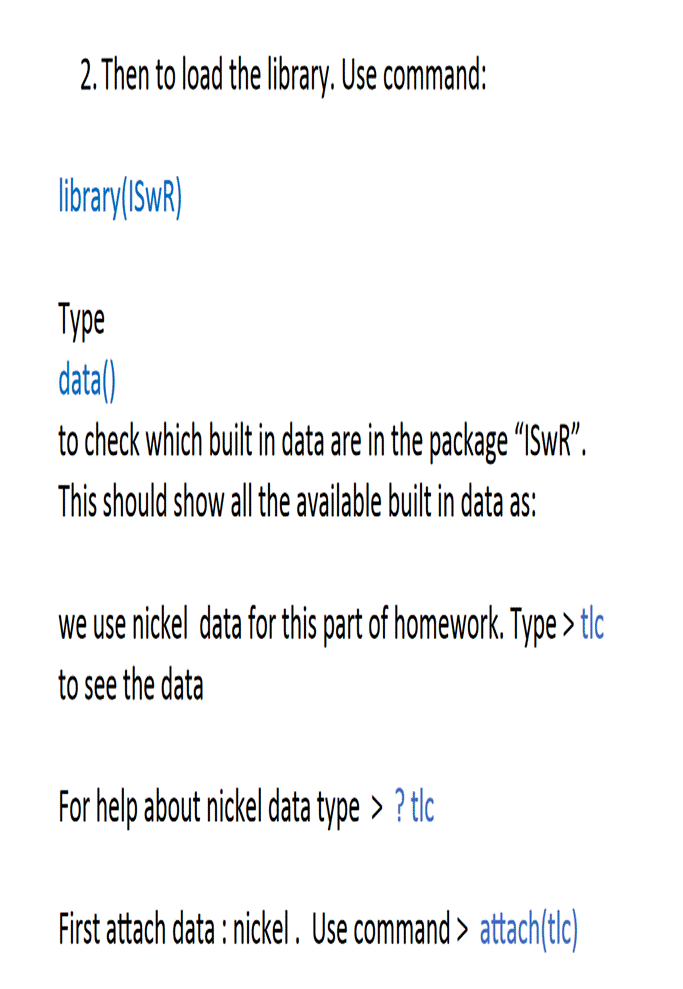

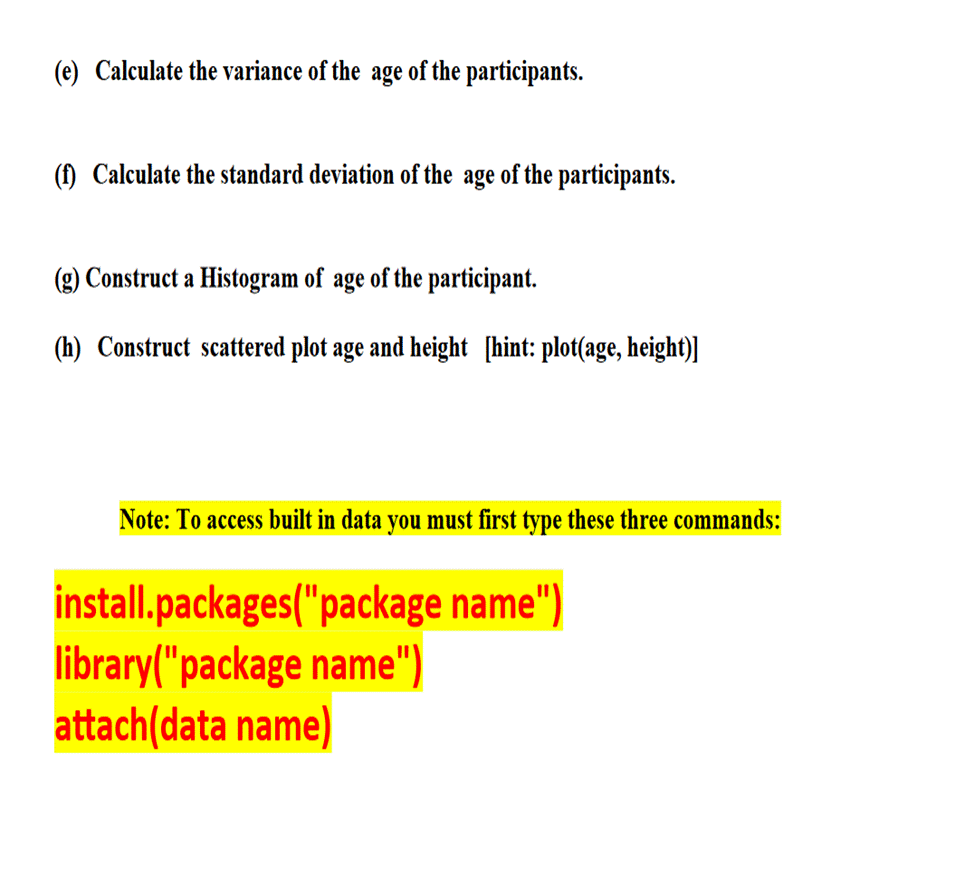
"tic" data is in "ISwR" package. To access this data you need to first install "ISwR"package. Then load the library. 1. To install package "ISwR" in R use the command: install.packages("ISwR") 2. Then to load the library. Use command: library(ISWR) Type data() to check which built in data are in the package "ISwR". This should show all the available built in data as: we use nickel data for this part of homework. Type> tlc to see the data For help about nickel data type > ? tlc First attach data: nickel. Use command > attach(tic) (a) Type ?tle this will open up a help file explaining about the 'tlc' data. What is the tlc data about? (b) How many male and how many female are on the study? [hint: table(sex)] (c) Construct a bar diagram of the male and female. Change the color to Red. [hint: barplot(table(sex))] (d) Calculate the average height of the participants. (e) Calculate the variance of the age of the participants. (f) Calculate the standard deviation of the age of the participants. (g) Construct a Histogram of age of the participant. (h) Construct scattered plot age and height [hint: plot(age, height)] Note: To access built in data you must first type these three commands: install.packages("package name") library("package name") attach(data name)
Step by Step Solution
3.42 Rating (161 Votes )
There are 3 Steps involved in it
a R code 1 install the package for the first time 2 installpackages ISWR 3 4 load the package 5 1ibr... View full answer

Get step-by-step solutions from verified subject matter experts
 Study Help