







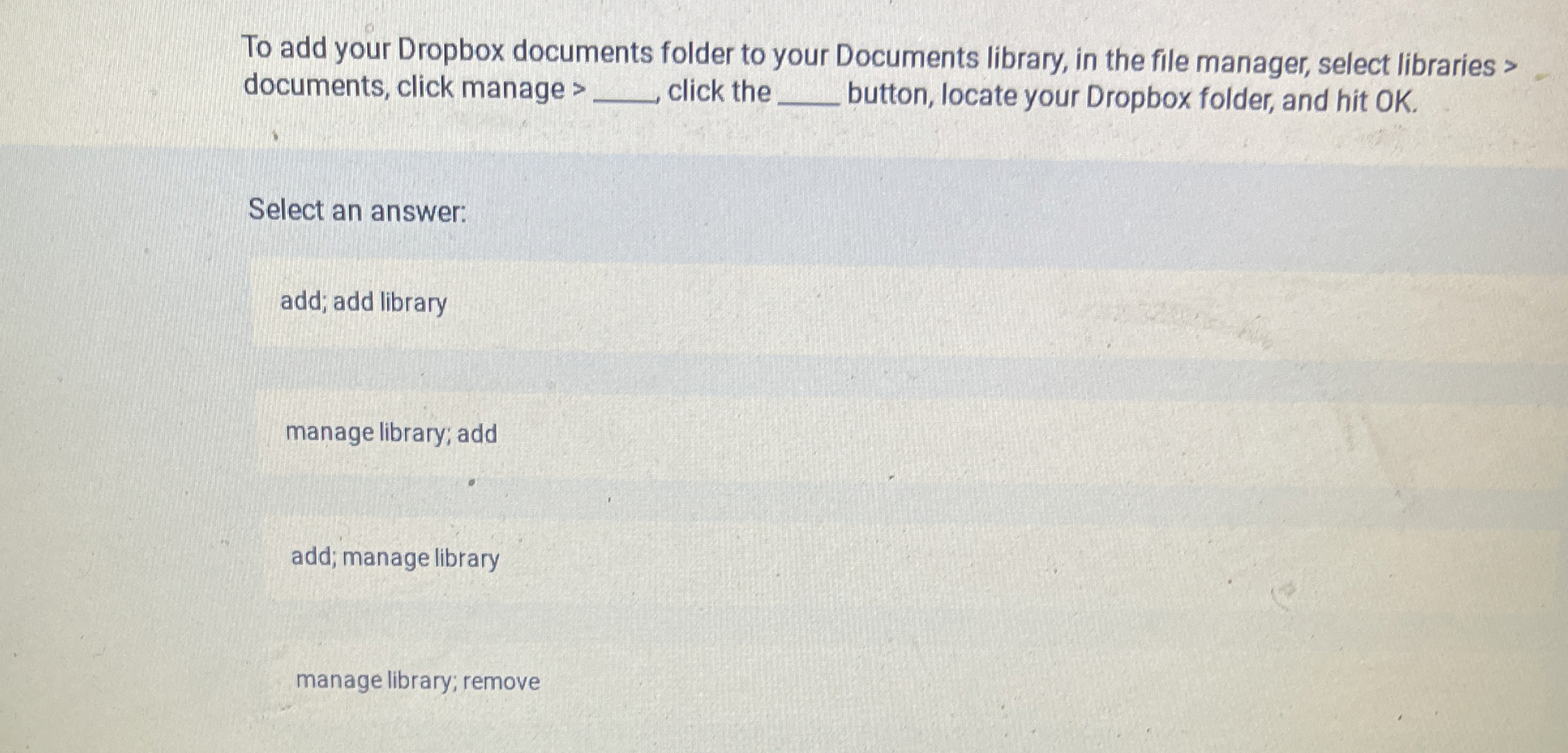
Question: To add your Dropbox documents folder to your Documents library, in the file manager, select libraries > documents, click manage > click the q ,
To add your Dropbox documents folder to your Documents library, in the file manager, select libraries documents, click manage click the button, locate your Dropbox folder, and hit OK
Select an answer:
add; add library
manage library; add
add; manage library
manage library; remove
Step by Step Solution
There are 3 Steps involved in it
1 Expert Approved Answer
Step: 1 Unlock

Question Has Been Solved by an Expert!
Get step-by-step solutions from verified subject matter experts
Step: 2 Unlock
Step: 3 Unlock
 Study Help