







Question: To Do 1 : Implementing a Hashtable You'll be implementing a hashtable class called MyHashtable. It implements the interface DictionaryInterface. The hashtable you'll be making
To Do : Implementing a Hashtable
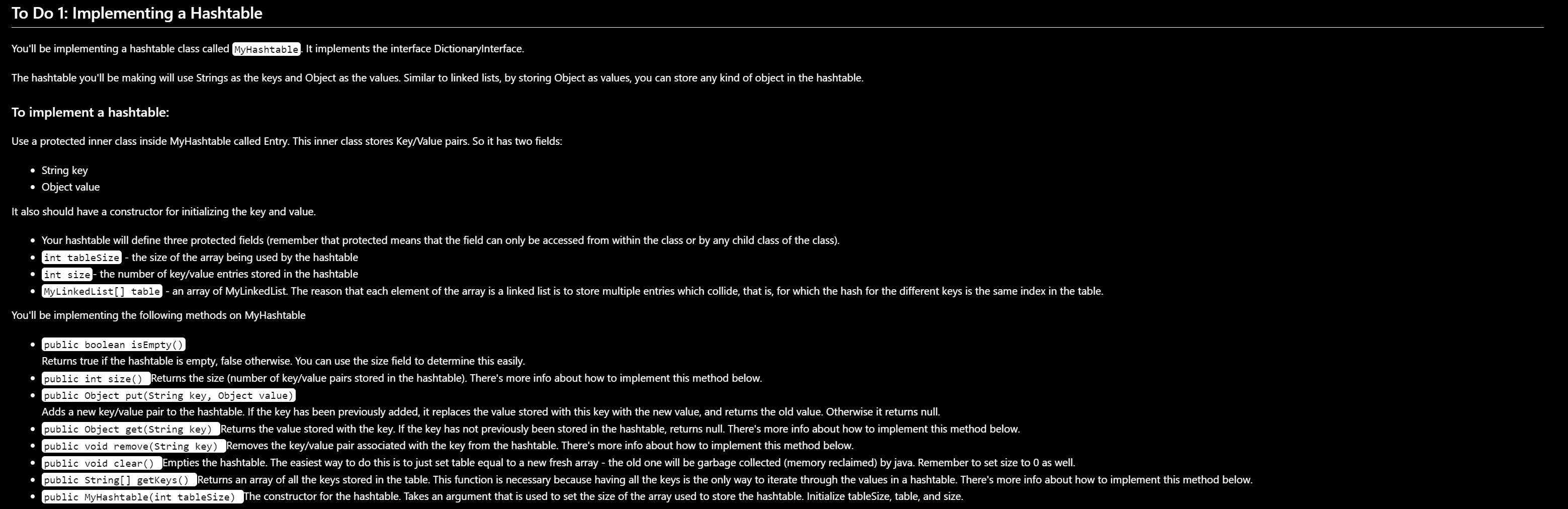
You'll be implementing a hashtable class called MyHashtable. It implements the interface DictionaryInterface.
The hashtable you'll be making will use Strings as the keys and Object as the values. Similar to linked lists, by storing Object as values, you can store any kind of object in the hashtable.
To implement a hashtable:
Use a protected inner class inside MyHashtable called Entry. This inner class stores KeyValue pairs. So it has two fields:
String key
Object value
It also should have a constructor for initializing the key and value.
Your hashtable will define three protected fields remember that protected means that the field can only be accessed from within the class or by any child class of the class
int tableSize the size of the array being used by the hashtable
int size the number of keyvalue entries stored in the hashtable
MyLinkedList table an array of MyLinkedList. The reason that each element of the array is a linked list is to store multiple entries which collide, that is for which the hash for the different keys is the same index in the table.
You'll be implementing the following methods on MyHashtable
publicbooleanisEmpty
Returns true if the hashtable is empty, false otherwise. You can use the size field to determine this easily.
publicintsize Returns the size number of keyvalue pairs stored in the hashtable There's more info about how to implement this method below.
public Object putString key, Object value
Adds a new keyvalue pair to the hashtable. If the key has been previously added, it replaces the value stored with this key with the new value, and returns the old value. Otherwise it returns null.
public Object getString key Returns the value stored with the key. If the key has not previously been stored in the hashtable, returns null There's more info about how to implement this method below.
publicvoidremoveString key Removes the keyvalue pair associated with the key from the hashtable. There's more info about how to implement this method below.
publicvoidclear Empties the hashtable. The easiest way to do this is to just set table equal to a new fresh array the old one will be garbage collected memory reclaimed by java. Remember to set size to as well.
public String getKeys Returns an array of all the keys stored in the table. This function is necessary because having all the keys is the only way to iterate through the values in a hashtable. There's more info about how to implement this method below.
publicMyHashtableint tableSize The constructor for the hashtable. Takes an argument that is used to set the size of the array used to store the hashtable. Initialize tableSizetable and size
TO DO # : Store each line from the CMU dictionary in the hashtable.
This involves implementing the method storeRhyme
Use getWord and getRhymeGroup to get the word and rhyme group for the line.
Lookup get the key the rhyme group in the Dictionaryhashtable If the result is null, then this rhyme group has not been added before.
Create a new MySortedLinkedListAdd the word to the list.Put the key rhyme group and value list in the Dictionary
If the result of the lookup get isn't null, then we've already started a word list for this rhyme group.
Add the word to the list returned by get Nothing needs to be added to the Dictionary since the list is already in the Dictionary
Optional TO DO #: Remove the unrhymable words from the dictionary.
Some words are in a rhyme group by themselves. That means that nothing rhymes with them. We want to get rid of those before trying to make poems. You'll do this by implementing removeUnrhymables
Use getKeys to get an array of all the keys.
Iterate through all the keys, retrieving the value linked list associated with each key.
If the length of the list is that means there's only one word in the list: nothing rhymes with it Use Dictionaryremove to remove this entry.
If you're curious to see what words don't have rhymes at least according to the CMU pronunciation dictionary you could add a println to print out the words as you remove their corresponding entries. If you do this, don't forget to comment it out before you turn it in
Step by Step Solution
There are 3 Steps involved in it
1 Expert Approved Answer
Step: 1 Unlock

Question Has Been Solved by an Expert!
Get step-by-step solutions from verified subject matter experts
Step: 2 Unlock
Step: 3 Unlock
 Study Help