







Question: To Expertise in Disk Partitioning, DOS Commands & Batch Files Components / tools / Software Computer, DOS Prompt, Notepad, Acronis Software ACTIVITY - Perform the
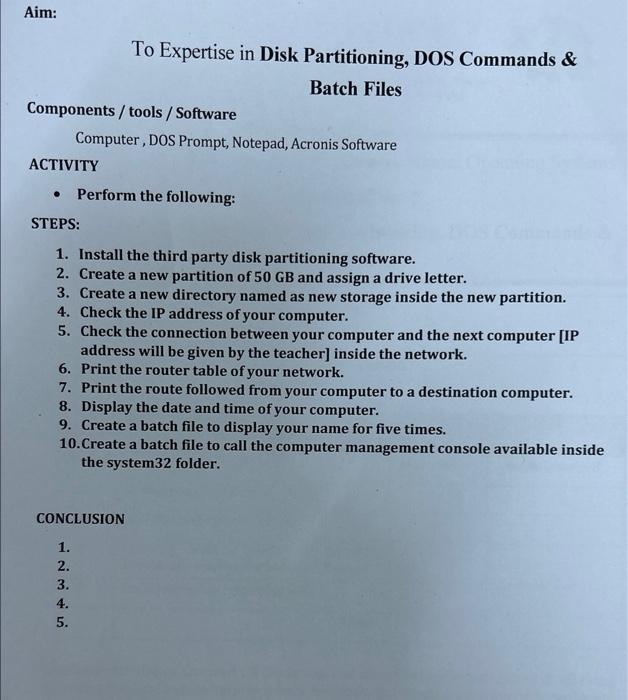
To Expertise in Disk Partitioning, DOS Commands \& Batch Files Components / tools / Software Computer, DOS Prompt, Notepad, Acronis Software ACTIVITY - Perform the following: STEPS: 1. Install the third party disk partitioning software. 2. Create a new partition of 50GB and assign a drive letter. 3. Create a new directory named as new storage inside the new partition. 4. Check the IP address of your computer. 5. Check the connection between your computer and the next computer [IP address will be given by the teacher] inside the network. 6. Print the router table of your network. 7. Print the route followed from your computer to a destination computer. 8. Display the date and time of your computer. 9. Create a batch file to display your name for five times. 10. Create a batch file to call the computer management console available inside the system 32 folder. CONCLUSION 1. 2. 3. 4. 5
Step by Step Solution
There are 3 Steps involved in it

Get step-by-step solutions from verified subject matter experts
 Study Help