







Question: To make receipt forwarding active, you'll need to enable a unique email address within the client's QuickBooks Online. Where would you navigate to enable this
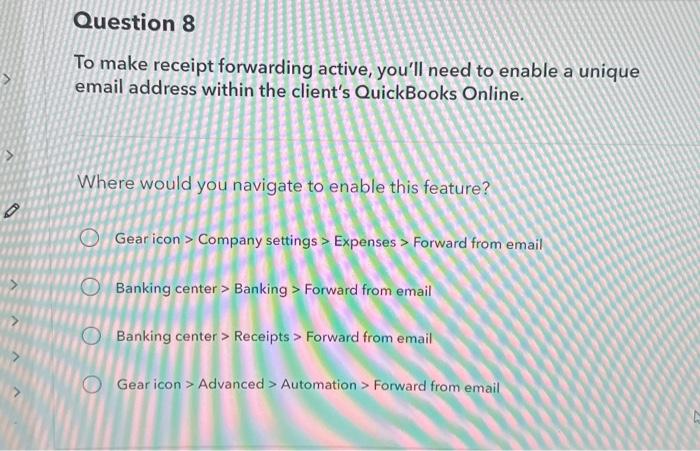
To make receipt forwarding active, you'll need to enable a unique email address within the client's QuickBooks Online. Where would you navigate to enable this feature? Gear icon > Company settings > Expenses > Forward from email Banking center > Banking > Forward from email Banking center > Receipts > Forward from email Gear icon > Advanced > Automation > Forward from email
Step by Step Solution
There are 3 Steps involved in it
1 Expert Approved Answer
Step: 1 Unlock

Question Has Been Solved by an Expert!
Get step-by-step solutions from verified subject matter experts
Step: 2 Unlock
Step: 3 Unlock
 Study Help