



Question: To protect cells containing only values in a worksheet but allow cells containing formulas to be edited, which of the following actions must you perform
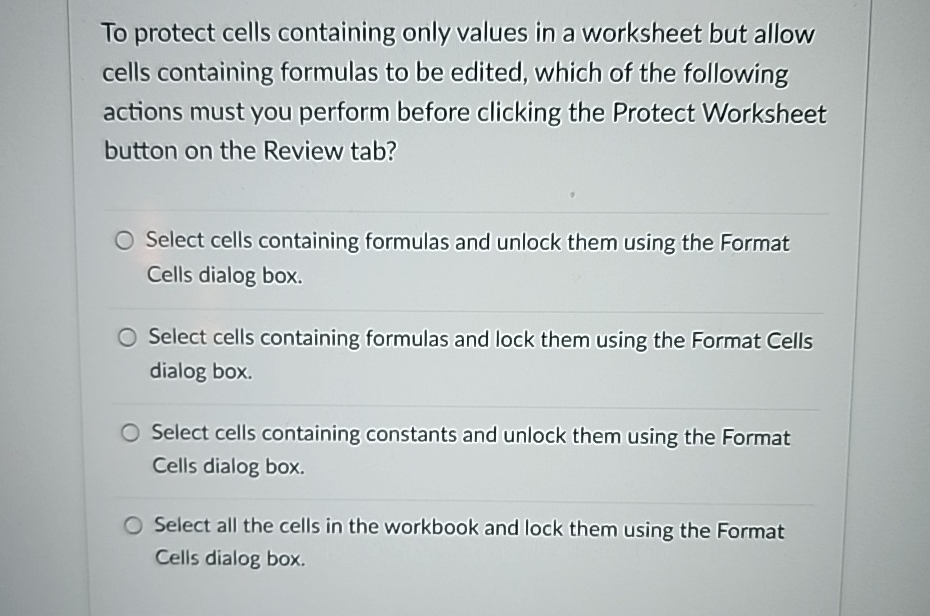
To protect cells containing only values in a worksheet but allow cells containing formulas to be edited, which of the following actions must you perform before clicking the Protect Worksheet button on the Review tab?
Select cells containing formulas and unlock them using the Format Cells dialog box.
Select cells containing formulas and lock them using the Format Cells dialog box.
Select cells containing constants and unlock them using the Format Cells dialog box.
Select all the cells in the workbook and lock them using the Format Cells dialog box.
Step by Step Solution
There are 3 Steps involved in it
1 Expert Approved Answer
Step: 1 Unlock

Question Has Been Solved by an Expert!
Get step-by-step solutions from verified subject matter experts
Step: 2 Unlock
Step: 3 Unlock