







Question: To remove validation circles, you can use the Clear Validation Circles command or you can Hide the rows containing the circles. Edit the cells to
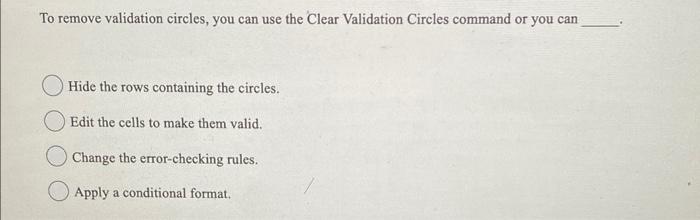
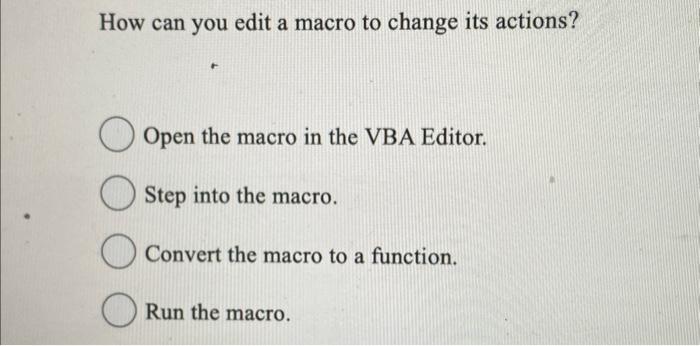
To remove validation circles, you can use the Clear Validation Circles command or you can Hide the rows containing the circles. Edit the cells to make them valid. Change the error-checking rules. Apply a conditional format. How can you edit a macro to change its actions? Open the macro in the VBA Editor. Step into the macro. Convert the macro to a function. Run the macro
Step by Step Solution
There are 3 Steps involved in it
1 Expert Approved Answer
Step: 1 Unlock

Question Has Been Solved by an Expert!
Get step-by-step solutions from verified subject matter experts
Step: 2 Unlock
Step: 3 Unlock
 Study Help