



Question: Tracking Error and Information Ratio O solutions submitted (max: Unlimited) Run the readtable command below to see a set of monthly returns on an active
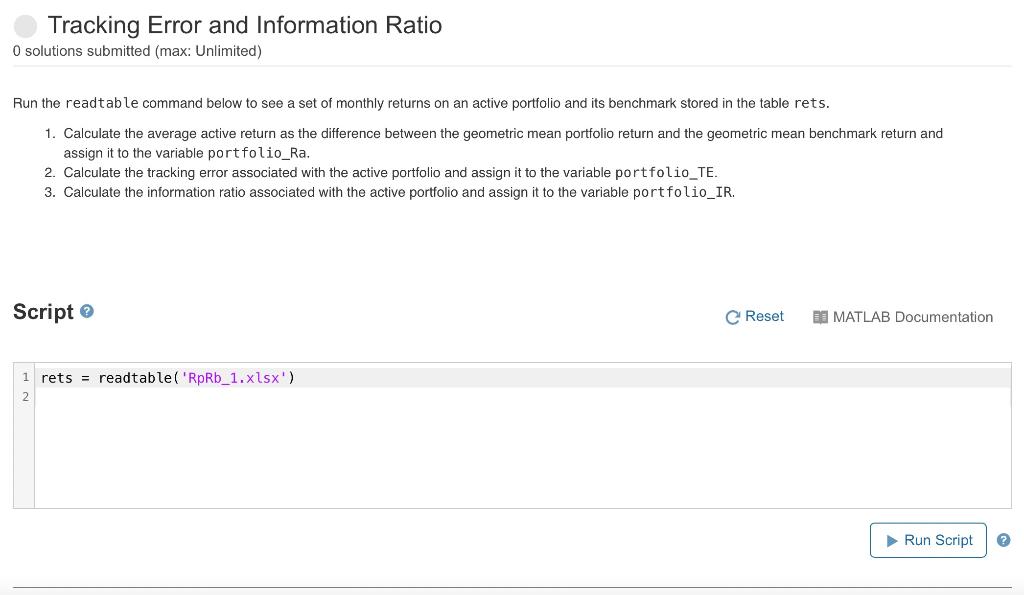
Tracking Error and Information Ratio O solutions submitted (max: Unlimited) Run the readtable command below to see a set of monthly returns on an active portfolio and its benchmark stored in the table rets. 1. Calculate the average active return as the difference between the geometric mean portfolio return and the geometric mean benchmark return and assign it to the variable portfolio_Ra. 2. Calculate the tracking error associated with the active portfolio and assign it to the variable portfolio_TE. 3. Calculate the information ratio associated with the active portfolio and assign it to the variable portfolio_IR. Script C Reset MATLAB Documentation 1 rets = readtable('RpRb_1.xlsx') 2 Run Script @ Tracking Error and Information Ratio O solutions submitted (max: Unlimited) Run the readtable command below to see a set of monthly returns on an active portfolio and its benchmark stored in the table rets. 1. Calculate the average active return as the difference between the geometric mean portfolio return and the geometric mean benchmark return and assign it to the variable portfolio_Ra. 2. Calculate the tracking error associated with the active portfolio and assign it to the variable portfolio_TE. 3. Calculate the information ratio associated with the active portfolio and assign it to the variable portfolio_IR. Script C Reset MATLAB Documentation 1 rets = readtable('RpRb_1.xlsx') 2 Run Script @
Step by Step Solution
There are 3 Steps involved in it

Get step-by-step solutions from verified subject matter experts