







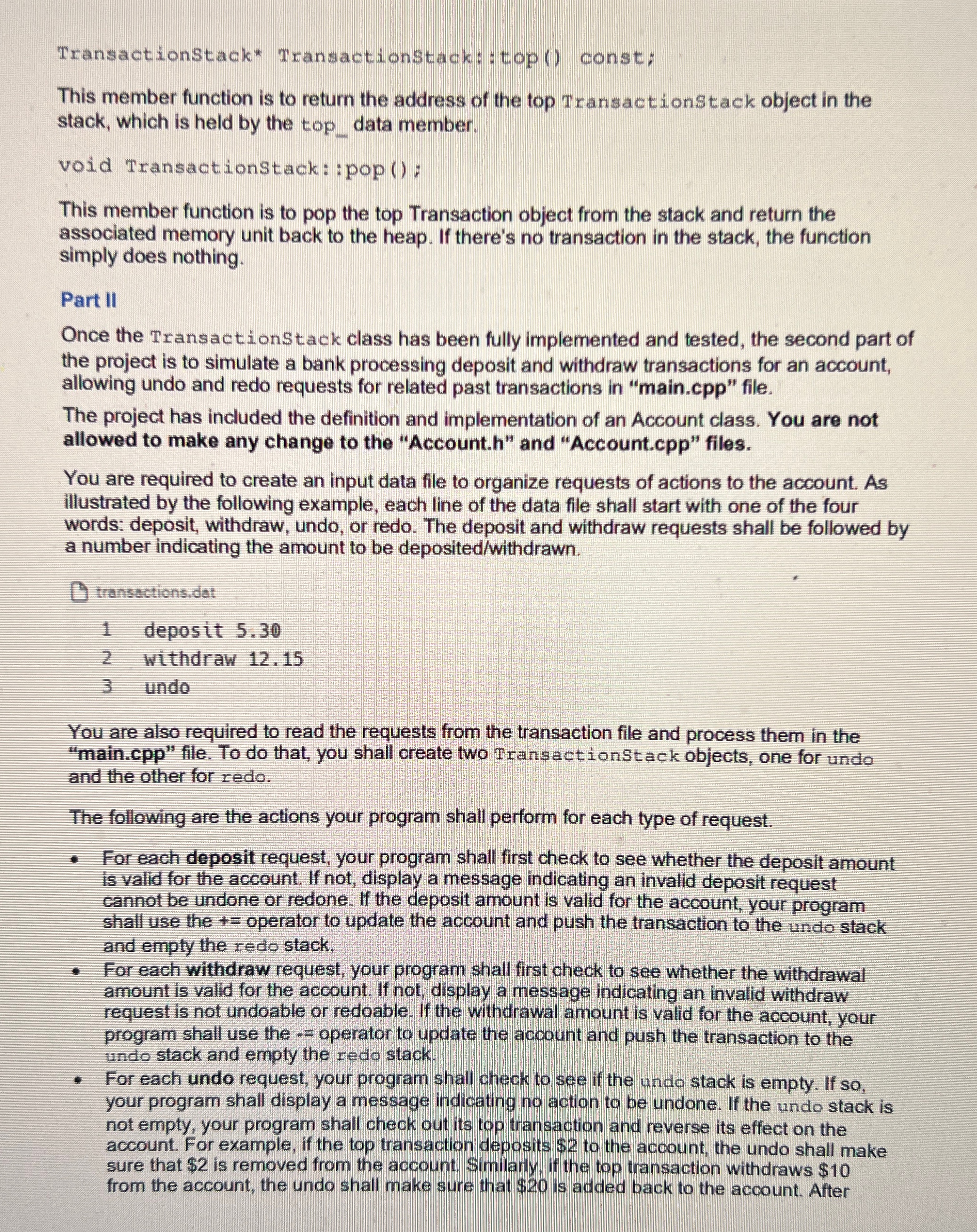
Question: TransactionStack * TransactionStack::top ( ) const; This member function is to return the address of the top TransactionStack object in the stack, which is held
TransactionStack TransactionStack::top const;
This member function is to return the address of the top TransactionStack object in the stack, which is held by the topdata member.
void TransactionStack: :pop;
This member function is to pop the top Transaction object from the stack and return the associated memory unit back to the heap. If there's no transaction in the stack, the function simply does nothing.
Part II
Once the TransactionStack class has been fully implemented and tested, the second part of the project is to simulate a bank processing deposit and withdraw transactions for an account, allowing undo and redo requests for related past transactions in "main.cpp file.
The project has included the definition and implementation of an Account class. You are not allowed to make any change to the "Account.h and "Account.cpp files.
You are required to create an input data file to organize requests of actions to the account. As illustrated by the following example, each line of the data file shall start with one of the four words: deposit, withdraw, undo, or redo. The deposit and withdraw requests shall be followed by a number indicating the amount to be depositedwithdrawn
transactions.dat
deposit
withdraw
undo
You are also required to read the requests from the transaction file and process them in the "main.cpp file. To do that, you shall create two TransactionStack objects, one for undo and the other for redo.
The following are the actions your program shall perform for each type of request.
For each deposit request, your program shall first check to see whether the deposit amount is valid for the account. If not, display a message indicating an invalid deposit request cannot be undone or redone. If the deposit amount is valid for the account, your program shall use the operator to update the account and push the transaction to the undo stack and empty the redo stack.
For each withdraw request, your program shall first check to see whether the withdrawal amount is valid for the account. If not; display a message indicating an invalid withdraw request is not undoable or redoable. If the withdrawal amount is valid for the account, your program shall use the operator to update the account and push the transaction to the undo stack and empty the redo stack.
For each undo request, your program shall check to see if the undo stack is empty. If so your program shall display a message indicating no action to be undone. If the undo stack is not empty, your program shall check out its top transaction and reverse its effect on the account. For example, if the top transaction deposits $ to the account, the undo shall make sure that $ is removed from the account. Similarly, if the top transaction withdraws $ from the account, the undo shall make sure that $ is added back to the account. After
Step by Step Solution
There are 3 Steps involved in it
1 Expert Approved Answer
Step: 1 Unlock

Question Has Been Solved by an Expert!
Get step-by-step solutions from verified subject matter experts
Step: 2 Unlock
Step: 3 Unlock
 Study Help