







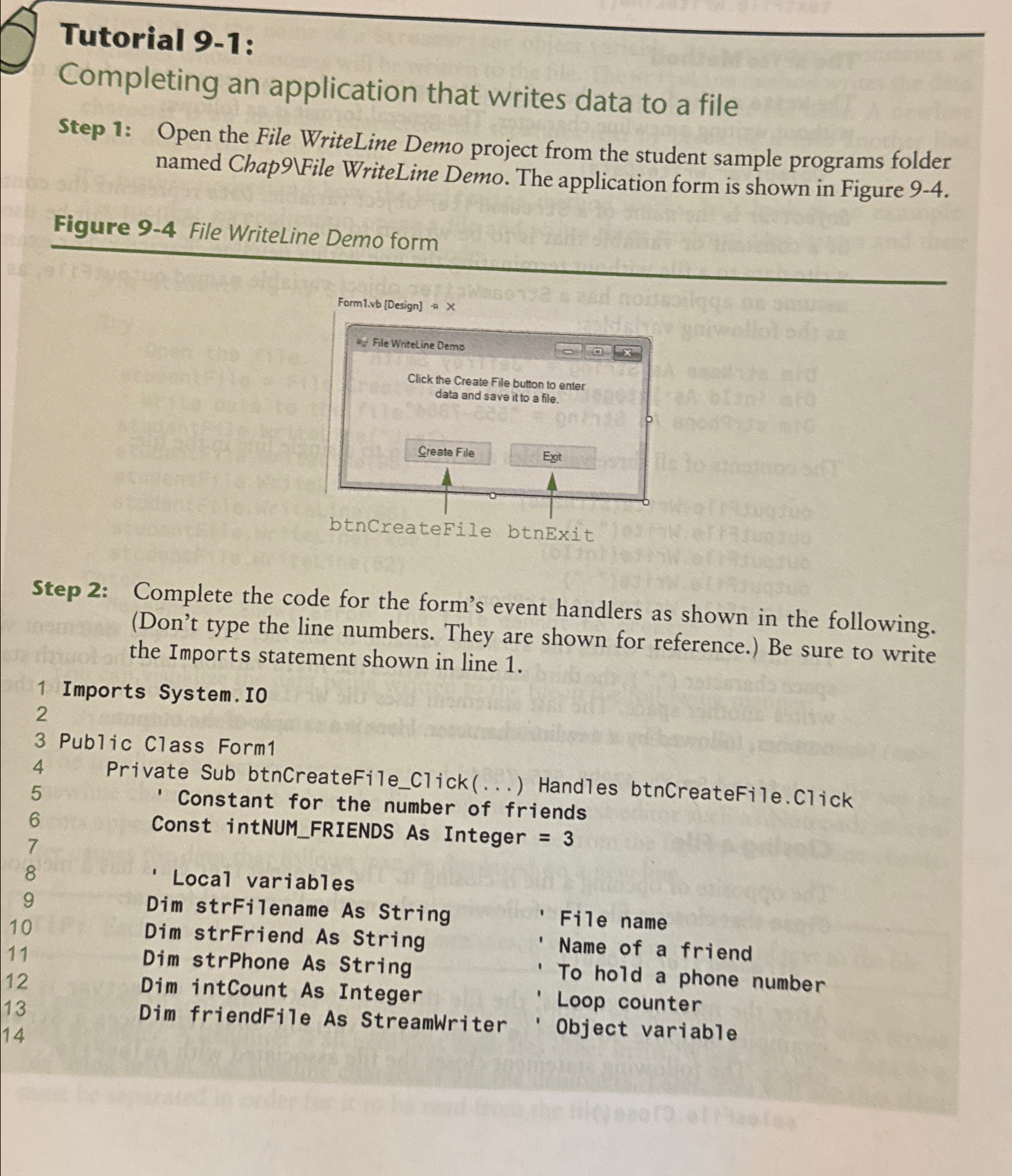
Question: Tutorial 9 - 1 : Completing an application that writes data to a file Step 1 : Open the File WriteLine Demo project from the
Tutorial :
Completing an application that writes data to a file
Step : Open the File WriteLine Demo project from the student sample programs folder named ChapVFile WriteLine Demo. The application form is shown in Figure
Figure File Writeline Demo form
Step : Complete the code for the form's event handlers as shown in the following. Dont type the line numbers. They are shown for reference. Be sure to write the Imports statement shown in line
Step by Step Solution
There are 3 Steps involved in it
1 Expert Approved Answer
Step: 1 Unlock

Question Has Been Solved by an Expert!
Get step-by-step solutions from verified subject matter experts
Step: 2 Unlock
Step: 3 Unlock
 Study Help