







Question: TWeek 1: Swirl Practice Instructions Complete the Swirl practice material: Introduction to R Don't forget to take a screenshot when you finish and upload
TWeek 1: Swirl Practice\ Instructions
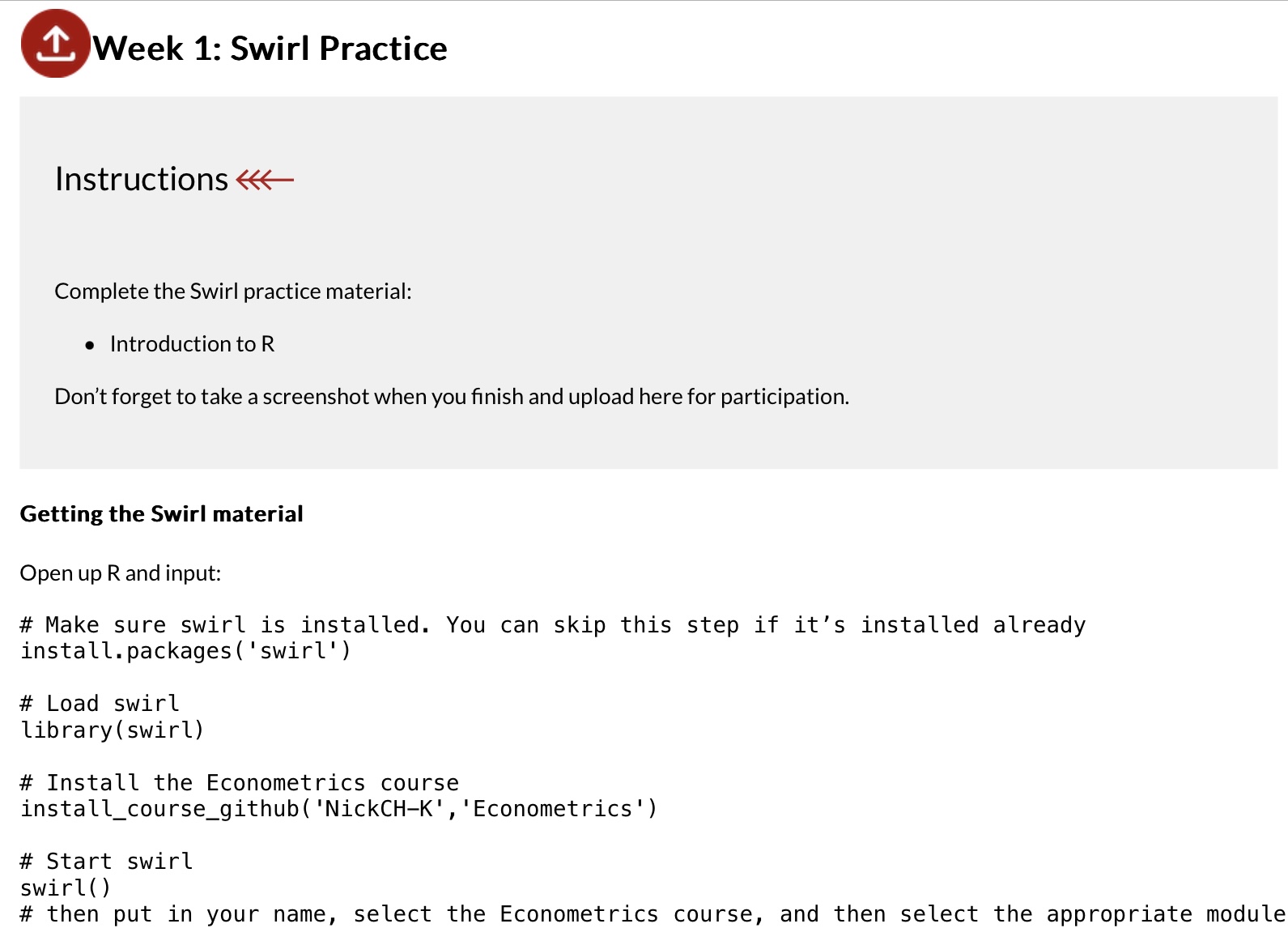
\ Complete the Swirl practice material:\ Introduction to R\ Don't forget to take a screenshot when you finish and upload here for participation.\ Getting the Swirl material\ Open up
Rand input:\ # Make sure swirl is installed. You can skip this step if it's installed already\ install.packages('swirl')\ # Load swirl\ library(swirl)\ # Install the Econometrics course\ install_course_github('NickCH-K', 'Econometrics ')\ # Start swirl\ swirl()\ # then put in your name, select the Econometrics course, and then select the appropriate module
^ Week 1: Swirl Practice Instructions Complete the Swirl practice material: - Introduction to R Don't forget to take a screenshot when you finish and upload here for participation. Getting the Swirl material Open up R and input: \# Make sure swirl is installed. You can skip this step if it's installed already install. packages('swirl') \# Load swirl library(swirl) \# Install the Econometrics course install_course_github( 'NickCH-K', 'Econometrics ') \# Start swirl swirl( ) \# then put in your name, select the Econometrics course, and then select the appropriate mo ^ Week 1: Swirl Practice Instructions Complete the Swirl practice material: - Introduction to R Don't forget to take a screenshot when you finish and upload here for participation. Getting the Swirl material Open up R and input: \# Make sure swirl is installed. You can skip this step if it's installed already install. packages('swirl') \# Load swirl library(swirl) \# Install the Econometrics course install_course_github( 'NickCH-K', 'Econometrics ') \# Start swirl swirl( ) \# then put in your name, select the Econometrics course, and then select the appropriate mo
Step by Step Solution
There are 3 Steps involved in it

Get step-by-step solutions from verified subject matter experts
 Study Help