







Question: Type the command with the appropriate options to change the user owner of / tmp / Project _ Alpha / layouts to smithj 2 4
Type the command with the appropriate options to change the user owner of
tmpProjectAlphalayouts to smithj and the group owner to the adminteam group.
a Once complete run on tmpProjectAlphalayouts to verify.
Insert Screenshot Below: A Create a directory under tmp named ProjectAlpha.
B Within that directory, create files named budgeting, staff, & layouts
C Then create a group named adminteam and create a user named smithjA Create a directory under tmp named ProjectAlpha.
B Within that directory, create files named budgeting, staff, & layouts
C Then create a group named adminteam and create a user named smithj
Type the command with the appropriate options to change the user owner of
tmpProjectAlphalayouts to smithj and the group owner to the adminteam group.
a Once complete run on tmpProjectAlphalayouts to verify.
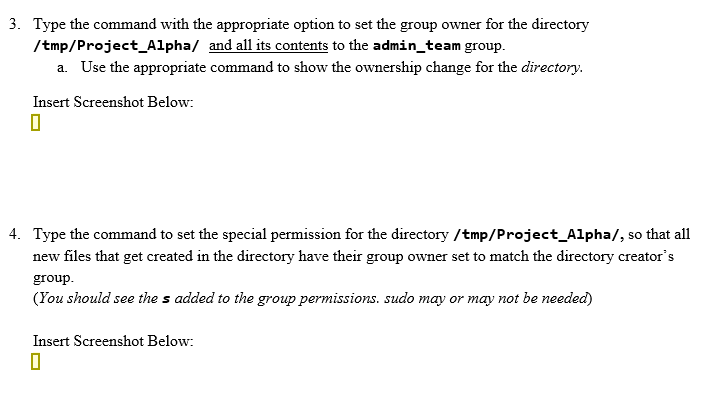
Insert Screenshot Below:Type the command with the appropriate option to set the group owner for the directory
tmpProjectAlpha and all its contents to the adminteam group.
a Use the appropriate command to show the ownership change for the directory.
Insert Screenshot Below:
Type the command to set the special permission for the directorytmpProjectAlpha so that all
new files that get created in the directory have their group owner set to match the directory creator's
group.
You should see the added to the group permissions. sudo may or may not be needed
Insert Screenshot Below:
Step by Step Solution
There are 3 Steps involved in it
1 Expert Approved Answer
Step: 1 Unlock

Question Has Been Solved by an Expert!
Get step-by-step solutions from verified subject matter experts
Step: 2 Unlock
Step: 3 Unlock
 Study Help