







Question: Unit 4 JavaScript - Animation and Navigation - Just Need JavaScript code - Help Please. (I added the bmwprofile.jpg file as it is needed for
Unit 4 JavaScript - Animation and Navigation - Just Need JavaScript code - Help Please. (I added the bmwprofile.jpg file as it is needed for this project)
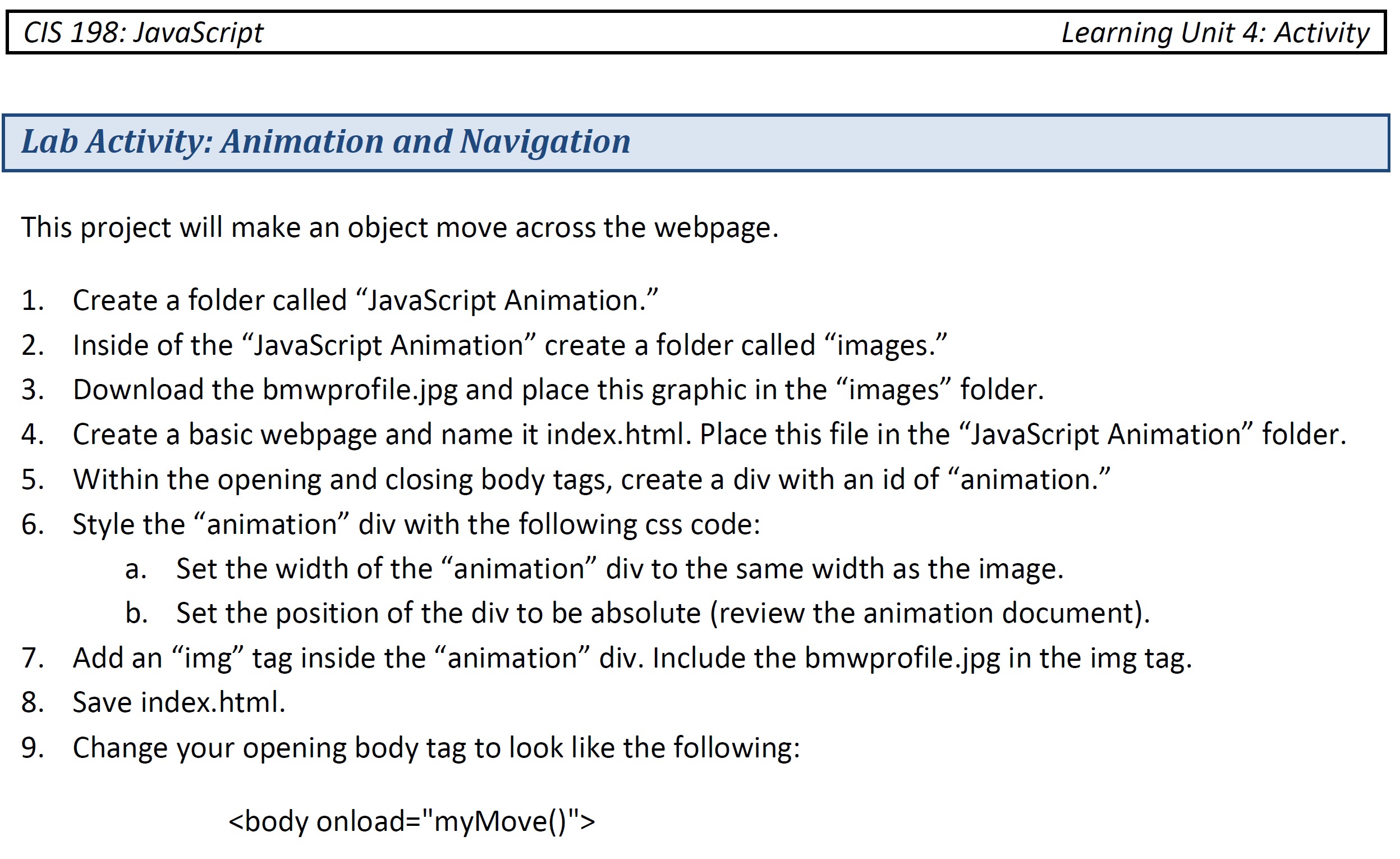
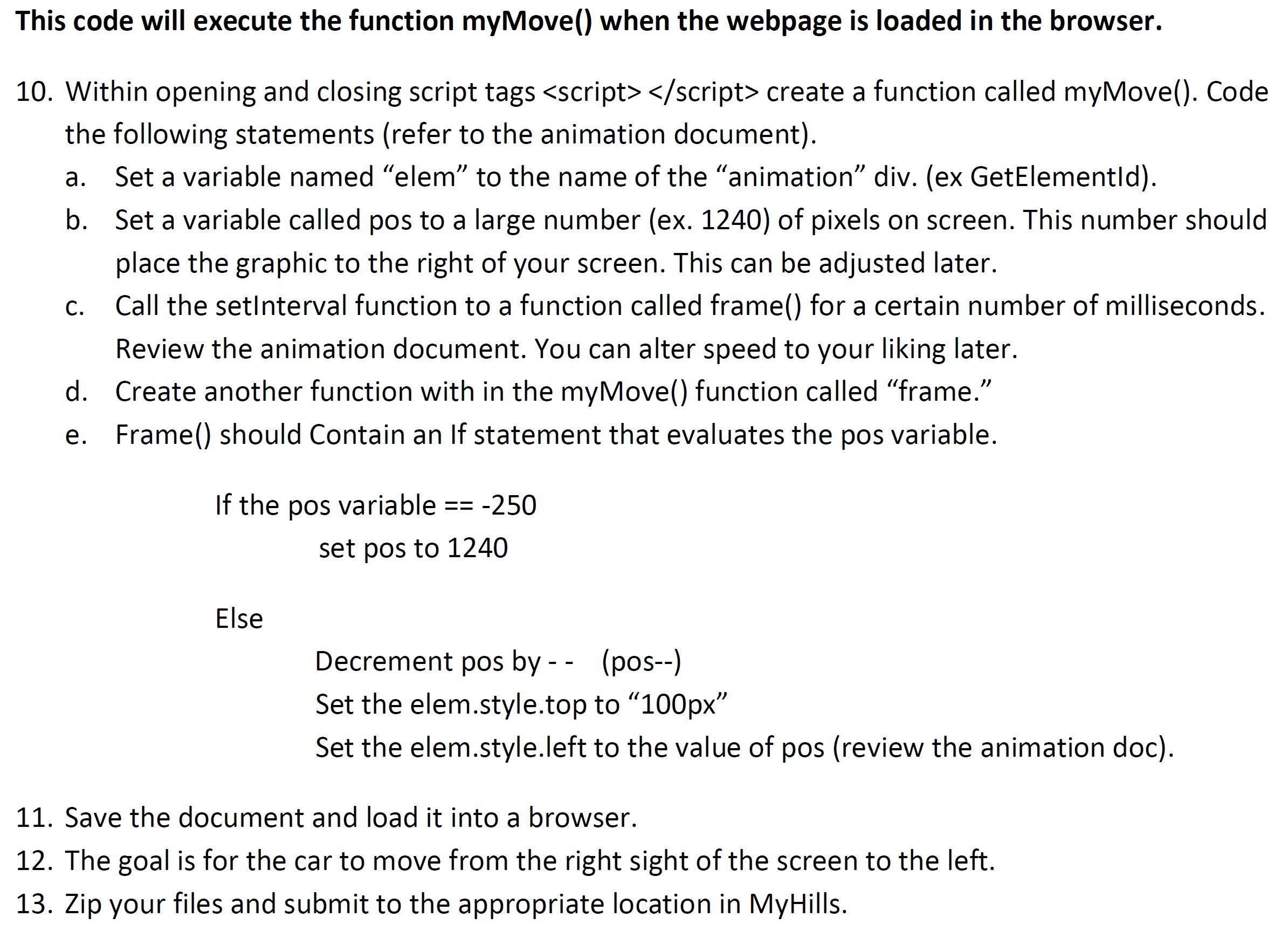

CIS 198: JavaScript Learning Unit 4: Activity Lab Activity: Animation and Navigation This project will make an object move across the webpage. 1. Create a folder called JavaScript Animation." 2. Inside of the JavaScript Animation create a folder called "images.' 3. Download the bmwprofile.jpg and place this graphic in the "images" folder. 4. Create a basic webpage and name it index.html. Place this file in the "JavaScript Animation folder. 5. Within the opening and closing body tags, create a div with an id of "animation." 6. Style the animation div with the following css code: Set the width of the "animation div to the same width as the image. b. Set the position of the div to be absolute (review the animation document). 7. Add an img tag inside the animation" div. Include the bmwprofile.jpg in the img tag. 8. Save index.html. 9. Change your opening body tag to look like the following: a. This code will execute the function myMove() when the webpage is loaded in the browser. a. 10. Within opening and closing script tags create a function called myMove(). Code the following statements (refer to the animation document). Set a variable named "elem to the name of the "animation div. (ex GetElementld). b. Set a variable called pos to a large number (ex. 1240) of pixels on screen. This number should place the graphic to the right of your screen. This can be adjusted later. Call the setInterval function to a function called frame() for a certain number of milliseconds. Review the animation document. You can alter speed to your liking later. d. Create another function with in the myMove() function called "frame." e. Frame() should Contain an If statement that evaluates the pos variable. C. If the pos variable == -250 set pos to 1240 Else Decrement pos by-- (pos--) Set the elem.style.top to 100px" Set the elem.style.left to the value of pos (review the animation doc). 11. Save the document and load it into a browser. 12. The goal is for the car to move from the right sight of the screen to the left. 13. Zip your files and submit to the appropriate location in MyHills
Step by Step Solution
There are 3 Steps involved in it

Get step-by-step solutions from verified subject matter experts
 Study Help