







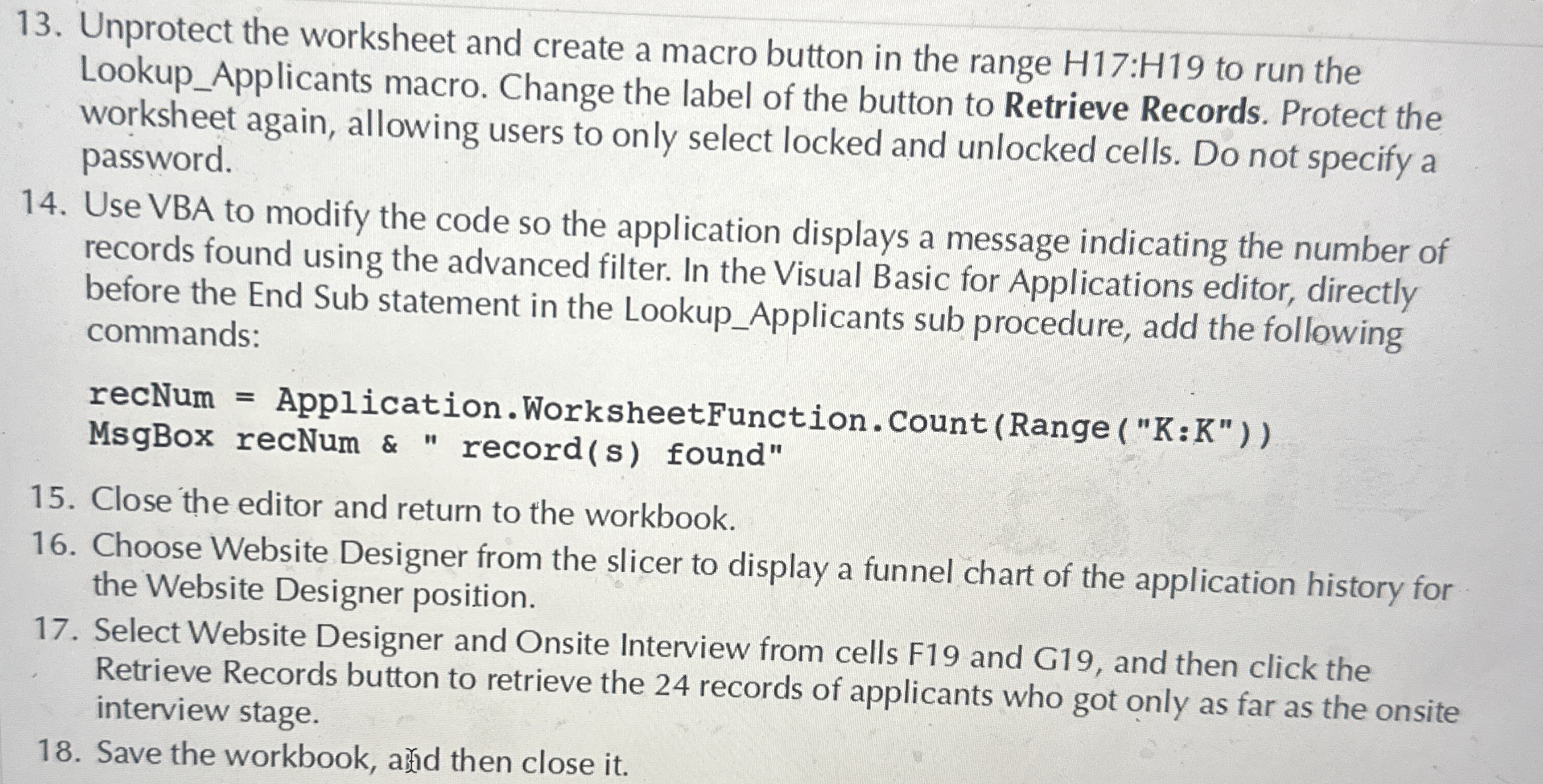
Question: Unprotect the worksheet and create a macro button in the range H 1 7 : H 1 9 to run the Lookup _ Applicants macro.
Unprotect the worksheet and create a macro button in the range : to run the LookupApplicants macro. Change the label of the button to Retrieve Records. Protect the worksheet again, allowing users to only select locked and unlocked cells. Do not specify a password.
Use VBA to modify the code so the application displays a message indicating the number of records found using the advanced filter. In the Visual Basic for Applications editor, directly before the End Sub statement in the LookupApplicants sub procedure, add the following commands:
recNum Application. WorksheetFunction. CountRange K:K
MsgBox recNum & records found"
Close the editor and return to the workbook.
Choose Website Designer from the slicer to display a funnel chart of the application history for the Website Designer position.
Select Website Designer and Onsite Interview from cells F and G and then click the Retrieve Records button to retrieve the records of applicants who got only as far as the onsite interview stage.
Save the workbook, athd then close it
Step by Step Solution
There are 3 Steps involved in it
1 Expert Approved Answer
Step: 1 Unlock

Question Has Been Solved by an Expert!
Get step-by-step solutions from verified subject matter experts
Step: 2 Unlock
Step: 3 Unlock
 Study Help