







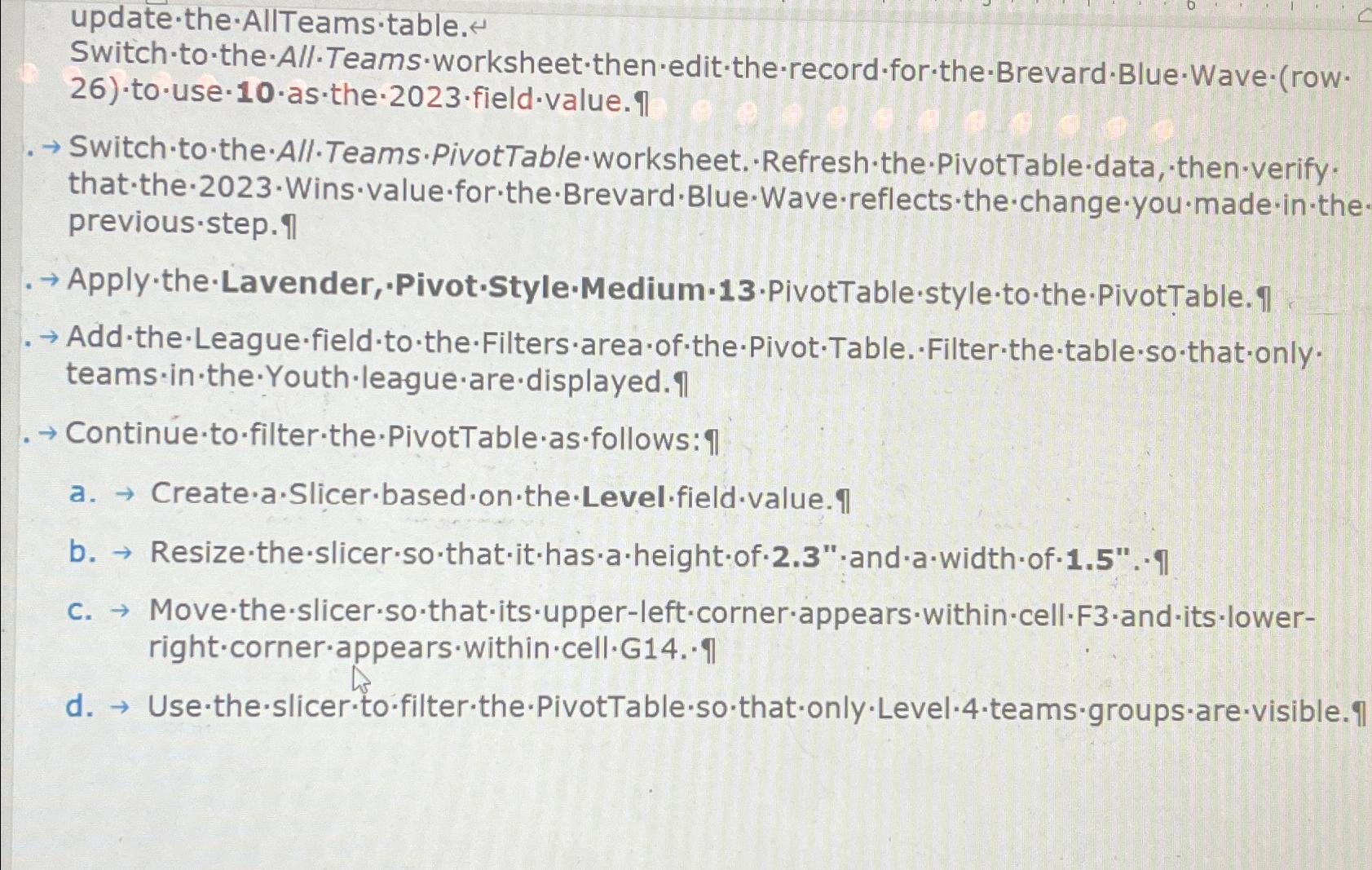
Question: update - the AllTeams * table . Switch - to - the - All - Teams:worksheet - then - edit - the - record -
updatethe AllTeamstable
SwitchtotheAllTeams:worksheetthenedittherecordfortheBrevardBlueWaverow
Switch to the All.Teams.PivotTableworksheet. Refreshthe PivotTabledata, thenverify. previousstep
Add theLeaguefieldtotheFiltersareaofthePivotTable. Filterthetablesothatonly. teamsintheYouthleaguearedisplayed.q
c MovetheslicersothatitsupperleftcornerappearswithincellFanditslower
Step by Step Solution
There are 3 Steps involved in it
1 Expert Approved Answer
Step: 1 Unlock

Question Has Been Solved by an Expert!
Get step-by-step solutions from verified subject matter experts
Step: 2 Unlock
Step: 3 Unlock
 Study Help