







Question: Use 2d geometrie transformations in practice to create complex objects. . Use your knowledge of geometry to calculate the angles. Gain more experience with OpenGL
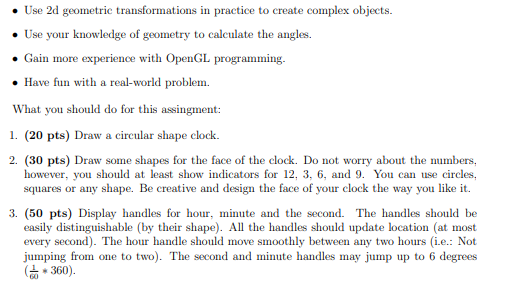
Use 2d geometrie transformations in practice to create complex objects. . Use your knowledge of geometry to calculate the angles. Gain more experience with OpenGL programming. Have fun with a real-world problem. What you should do for this assingment: 1. (20 pts) Draw a circular shape clock. 2. (30 pts) Draw some shapes for the face of the clock. Do not worry about the numbers, however, you should at least show indicators for 12, 3, 6, and 9. You can use circles, squares or any shape. Be creative and design the face of your clock the way you like it. 3. (50 pts) Display handles for hour, minute and the second. The handles should be easily distinguishable (by their shape). All the handles should update location (at most every second). The hour handle should move smoothly between any two hours (i.e.: Not jumping from one to two). The second and minute handles may jump up to 6 degrees (360) Use 2d geometrie transformations in practice to create complex objects. . Use your knowledge of geometry to calculate the angles. Gain more experience with OpenGL programming. Have fun with a real-world problem. What you should do for this assingment: 1. (20 pts) Draw a circular shape clock. 2. (30 pts) Draw some shapes for the face of the clock. Do not worry about the numbers, however, you should at least show indicators for 12, 3, 6, and 9. You can use circles, squares or any shape. Be creative and design the face of your clock the way you like it. 3. (50 pts) Display handles for hour, minute and the second. The handles should be easily distinguishable (by their shape). All the handles should update location (at most every second). The hour handle should move smoothly between any two hours (i.e.: Not jumping from one to two). The second and minute handles may jump up to 6 degrees (360)
Step by Step Solution
There are 3 Steps involved in it

Get step-by-step solutions from verified subject matter experts
 Study Help