







Question: Use Excel 6. (20 points) Conversions. Create a worksheet that will convert inches to one of the following metric units: millimeters, centimeters, meters, or kilometers,
Use Excel
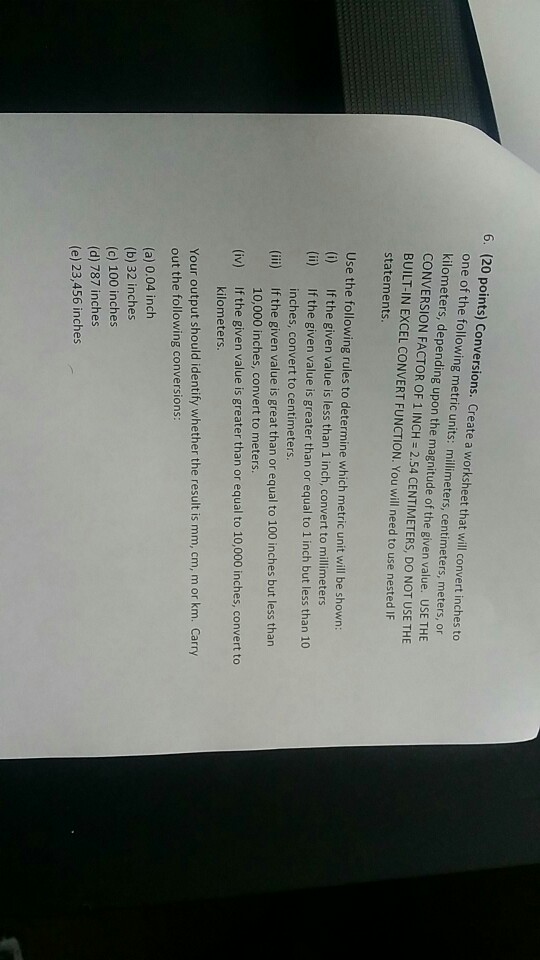
6. (20 points) Conversions. Create a worksheet that will convert inches to one of the following metric units: millimeters, centimeters, meters, or kilometers, depending CONVERSION FACTOR OF 1 INCH = 2.54 CENTIMETERS, DO NOT USE THE BUILT-IN EXCEL CONVERT FUNCTION. You will need to use nested IF statements. Use the following rules to determine which metric unit will be shown: (i) If the given value is less than 1 inch, convert to millimeters (ii) If the given value is greater than or equal to 1 inch but less than 10 inches, convert to centimeters If the given value is great than or equal to 100 inches but less than 10,000 inches, convert to meters. If the given value is greater than or equal to 10,000 inches, convert to kilometers (ii) (iv) Your output should identify whether the result is mm, cm, m or km. Carry out the following conversions (a) 0.04 inch (b) 32 inches (c) 100 inches (d) 787 inches (e) 23,456 inches
Step by Step Solution
There are 3 Steps involved in it

Get step-by-step solutions from verified subject matter experts
 Study Help