



Question: Use Mars 4.5 to edit it. Below is the stater file: # # substitute.s - substitute one character for another in a string # .data
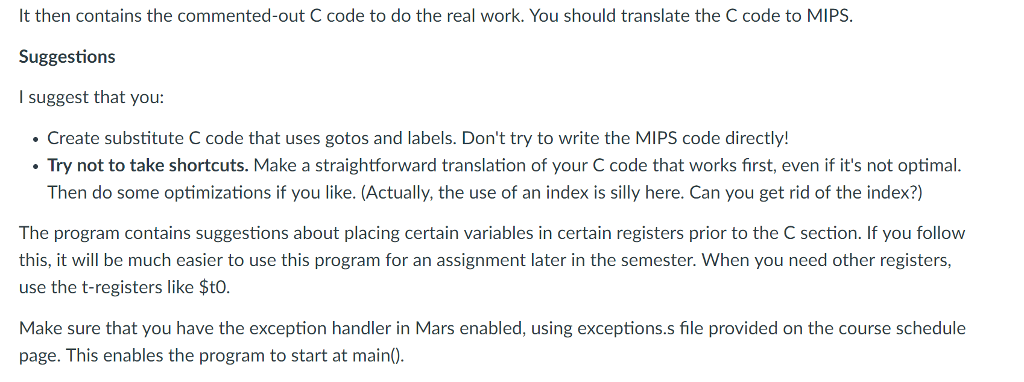
Use Mars 4.5 to edit it.
Below is the stater file:
#
# substitute.s - substitute one character for another in a string
#
.data
string: .space 80
orig: .space 1
new: .space 1
sprompt: .asciiz "Enter string: "
oprompt: .asciiz "Enter character you want to replace: "
nprompt: .asciiz "Enter replacement character: "
rprompt: .asciiz "The string with replacements: "
cprompt: .asciiz "Number of replacements: "
.text
.globl main
main:
addiu $sp, $sp, 20
sw $ra, 16($sp)
# get string
la $a0,sprompt
li $v0,4
syscall
la $a0,string
li $a1,80
li $v0,8
syscall
# get original character
la $a0,oprompt
li $v0,4
syscall
li $v0,12
syscall
sb $v0,orig
# get new character
la $a0,nprompt
li $v0,4
syscall
li $v0,12
syscall
sb $v0,new
#
# Now we are ready to do the real work of substituting every instance of
# 'orig' with 'new' in 'string'.
#
# HINT: Before you start, you should initialize the following registers:
#
# a0 = address of the string
# a1 = char to look for
# a2 = char to replace with
# a3 = count of replacements (initialize to zero)
#
# Have fun!
#
#
# int i, count=0;
# for (i = 0; string[i] != 0; i++)
# {
# if (string[i] == orig)
# {
# string[i] = new;
# count++;
# }
#
# INSERT YOUR CODE HERE. MAKE SURE the number of replacements
# gets stored in $a3.
#
# This code will output the string. Before you write the code above, it will
# be exactly the string the user entered. Once you've added your code, you
# should see the string with replacements.
end:
li $v0,4
la $a0,rprompt
syscall
li $v0, 4
la $a0,string
syscall
# This code will output the count of replacements,
# which must be stored in $a3.
li $v0, 4
la $a0,cprompt
syscall
li $v0, 1
move $a0, $a3
syscall
lw $ra, 16($sp)
addiu $sp, $sp, 20
jr $ra
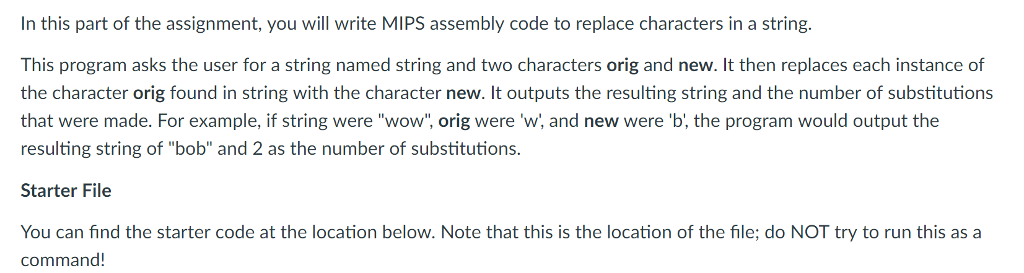
In this part of the assignment, you will write MIPS assembly code to replace characters in a string. This program asks the user for a string named string and two characters orig and new. It then replaces each instance of the character orig found in string with the character new. It outputs the resulting string and the number of substitutions that were made. For example, if string were "wow", orig were 'w, and new were 'b, the program would output the resulting string of "bob" and 2 as the number of substitutions. Starter File You can find the starter code at the location below. Note that this is the location of the file; do NOT try to run this as a command! In this part of the assignment, you will write MIPS assembly code to replace characters in a string. This program asks the user for a string named string and two characters orig and new. It then replaces each instance of the character orig found in string with the character new. It outputs the resulting string and the number of substitutions that were made. For example, if string were "wow", orig were 'w, and new were 'b, the program would output the resulting string of "bob" and 2 as the number of substitutions. Starter File You can find the starter code at the location below. Note that this is the location of the file; do NOT try to run this as a command
Step by Step Solution
There are 3 Steps involved in it

Get step-by-step solutions from verified subject matter experts