







Question: Use matlab Do a 3D surface function. You can make a sphere, cylinder, cone - or a sheet. You may not call sphere/cylinder for this
Use matlab
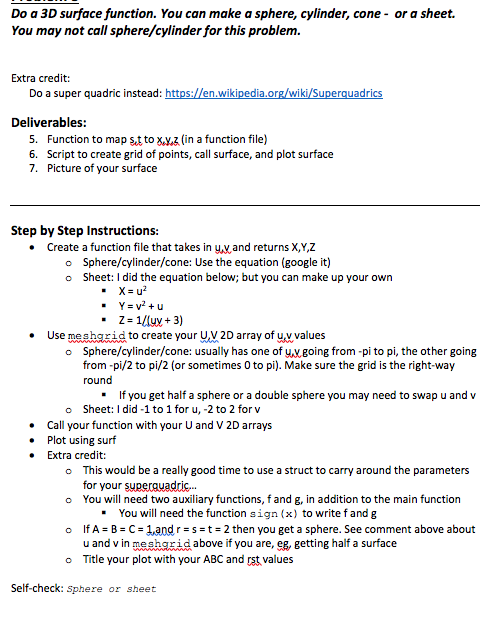
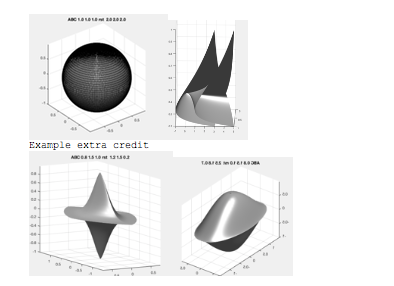
Do a 3D surface function. You can make a sphere, cylinder, cone - or a sheet. You may not call sphere/cylinder for this problem. Extra credit: Do a super quadric instead: https://en wikipedia.org/wiki/Superquadr Deliverables: 6. 7. Function to map st to xv.z (in a function file) Script to create grid of points, call surface, and plot surface Picture of your surface Step by Step Instructions: .Create a function ile that takes in yvand returns X,Y,Z o Sphere/cylinder/cone: Use the equation (google it) o Sheet: I did the equation below; but you can make up your own " Z- 1/luy3) . Use mesharid to create your UV2D array of uv values o Sphere/cylinder/cone: usually has one of y,v.going from -pi to pi, the other going from -pi/2 to pi/2 (or sometimes 0 to pi). Make sure the grid is the right-way round If you get half a sphere or a double sphere you may need to swap u and v o Sheet: I did -1 to 1 for u, -2 to 2 for v Call your function with your U and V 2D arrays Plot using surf Extra credit: . . o This would be a really good time to use a struct to carry around the parameters for your superuadric You will need two auxiliary functions, f and g, in addition to the main function o You will need the function sign(x) to write fand g - o IfA B-C-and r s 2 then you get a sphere. See comment above about u and v in mesharidabove if you are, eg, getting half a surface Title your plot with your ABC and rst values o Self-check: sphere or sheet
Step by Step Solution
There are 3 Steps involved in it

Get step-by-step solutions from verified subject matter experts
 Study Help