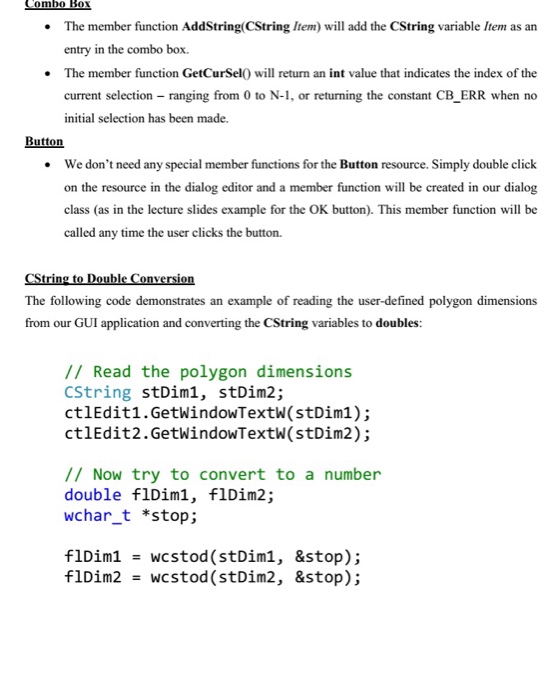
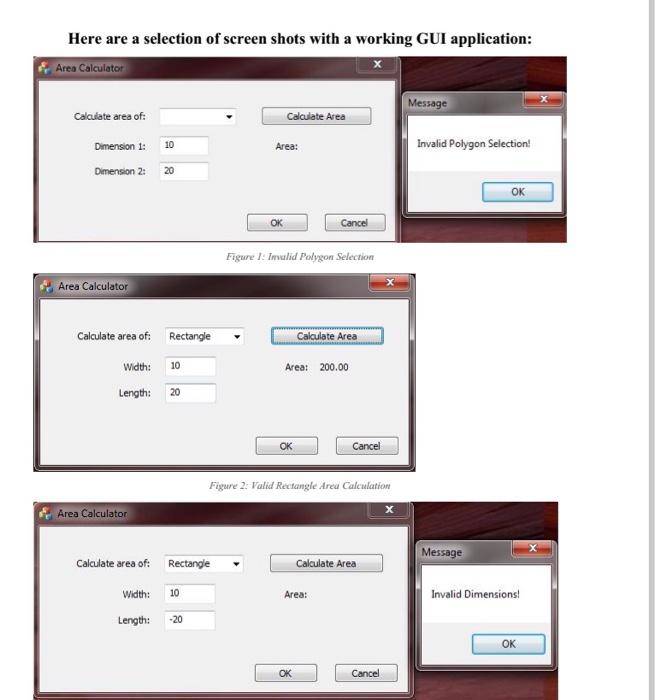
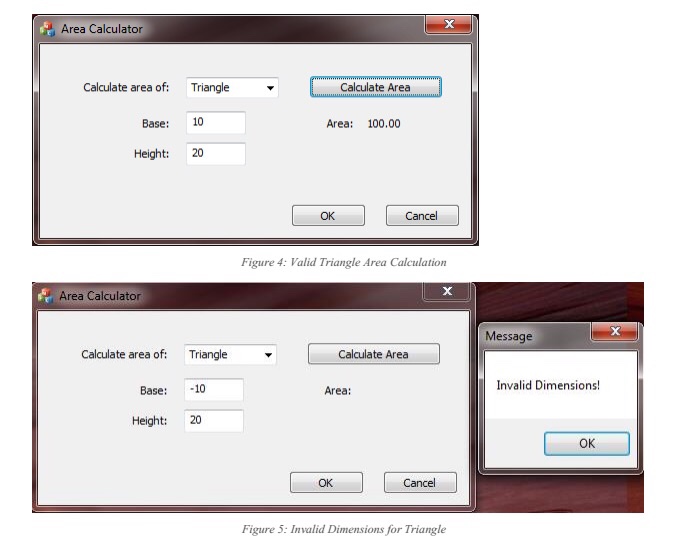
Question: Use MFC in visual studio to answer this question Purpose The purpose of this lab is to learn how to write a simple dialog-based GUI

Use MFC in visual studio to answer this question
 Use MFC in visual studio to answer this question Purpose The
purpose of this lab is to learn how to write a simple
dialog-based GUI using the MFC application framework in Visual Studio. Instructions In
this lab, we will create a simple dialog-based GUI using Visual Studio
and the MFC application framework. In particular, we will implement the simple

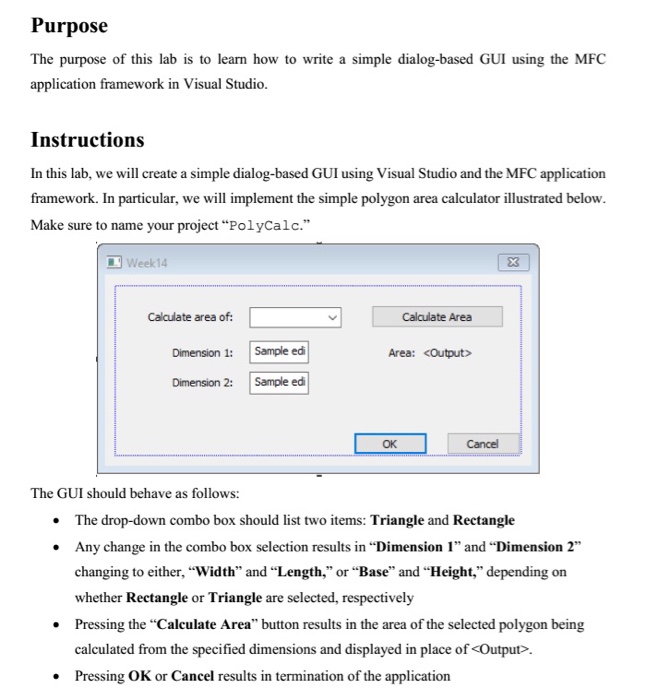
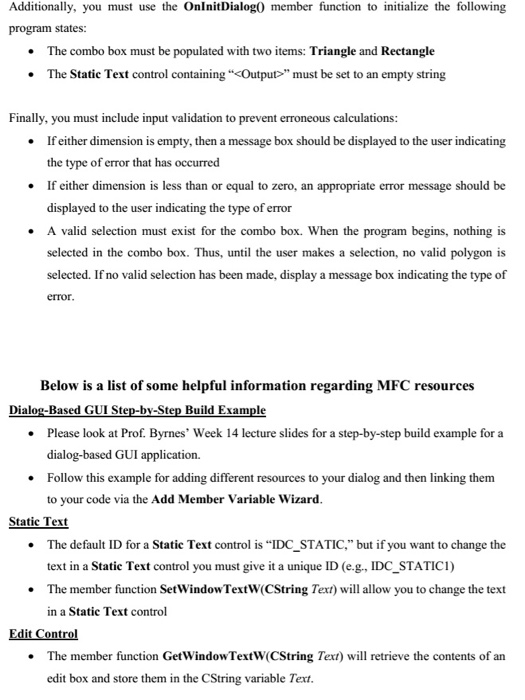
Purpose The purpose of this lab is to learn how to write a simple dialog-based GUI using the MFC application framework in Visual Studio. Instructions In this lab, we will create a simple dialog-based GUI using Visual Studio and the MFC application framework. In particular, we will implement the simple polygon area calculator illustrated below. Make sure to name your project "PolyCalc. Week14 3 Calculate area of: Calculate Area Dimension 1: Sample edi Area: Dimension 2: Sample ed OK Cancel The GUI should behave as follows: The drop-down combo box should list two items: Triangle and Rectangle Any change in the combo box selection results in "Dimension 1" and "Dimension 2 changing to either,"width" and "Length," or "Base" and "Height," depending on whether Rectangle or Triangle are selected, respectively Pressing the "Calculate Area" button results in the area of the selected polygon being calculated from the specified dimensions and displayed in place of . Pressing OK or Cancel results in termination of the application

Step by Step Solution

There are 3 Steps involved in it

1 Expert Approved Answer
Step: 1 Unlock blur-text-image

Question Has Been Solved by an Expert!

Get step-by-step solutions from verified subject matter experts

Step: 2 Unlock
Step: 3 Unlock

Students Have Also Explored These Related Databases Questions!