







Question: Use Microsoft Assembler MASM to develop an 8 0 8 6 assembly program ( not AI tools ) , which does different tasks according to
Use Microsoft Assembler MASM to develop an assembly program not AI tools which does different tasks according to user selection, it displays the following menu to the user:
Magic Square
Title Case
Power
Exit
Enter your choice:
The following is a description of each selection:
Magic Square
This option prompts the user to enter a dimension of a square matrix, and then prompt him to enter
matrix elements integers It determines if that matrix is square or not. and displays the resulting
matrix on screen.
Note: use procedures i e for read number and for display matrix in a square form.
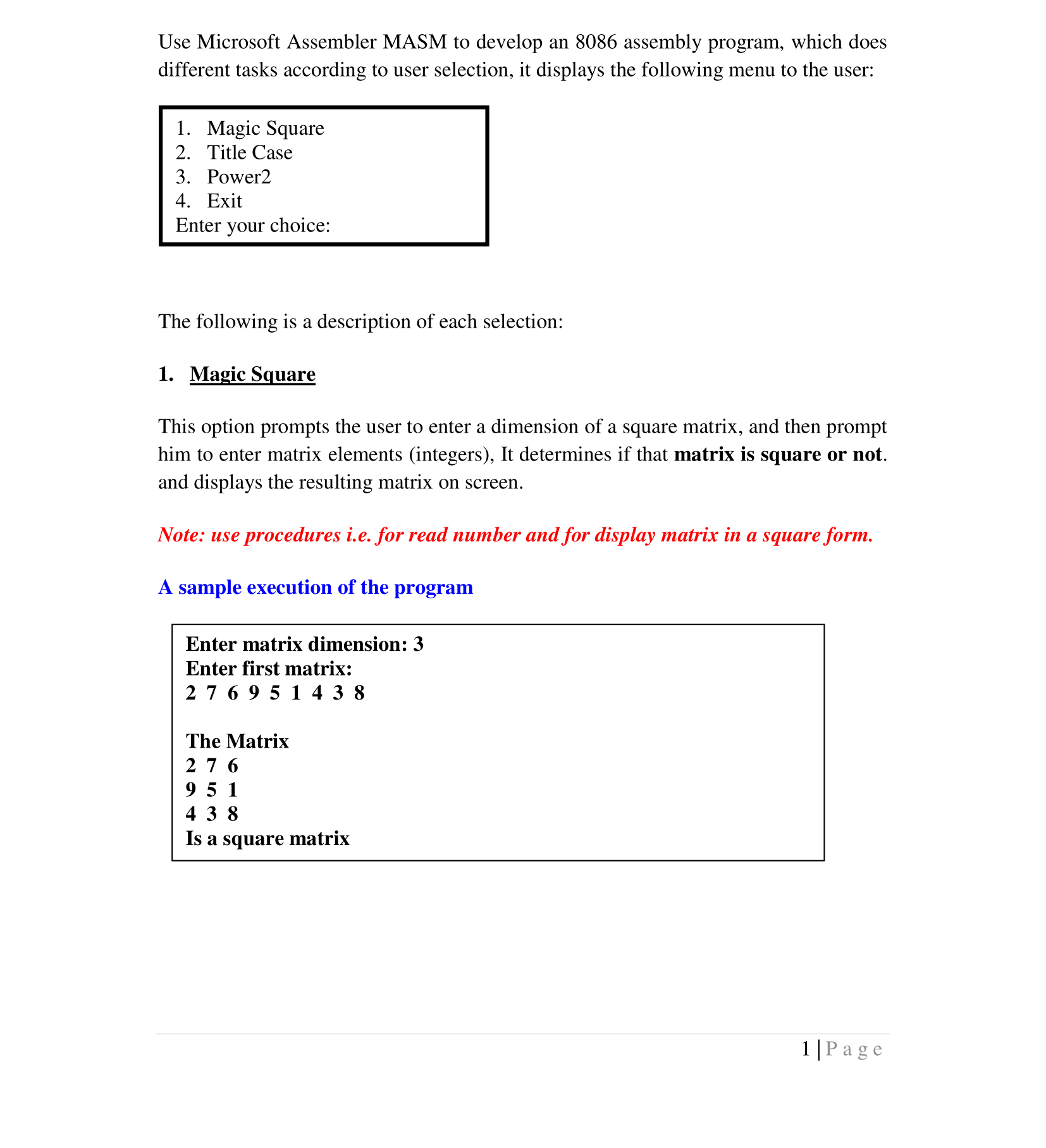
A sample execution of the program
Enter matrix dimension:
Enter first matrix:
The Matrix
Is a square matrix
Title Case
Prompt the user to enter a sentence and it converts it case to title case, which capitalizes the first
letter of each word and displays the result of screen. It also displays number of word in which this
sentence contains.
A sample execution of the program
Enter a text: I can develop assembly programs perfectly
I Can Develop Assembly Programs Perfectly
No of words:
Note: use procedures
Power
Prompt the user to enter a number between and it determines the power of that number and
displays result on screen.
Note: You need to optimize your code in general and in this selection in particular
dont use duplicated instructions
A sample execution of the program
Enter a number between :
Power
Exit
The program will continue to execute until the user selects this choice
Step by Step Solution
There are 3 Steps involved in it
1 Expert Approved Answer
Step: 1 Unlock

Question Has Been Solved by an Expert!
Get step-by-step solutions from verified subject matter experts
Step: 2 Unlock
Step: 3 Unlock
 Study Help