







Question: Use numpy only Write a python script to implement the LZW coder and decoder as described in the document uploaded in canvas 1Upload two scripts
Use numpy only
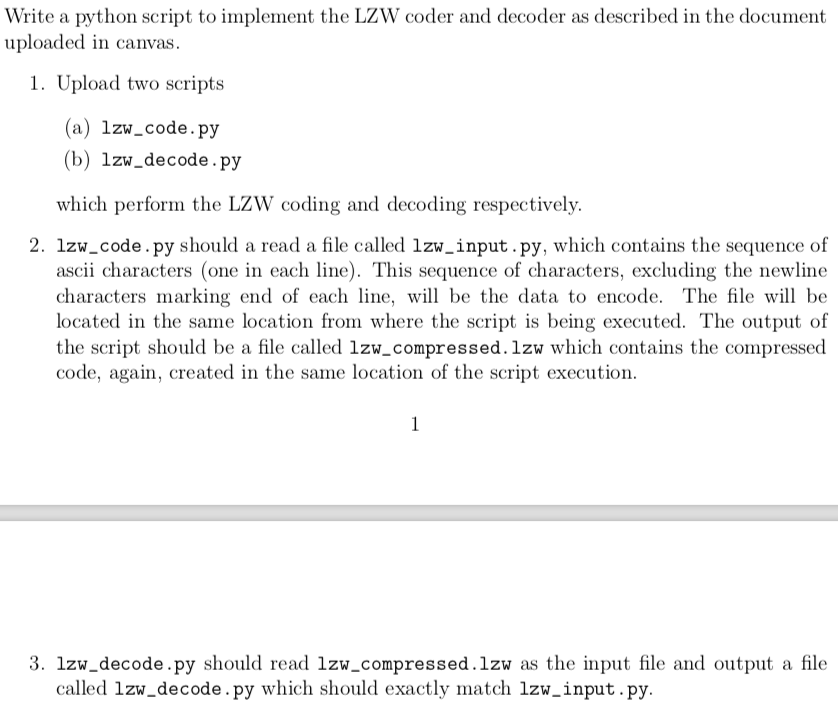
Write a python script to implement the LZW coder and decoder as described in the document uploaded in canvas 1Upload two scripts (a) lzw_code.py (b) 1zw_decode.py which perform the LZW coding and decoding respectively. 2. lzw_code.py should a read a file called 1zw_input. py, which contains the sequence of ascii characters (one in each line). This sequence of characters, excluding the newline characters marking end of each line, will be the data to encode. The file will be located in the same location from where the script is being executed. The output of the script should be a file called lzw_compressed. lzw which contains the compressed code, again, created in the same location of the script execution 3. 1zw_decode.py should read 1zw_compressed.lzw as the input file and output a file called lzw_decode.py which should exactly match lzw_input.py Write a python script to implement the LZW coder and decoder as described in the document uploaded in canvas 1Upload two scripts (a) lzw_code.py (b) 1zw_decode.py which perform the LZW coding and decoding respectively. 2. lzw_code.py should a read a file called 1zw_input. py, which contains the sequence of ascii characters (one in each line). This sequence of characters, excluding the newline characters marking end of each line, will be the data to encode. The file will be located in the same location from where the script is being executed. The output of the script should be a file called lzw_compressed. lzw which contains the compressed code, again, created in the same location of the script execution 3. 1zw_decode.py should read 1zw_compressed.lzw as the input file and output a file called lzw_decode.py which should exactly match lzw_input.py
Step by Step Solution
There are 3 Steps involved in it

Get step-by-step solutions from verified subject matter experts
 Study Help