







Question: USE PYTHON PLEASE AND FOLLOW THE RULES. A queue is a data structure use to store items. The next item removed from a queue is
USE PYTHON PLEASE AND FOLLOW THE RULES.
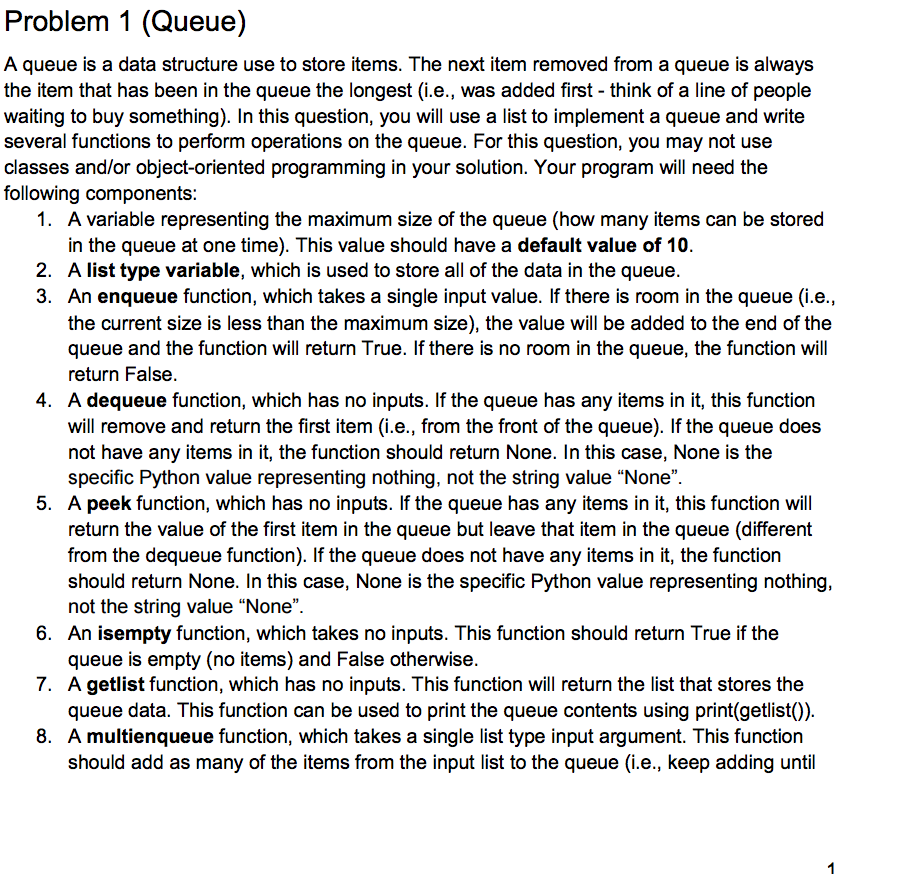
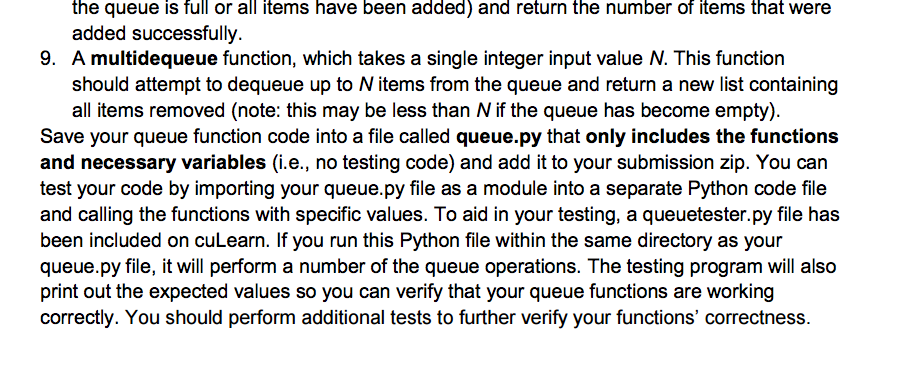
A queue is a data structure use to store items. The next item removed from a queue is always the item that has been in the queue the longest (i.e., was added first think of a line of people waiting to buy something). In this question, you will use a list to implement a queue and write several functions to perform operations on the queue. For this question, you may not use classes and/or object-oriented programming in your solution. Your program will need the following components: A variable representing the maximum size of the queue (how many items can be stored in the queue at one time). This value should have a default value of 10. A list type variable, which is used to store all of the data in the queue. An enqueue function, which takes a single input value. If there is room in the queue (i.e., the current size is less than the maximum size), the value will be added to the end of the queue and the function will return True. If there is no room in the queue, the function will return False. A dequeue function, which has no inputs. If the queue has any items in it, this function will remove and return the first item (i.e., from the front of the queue). If the queue does not have any items in it, the function should return None. In this case, None is the specific Python value representing nothing, not the string value "None". A peek function, which has no inputs. If the queue has any items in it, this function will return the value of the first item in the queue but leave that item in the queue (different from the dequeue function). If the queue does not have any items in it, the function should return None. In this case, None is the specific Python value representing nothing not the string value "None". An isempty function, which takes no inputs. This function should return True if the queue is empty (no items) and False otherwise . A getlist function, which has no inputs. This function will return the list that stores the queue data. This function can be used to print the queue contents using print (getlist()). A multienqueue function, which takes a single list type input argument. This function should add as many of the items from the input list to the queue (i.e., keep adding until the queue is full or all items have been added) and return the number of items that were added successfully. A multidequeue function, which takes a single integer input value N. This function should attempt to dequeue up to N items from the queue and return a new list containing all items removed. Save your queue function code into a file called queue.py that only includes the functions and necessary variables (i.e., no testing code) and add it to your submission zip. You can test your code by importing your queue.py file as a module into a separate Python code file and calling the functions with specific values. To aid in your testing, a queuetester.py file has been included on cuLearn. If you run this Python file within the same directory as your queue.py file, it will perform a number of the queue operations. The testing program will also print out the expected values so you can verify that your queue functions are working correctly. You should perform additional tests to further verify your functions correctness
Step by Step Solution
There are 3 Steps involved in it

Get step-by-step solutions from verified subject matter experts
 Study Help