







Question: Use Python to code 20:341 culearn.carleton.ca Tutorial Objectives . Practioe writing code using strings, lists, and dictionaries, as wel as the other control structures we
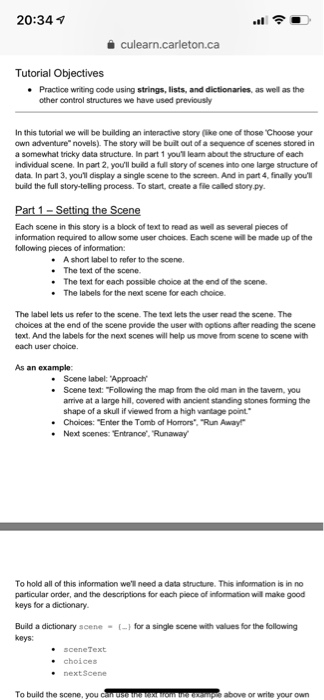
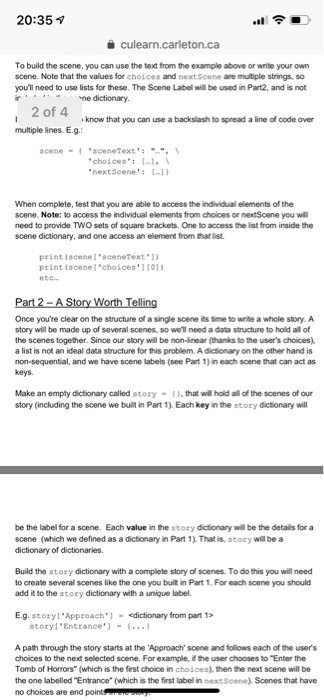
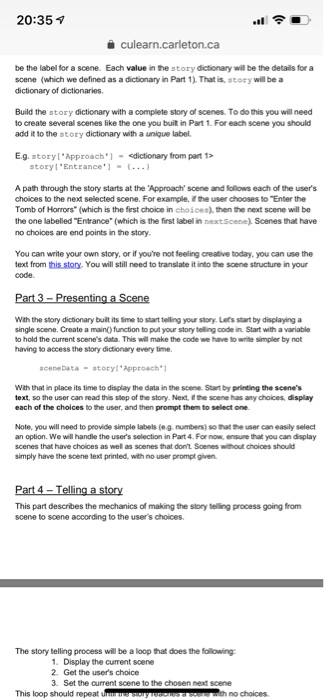
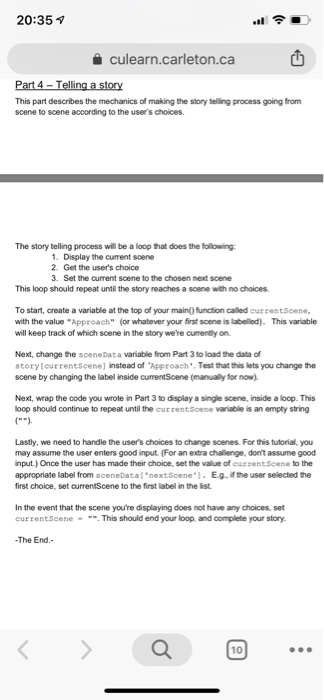
20:341 culearn.carleton.ca Tutorial Objectives . Practioe writing code using strings, lists, and dictionaries, as wel as the other control structures we have used previously In this tutorial we will be building an interactive story lke one of those Choose your own adventure novels). The story will be built out of a sequence of scenes stored in a somewhat tricky data structure. In part 1 youl lean about the structure of each ndividual scene. In part 2, you'll build a full story of scenes into one large structure of data In part 3, youll display a single scene to the screen. And in part 4, finally you build the full story-teling process. To start, create a file called story py. Each scene in this story is a block of text to read as well as several pieces of nformation required to allow some user choices. Each scene will be made up of the following pieces of information: .A short label to refer to the scene. The text of the scene . The text for each possible choice at the end of the scene. e The labels for the next scene for each choice The label lets us refer to the scene. The text lets the user read the scene. The choices at the end of the scene provide the user with options ater reading the scene text. And the labels for the next scenes will help us move from scene to scene with each user choice. As an example: . Scene label: Approach . Scene text: Following the map from the old man in the tavem, you arrive at a large hil, covered with ancient standing stones forming the shape of a skul if viewed from a high vantage point .Choices: "Enter the Tomb of Horrors" Run Away .Next scenes: Entrance, 'Runaway To hold all of this information we'l need a data structure. This information is in no particular order, and the descriptions for each piece of information will make good keys for a dictionary. Build a dictionary acene--1 for a single soene with values for the following keys: sceneText choices nextScene USKO above or write your own To build the scene, you
Step by Step Solution
There are 3 Steps involved in it

Get step-by-step solutions from verified subject matter experts
 Study Help