







Question: Use R studio undefined Today we will focus on functions. Defining functions allows you to automate several commands together. It will be easier if you
Use R studio
 undefined
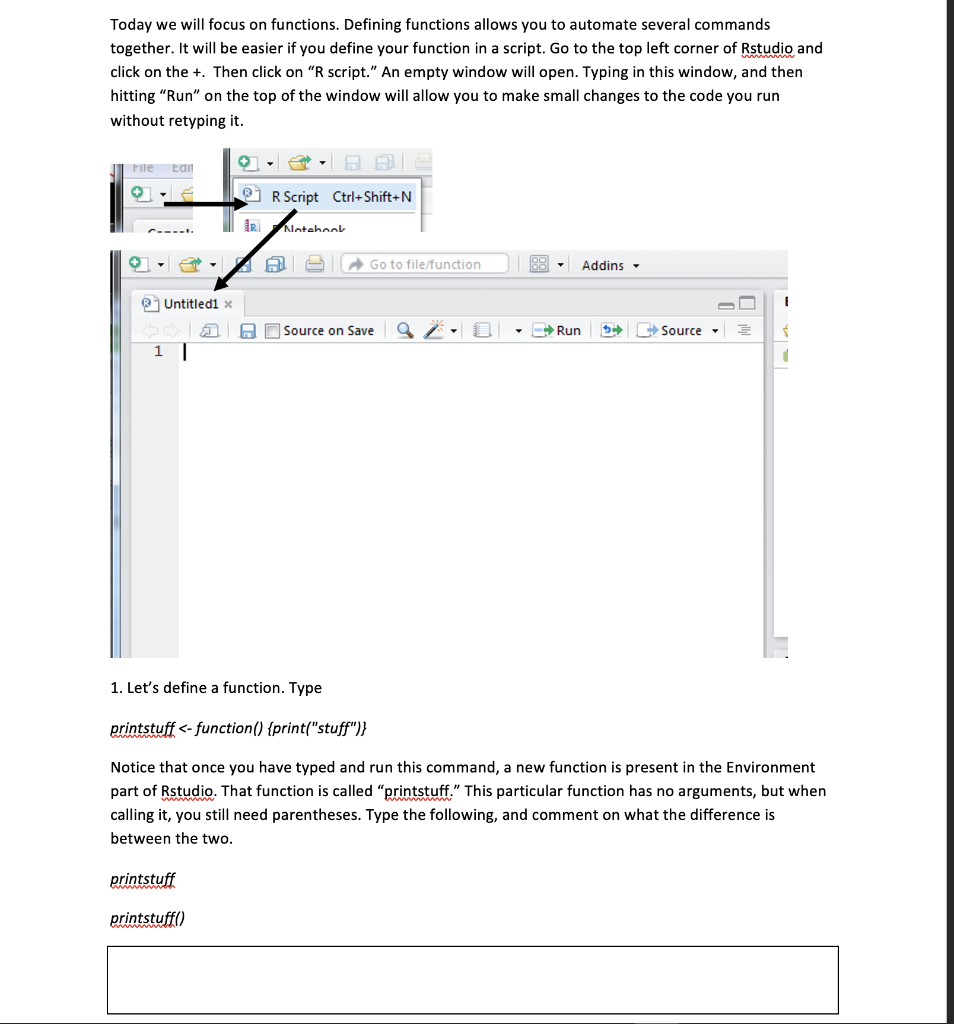
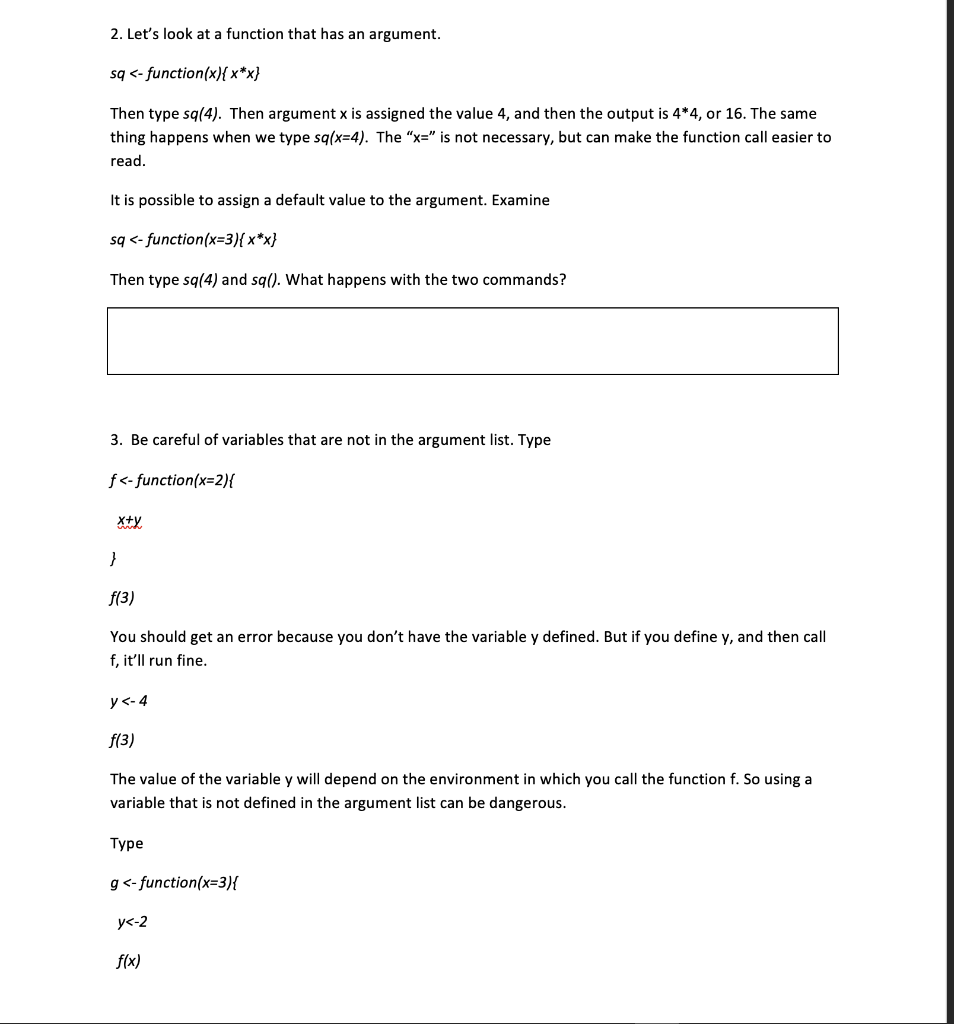
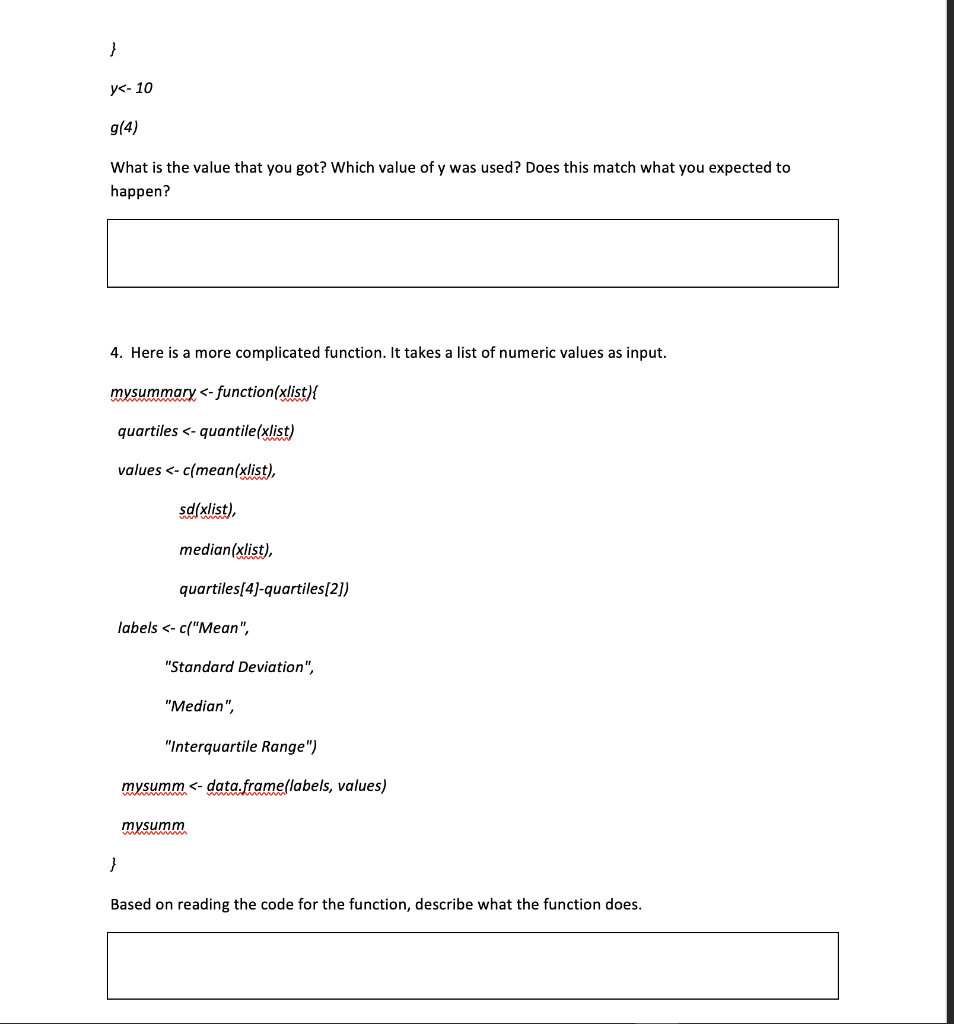
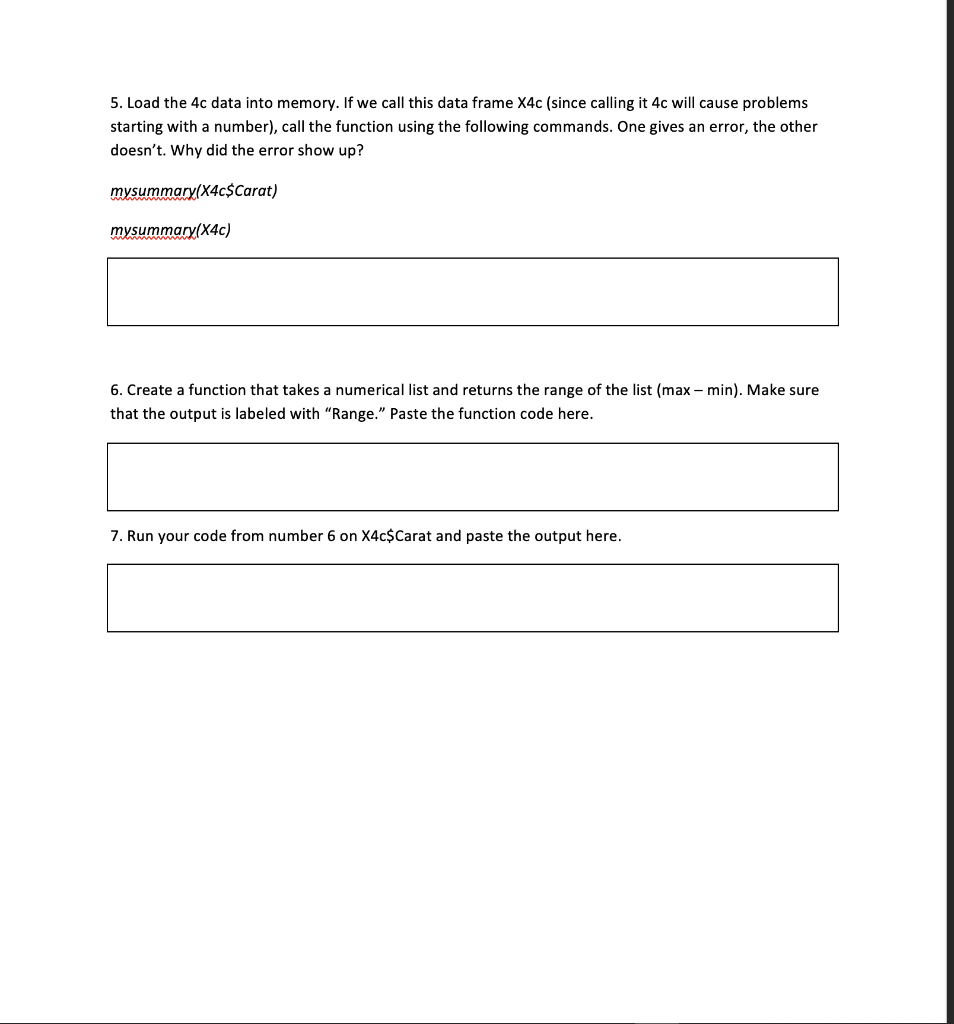
Today we will focus on functions. Defining functions allows you to automate several commands together. It will be easier if you define your function in a script. Go to the top left corner of Rstudio and click on the +. Then click on "R script." An empty window will open. Typing in this window, and then hitting "Run" on the top of the window will allow you to make small changes to the code you run without retyping it. + File tan 2 R Script Ctrl+Shift+N IR Motohool A Go to file/function Addins Untitled1 ! A Source on Save Run $ + Source 1 1. Let's define a function. Type printstuff
Step by Step Solution
There are 3 Steps involved in it
1 Expert Approved Answer
Step: 1 Unlock

Question Has Been Solved by an Expert!
Get step-by-step solutions from verified subject matter experts
Step: 2 Unlock
Step: 3 Unlock
 Study Help