







Question: Use scnr.nextInt() to read integers from input until 16 is read. If the integer read from input is not equal to 16, output Not
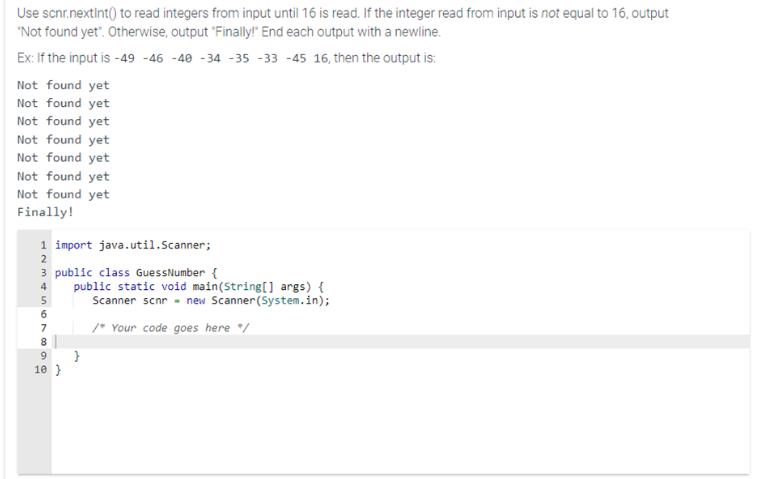
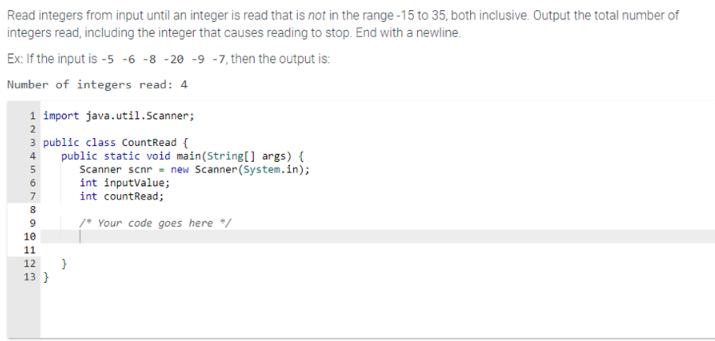
Use scnr.nextInt() to read integers from input until 16 is read. If the integer read from input is not equal to 16, output "Not found yet". Otherwise, output "Finally!" End each output with a newline. Ex: If the input is -49 -46 -40 -34-35 -33 -45 16, then the output is: Not found yet Not found yet Not found yet Not found yet Not found yet Not found yet Not found yet Finally! 1 import java.util.Scanner; 2 3 public class GuessNumber { 4 public static void main(String[] args) { Scanner scnr new Scanner (System.in); /* Your code goes here "/ 677995 8 10 } } Read integers from input until an integer is read that is not in the range-15 to 35, both inclusive. Output the total number of integers read, including the integer that causes reading to stop. End with a newline. Ex: If the input is -5 -6 -8 -20 -9 -7, then the output is: Number of integers read: 4 1 import java.util.Scanner; 2 3 public class CountRead { 4 5 6 7 8 9 10 11 12 13} public static void main(String[] args) { Scanner scnr new Scanner(System.in); int inputValue; int countRead; /* Your code goes here */ }
Step by Step Solution
3.41 Rating (154 Votes )
There are 3 Steps involved in it
import javautilScanner public class GuessNumber public static voi... View full answer

Get step-by-step solutions from verified subject matter experts
 Study Help